







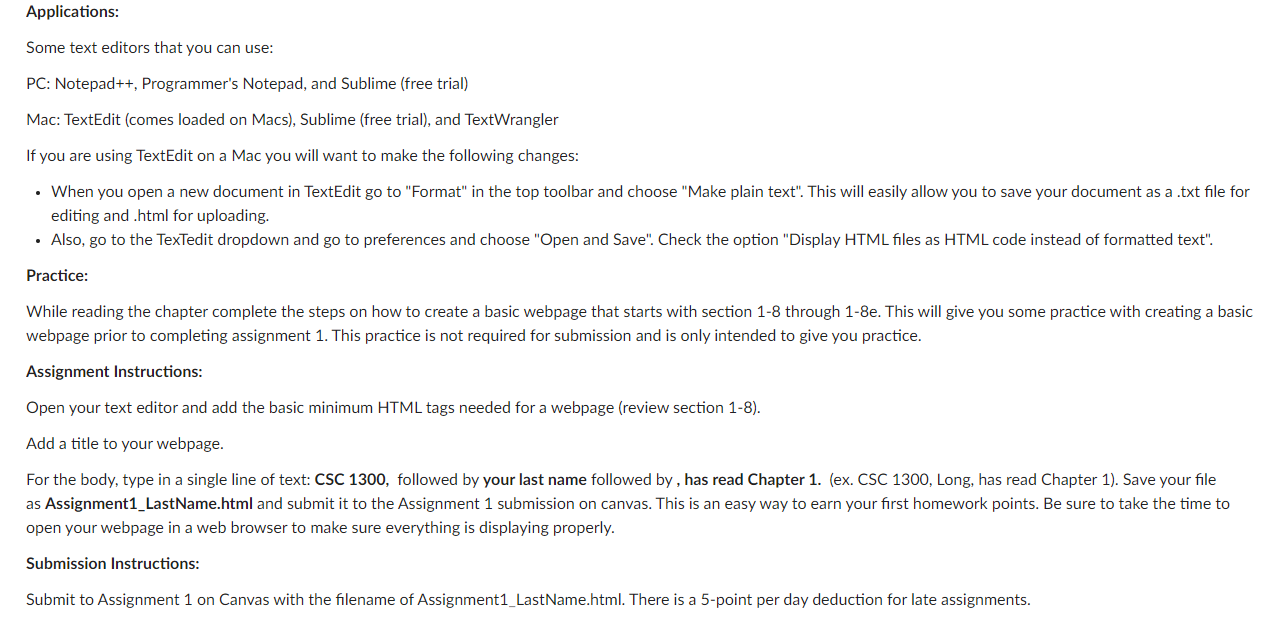
Question: Applications: Some text editors that you can use: PC: Notepad + + , Programmer's Notepad, and Sublime ( free trial ) Mac: TextEdit ( comes
Applications:
Some text editors that you can use:
PC: Notepad Programmer's Notepad, and Sublime free trial
Mac: TextEdit comes loaded on Macs Sublime free trial and TextWrangler
If you are using TextEdit on a Mac you will want to make the following changes:
When you open a new document in TextEdit go to "Format" in the top toolbar and choose "Make plain text". This will easily allow you to save your document as a txt file for
editing and html for uploading.
Also, go to the TexTedit dropdown and go to preferences and choose "Open and Save". Check the option "Display HTML files as HTML code instead of formatted text".
Practice:
While reading the chapter complete the steps on how to create a basic webpage that starts with section through e This will give you some practice with creating a basic
webpage prior to completing assignment This practice is not required for submission and is only intended to give you practice.
Assignment Instructions:
Open your text editor and add the basic minimum HTML tags needed for a webpage review section
Add a title to your webpage.
For the body, type in a single line of text: CSC followed by your last name followed by has read Chapter ex CSC Long, has read Chapter Save your file
as AssignmentLastName.html and submit it to the Assignment submission on canvas. This is an easy way to earn your first homework points. Be sure to take the time to
open your webpage in a web browser to make sure everything is displaying properly.
Submission Instructions:
Submit to Assignment on Canvas with the filename of AssignmentLastName.html There is a point per day deduction for late assignments.
Step by Step Solution
There are 3 Steps involved in it
1 Expert Approved Answer
Step: 1 Unlock

Question Has Been Solved by an Expert!
Get step-by-step solutions from verified subject matter experts
Step: 2 Unlock
Step: 3 Unlock
 Study Help