







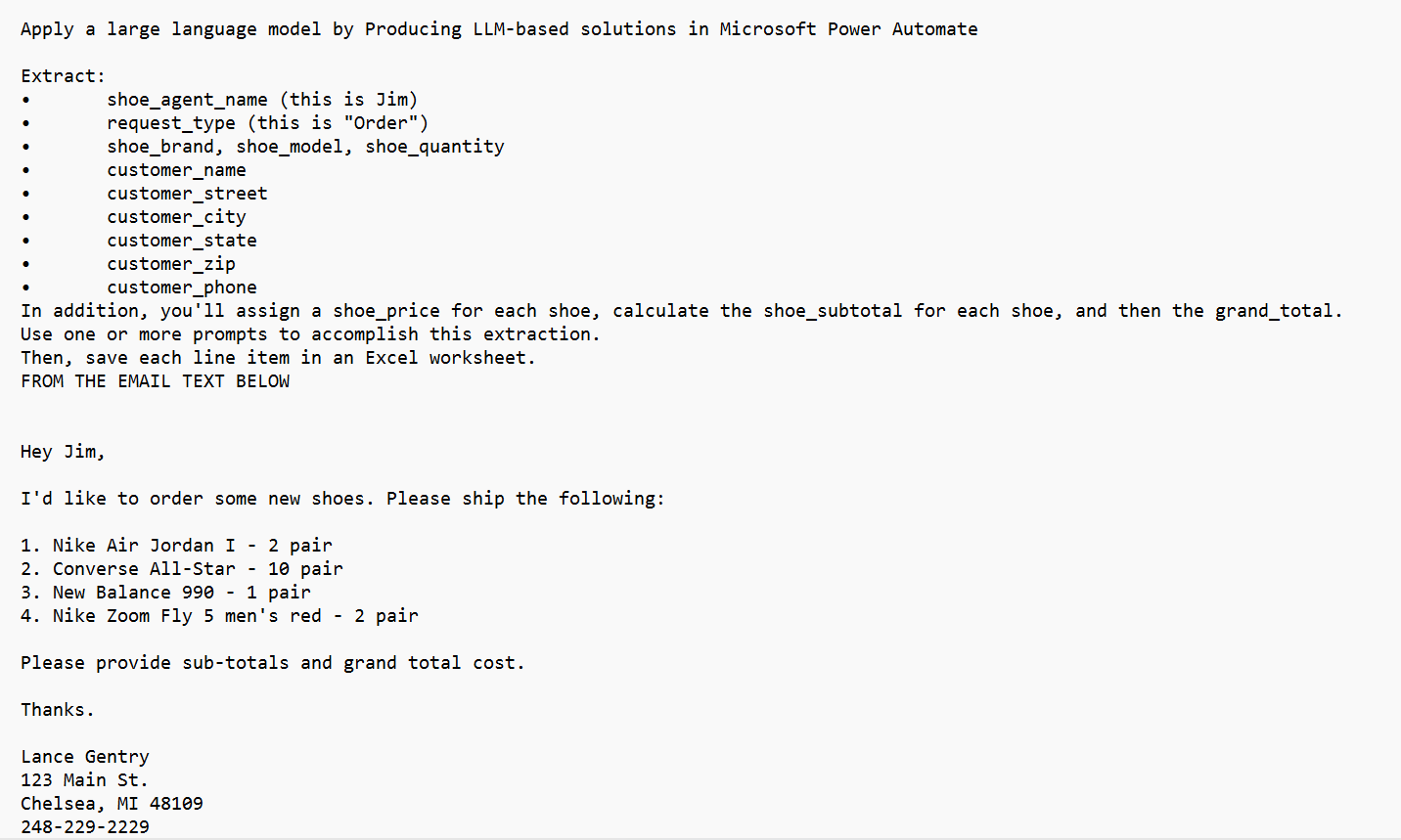
Question: Apply a large language model by Producing LLM - based solutions in Microsoft Power Automate Extract: shoe _ agent _ name ( this is Jim
Apply a large language model by Producing LLMbased solutions in Microsoft Power Automate
Extract:
shoeagentname this is Jim
requesttype this is "Order"
shoebrand, shoemodel, shoequantity
customername
customerstreet
customercity
customerstate
customerzip
customerphone
In addition, you'll assign a shoeprice for each shoe, calculate the shoesubtotal for each shoe, and then the grandtotal.
Use one or more prompts to accomplish this extraction.
Then, save each line item in an Excel worksheet.
FROM THE EMAIL TEXT BELOW
Hey Jim,
Id like to order some new shoes. Please ship the following:
Nike Air Jordan I pair
Converse AllStar pair
New Balance pair
Nike Zoom Fly men's red pair
Please provide subtotals and grand total cost.
Thanks.
Lance Gentry
Main St
Chelsea, MI
Step by Step Solution
There are 3 Steps involved in it
1 Expert Approved Answer
Step: 1 Unlock

Question Has Been Solved by an Expert!
Get step-by-step solutions from verified subject matter experts
Step: 2 Unlock
Step: 3 Unlock
 Study Help