







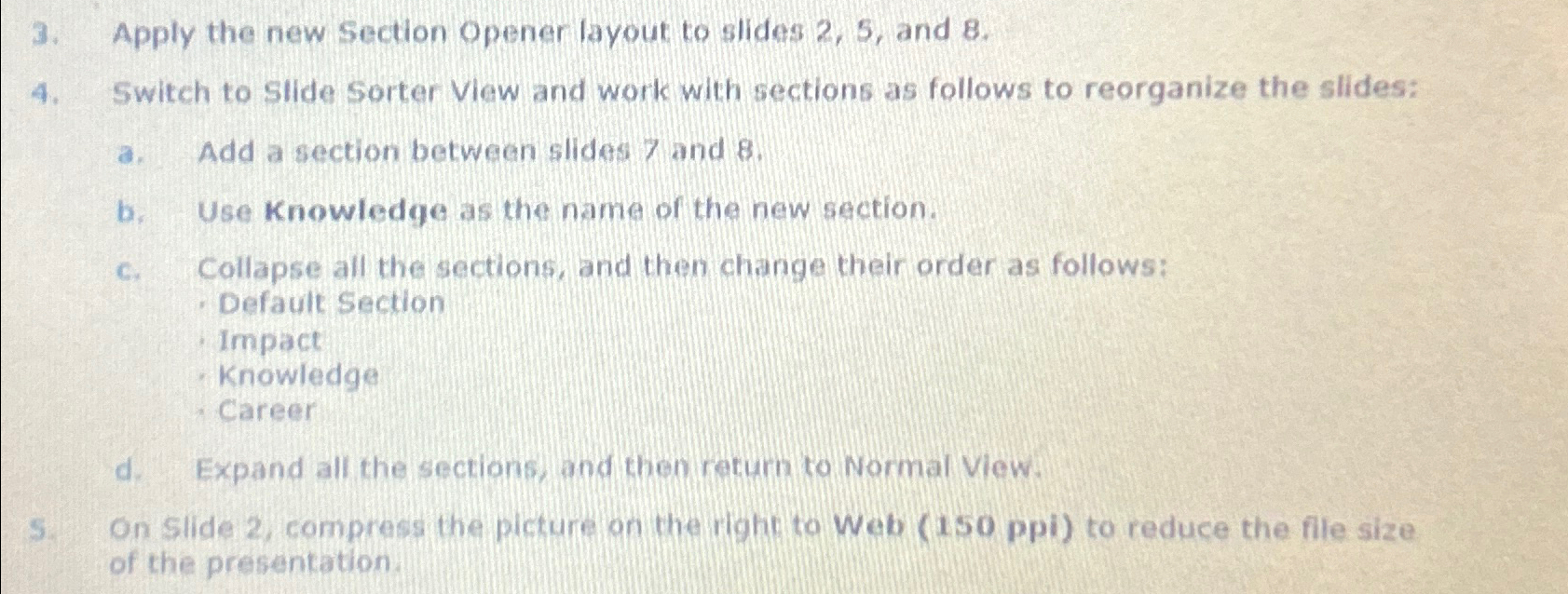
Question: Apply the new Section Opener layout to slides 2 , 5 , and 8 . Switch to Slide Sorter View and work with sections as
Apply the new Section Opener layout to slides and
Switch to Slide Sorter View and work with sections as follows to reorganize the slides:
a Add a section between slides and
b Use Knowledge as the name of the new section.
c Collapse all the sections, and then change their order as follows:
Default Section
Impact
Knowledge
Career
d Expand all the sections, and then return to Normal View.
On slide compress the picture on the right to Web ppi to reduce the file size of the presentation.
Step by Step Solution
There are 3 Steps involved in it
1 Expert Approved Answer
Step: 1 Unlock

Question Has Been Solved by an Expert!
Get step-by-step solutions from verified subject matter experts
Step: 2 Unlock
Step: 3 Unlock
 Study Help