







Question: Area in which you can enter data, surrounded by a heavy border Series of two or more adjacent cells in a column or row Indicates
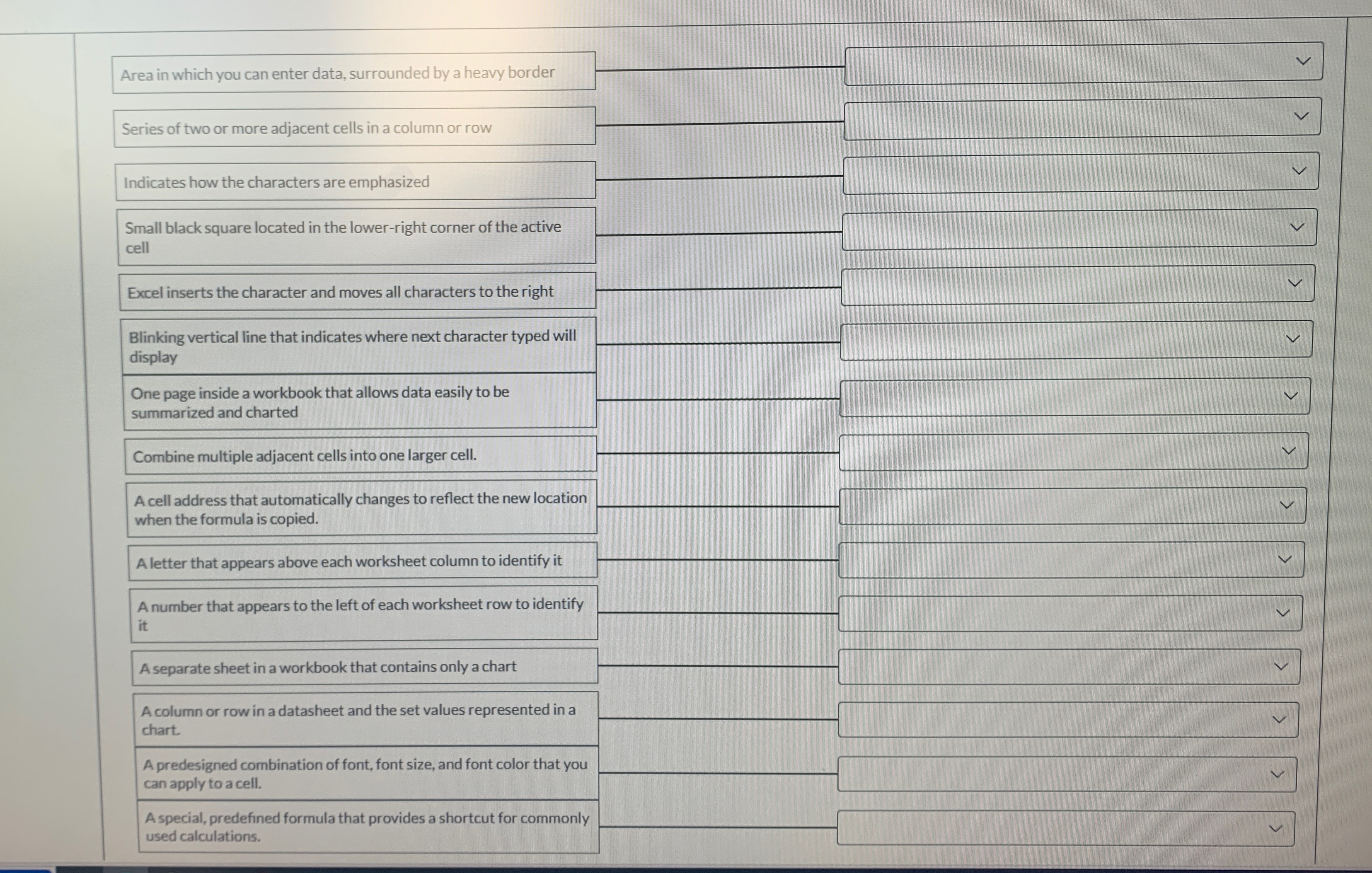
Area in which you can enter data, surrounded by a heavy border
Series of two or more adjacent cells in a column or row
Indicates how the characters are emphasized
Small black square located in the lowerright corner of the active cell
Excel inserts the character and moves all characters to the right
Blinking vertical line that indicates where next character typed will display
One page inside a workbook that allows data easily to be summarized and charted
Combine multiple adjacent cells into one larger cell.
A cell address that automatically changes to reflect the new location when the formula is copied.
A letter that appears above each worksheet column to identify it
A number that appears to the left of each worksheet row to identify it
A separate sheet in a workbook that contains only a chart
A column or row in a datasheet and the set values represented in a chart.
A predesigned combination of font, font size, and font color that you can apply to a cell.
A special, predefined formula that provides a shortcut for commonly used calculations.
Step by Step Solution
There are 3 Steps involved in it
1 Expert Approved Answer
Step: 1 Unlock

Question Has Been Solved by an Expert!
Get step-by-step solutions from verified subject matter experts
Step: 2 Unlock
Step: 3 Unlock
 Study Help