



Question: Area QuickBooks 2018 - Level 1 Quiz #2 15. After receiving the two new computers ordered online, it was decided to return one as the
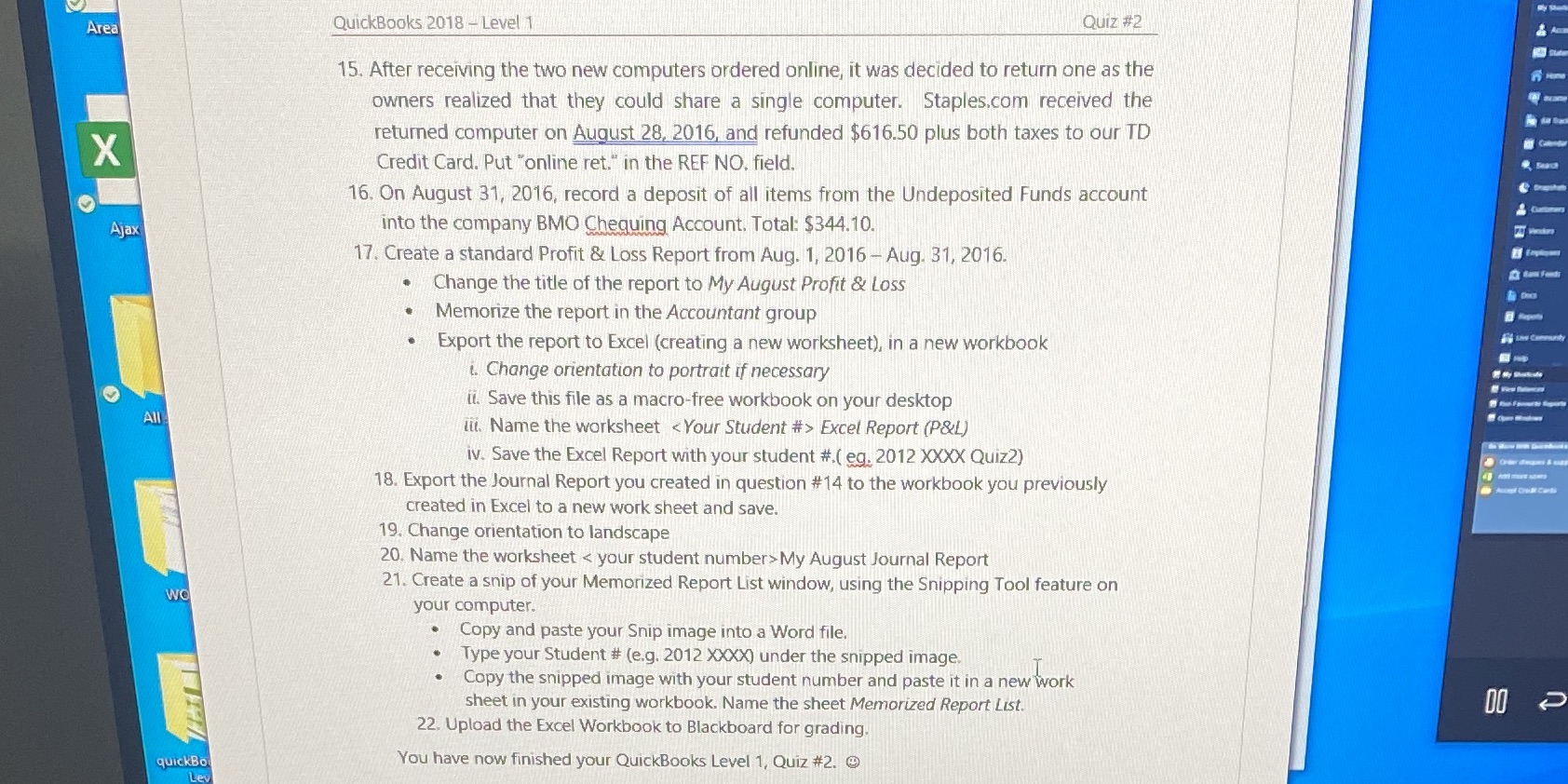
Area QuickBooks 2018 - Level 1 Quiz #2 15. After receiving the two new computers ordered online, it was decided to return one as the owners realized that they could share a single computer. Staples.com received the returned computer on August 28, 2016, and refunded $616.50 plus both taxes to our TD X Credit Card. Put "online ret." in the REF NO. field. 16. On August 31, 2016, record a deposit of all items from the Undeposited Funds account Ajax into the company BMO Chequing Account. Total: $344.10. 17. Create a standard Profit & Loss Report from Aug. 1, 2016 - Aug. 31, 2016. . Change the title of the report to My August Profit & Loss Memorize the report in the Accountant group . Export the report to Excel (creating a new worksheet), in a new workbook i. Change orientation to portrait if necessary it. Save this file as a macro-free workbook on your desktop All iti. Name the worksheet Excel Report (P&L) iv. Save the Excel Report with your student #.( eg. 2012 XXXX Quiz2) 18. Export the Journal Report you created in question #14 to the workbook you previously created in Excel to a new work sheet and save. 19. Change orientation to landscape 20. Name the worksheet My August Journal Report 21. Create a snip of your Memorized Report List window, using the Snipping Tool feature on WO your computer. Copy and paste your Snip image into a Word file. Type your Student # (e.g. 2012 XXXX) under the snipped image. . Copy the snipped image with your student number and paste it in a new work sheet in your existing workbook. Name the sheet Memorized Report List. 22. Upload the Excel Workbook to Blackboard for grading. quickBo You have now finished your QuickBooks Level 1, Quiz #2. @ Lev
Step by Step Solution
There are 3 Steps involved in it

Get step-by-step solutions from verified subject matter experts