







Question: Arrange the code below so that the shape shown in the image is drawn Score: 0.0/30 Comment autograded Drag from here Drop blocks here drawSquare(bob,50)
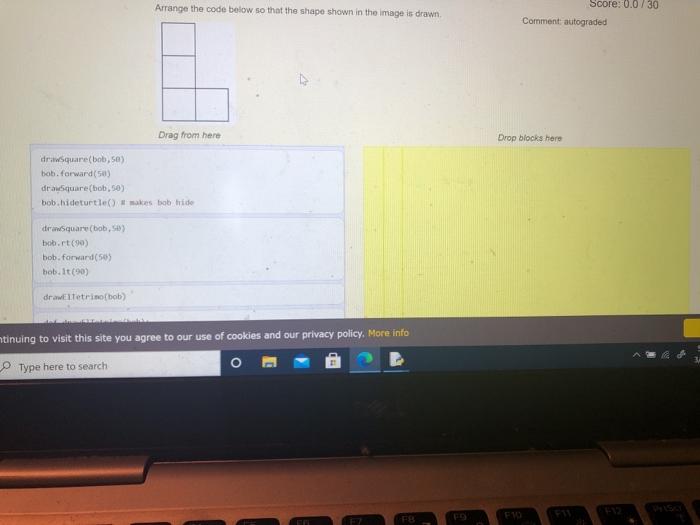

Arrange the code below so that the shape shown in the image is drawn Score: 0.0/30 Comment autograded Drag from here Drop blocks here drawSquare(bob,50) bob. forward (5) drancsquare(bob,50) bob.hideturtle makes bob hide dron Square (bob, bob.rt(90) bob. forward(50) bob. It(90) draweltetrino(bob) ntinuing to visit this site you agree to our use of cookies and our privacy policy. More info Type here to search dromelTetrino(boby def drawe Tetrimo(bob): bob.forward(side) bob.rt(90) def drawsquare(bob, side): second create the command to draw a square for in range(2) import turtle #first get setup bobturtle. Turtle bob.shape("turtle") For l in range(4): Check Reset Parsons (elTetrimo) Question in Context ing to visit this site you agree to our use of cookies and our privacy policy. More info Type here to search
Step by Step Solution
There are 3 Steps involved in it

Get step-by-step solutions from verified subject matter experts
 Study Help