







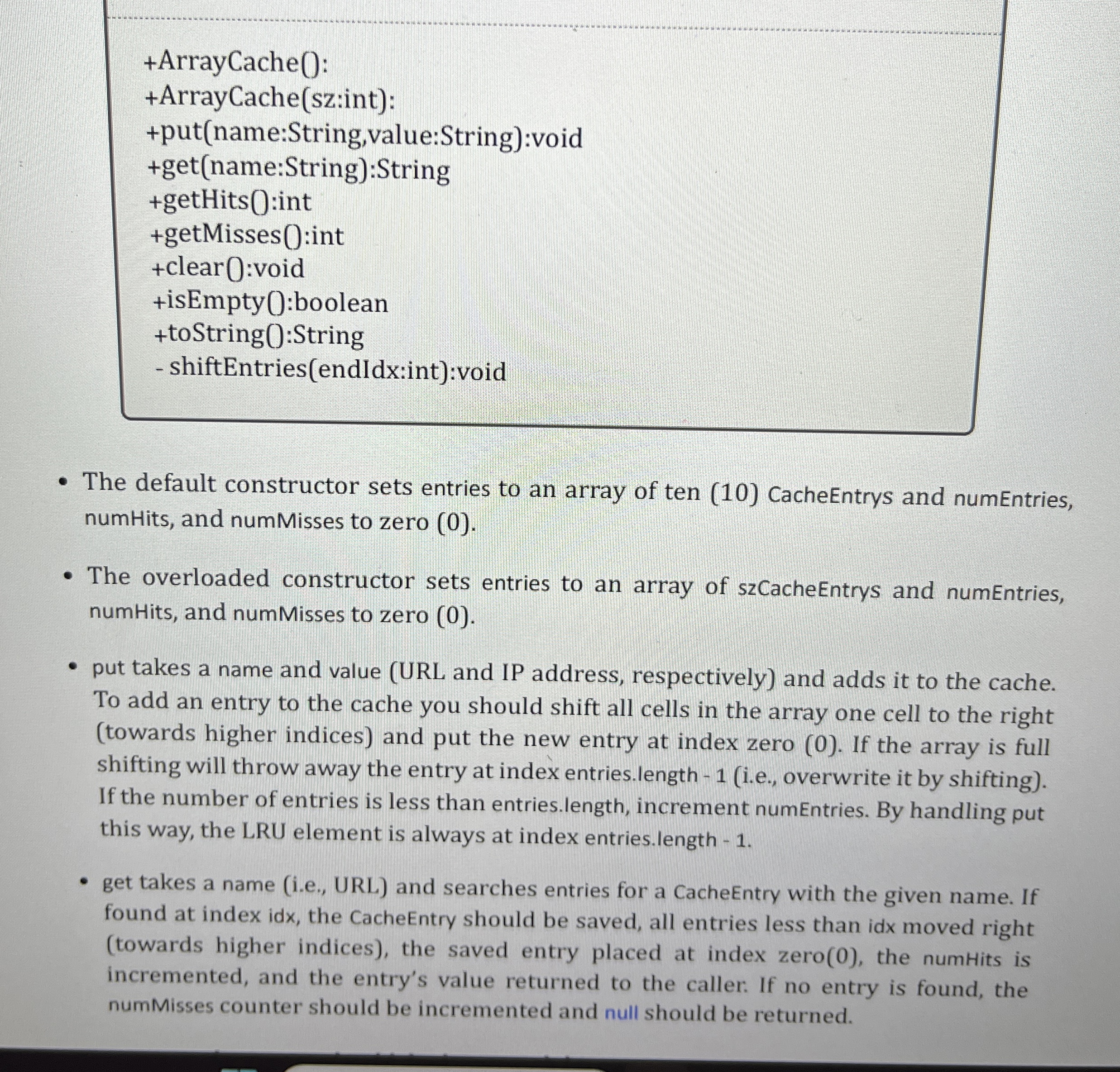
Question: + ArrayCache ( ) : + ArrayCache ( sz:int ) : + put ( name:String,value:String ) :void + get ( name:String ) :String + getHits
ArrayCache:
ArrayCachesz:int:
putname:String,value:String:void
getname:String:String
getHits:int
getMisses:int
clear:void
isEmpty:boolean
toString:String
shiftEntriesendIdx:int:void
The default constructor sets entries to an array of ten CacheEntrys and numEntries,
numHits, and numMisses to zero
The overloaded constructor sets entries to an array of szCacheEntrys and numEntries,
numHits, and numMisses to zero
put takes a name and value URL and IP address, respectively and adds it to the cache.
To add an entry to the cache you should shift all cells in the array one cell to the right
towards higher indices and put the new entry at index zero If the array is full
shifting will throw away the entry at index entries.length ie overwrite it by shifting
If the number of entries is less than entries.length, increment numEntries. By handling put
this way, the LRU element is always at index entries.length
get takes a name ie URL and searches entries for a CacheEntry with the given name. If
found at index idx, the CacheEntry should be saved, all entries less than idx moved right
towards higher indices the saved entry placed at index zero the numHits is
incremented, and the entry's value returned to the caller. If no entry is found, the
numMisses counter should be incremented and null should be returned.
Step by Step Solution
There are 3 Steps involved in it
1 Expert Approved Answer
Step: 1 Unlock

Question Has Been Solved by an Expert!
Get step-by-step solutions from verified subject matter experts
Step: 2 Unlock
Step: 3 Unlock
 Study Help