







Question: As a term project you are expected to develop a full-featured Transparent Proxy. In basic terms, a proxy relays HTTP requests and responses back and
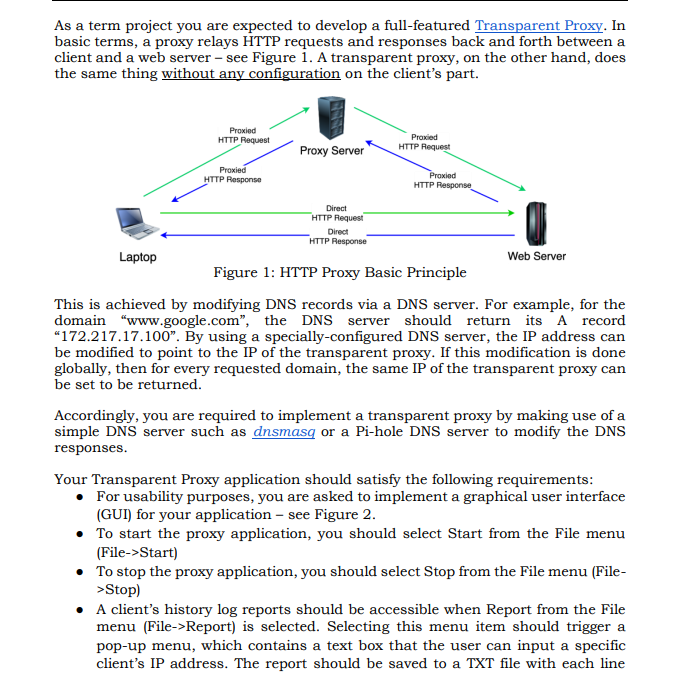
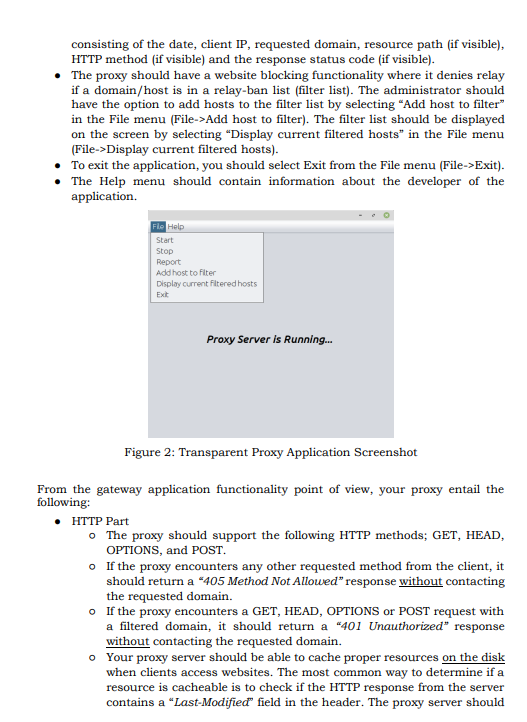
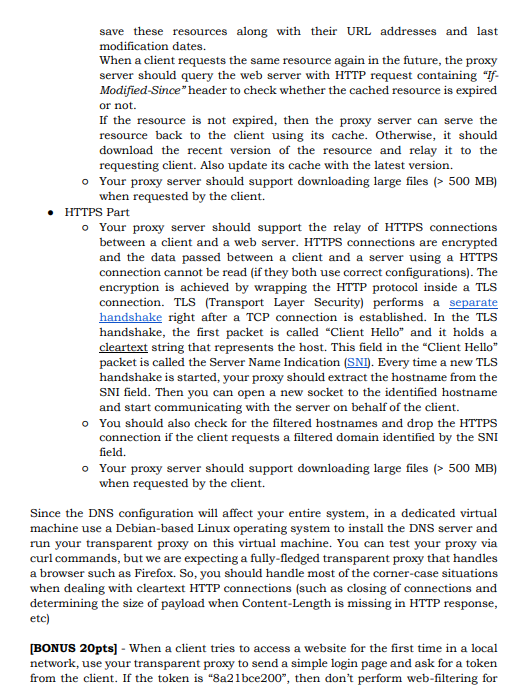
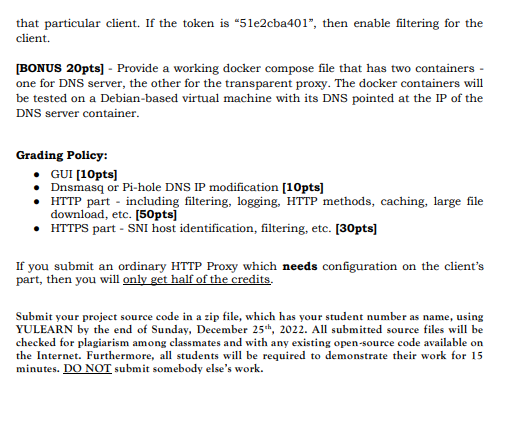
As a term project you are expected to develop a full-featured Transparent Proxy. In basic terms, a proxy relays HTTP requests and responses back and forth between a client and a web server - see Figure 1. A transparent proxy, on the other hand, does the same thing without any configuration on the client's part. This is achieved by modifying DNS records via a DNS server. For example, for the domain "www.google.com", the DNS server should return its A record "172.217.17.100". By using a specially-configured DNS server, the IP address can be modified to point to the IP of the transparent proxy. If this modification is done globally, then for every requested domain, the same IP of the transparent proxy can be set to be returned. Accordingly, you are required to implement a transparent proxy by making use of a simple DNS server such as dnsmasq or a Pi-hole DNS server to modify the DNS responses. Your Transparent Proxy application should satisfy the following requirements: - For usability purposes, you are asked to implement a graphical user interface (GUI) for your application - see Figure 2. - To start the proxy application, you should select Start from the File menu (File->Start) - To stop the proxy application, you should select Stop from the File menu (File>Stop) - A client's history log reports should be accessible when Report from the File menu (File->Report) is selected. Selecting this menu item should trigger a pop-up menu, which contains a text box that the user can input a specific client's IP address. The report should be saved to a TXT file with each line consisting of the date, client IP, requested domain, resource path (if visible), HTTP method (if visible) and the response status code (if visible). - The proxy should have a website blocking functionality where it denies relay if a domain/host is in a relay-ban list (filter list). The administrator should have the option to add hosts to the filter list by selecting "Add host to filter" in the File menu (File->Add host to filter). The filter list should be displayed on the screen by selecting "Display current filtered hosts" in the File menu (File->Display current filtered hosts). - To exit the application, you should select Exit from the File menu (File->Exit). - The Help menu should contain information about the developer of the application. Figure 2: Transparent Proxy Application Screenshot From the gateway application functionality point of view, your proxy entail the following: - HTTP Part - The proxy should support the following HTTP methods; GET, HEAD, OPTIONS, and POST. - If the proxy encounters any other requested method from the client, it should return a "405 Method Not Allowed" response without contacting the requested domain. - If the proxy encounters a GET, HEAD, OPTIONS or POST request with a filtered domain, it should return a "401 Unauthorized" response without contacting the requested domain. Your proxy server should be able to cache proper resources on the disk when clients access websites. The most common way to determine if a resource is cacheable is to check if the HTTP response from the server contains a "Last-Modified" field in the header. The proxy server should save these resources along with their URL addresses and last modification dates. When a client requests the same resource again in the future, the proxy server should query the web server with HTTP request containing "IfModified-Since" header to check whether the cached resource is expired or not. If the resource is not expired, then the proxy server can serve the resource back to the client using its cache. Otherwise, it should download the recent version of the resource and relay it to the requesting client. Also update its cache with the latest version. - Your proxy server should support downloading large files ( >500MB ) when requested by the client. - HTTPS Part - Your proxy server should support the relay of HTTPS connections between a client and a web server. HTTPS connections are encrypted and the data passed between a client and a server using a HTTPS connection cannot be read (if they both use correct configurations). The encryption is achieved by wrapping the HTTP protocol inside a TLS connection. TLS (Transport Layer Security) performs a separate handshake right after a TCP connection is established. In the TLS handshake, the first packet is called "Client Hello" and it holds a cleartext string that represents the host. This field in the "Client Hello" packet is called the Server Name Indication (SNI). Every time a new TLS handshake is started, your proxy should extract the hostname from the SNI field. Then you can open a new socket to the identified hostname and start communicating with the server on behalf of the client. - You should also check for the filtered hostnames and drop the HTTPS connection if the client requests a filtered domain identified by the SNI field. - Your proxy server should support downloading large files ( >500MB ) when requested by the client. Since the DNS configuration will affect your entire system, in a dedicated virtual machine use a Debian-based Linux operating system to install the DNS server and run your transparent proxy on this virtual machine. You can test your proxy via curl commands, but we are expecting a fully-fledged transparent proxy that handles a browser such as Firefox. So, you should handle most of the corner-case situations when dealing with cleartext HTTP connections (such as closing of connections and determining the size of payload when Content-Length is missing in HTTP response, etc) [BONUS 20pts] - When a client tries to access a website for the first time in a local network, use your transparent proxy to send a simple login page and ask for a token from the client. If the token is "8a 21 bce 200 ". then don't perform web-filtering for that particular client. If the token is "51e2cba 401, then enable filtering for the client. [BONUS 20pts] - Provide a working docker compose file that has two containers one for DNS server, the other for the transparent proxy. The docker containers will be tested on a Debian-based virtual machine with its DNS pointed at the IP of the DNS server container. Grading Policy: - GUI [10pts] - Dnsmasq or Pi-hole DNS IP modification [10pts] - HTTP part - including filtering, logging, HTTP methods, caching, large file download, etc. [50pts] - HTTPS part - SNI host identification, filtering, etc. [30pts] If you submit an ordinary HTTP Proxy which needs configuration on the client's part, then you will only get half of the credits. Submit your project source code in a zip file, which has your student number as name, using YULEARN by the end of Sunday, December 25th,2022. All submitted source files will be checked for plagiarism among classmates and with any existing open-source code available on the Internet. Furthermore, all students will be required to demonstrate their work for 15 minutes. DO NOT submit somebody else's work
Step by Step Solution
There are 3 Steps involved in it

Get step-by-step solutions from verified subject matter experts
 Study Help