Question: ASAP PLS Data Management: Entity Relationship Diagram & MS Access (50 Marks) a. Draw the ERD of the database that could be used to support

ASAP PLS ASAP PLS Data Management: Entity Relationship
ASAP PLS Data Management: Entity Relationship
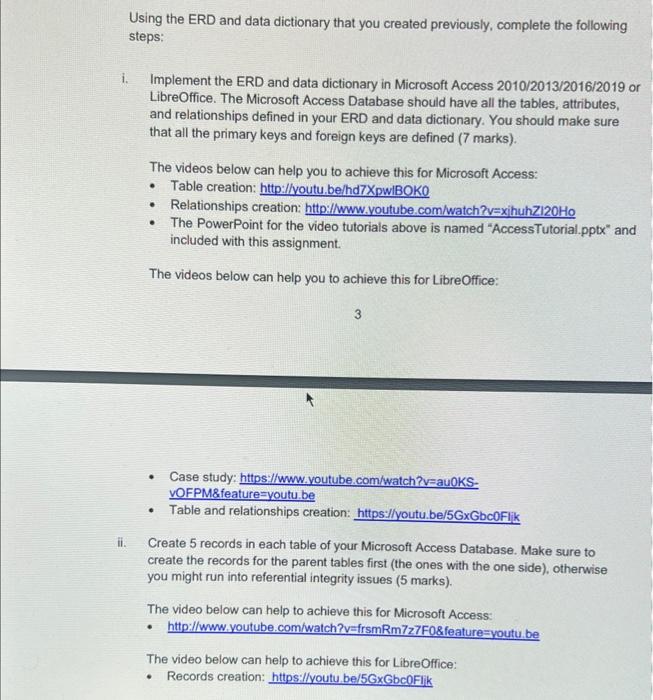
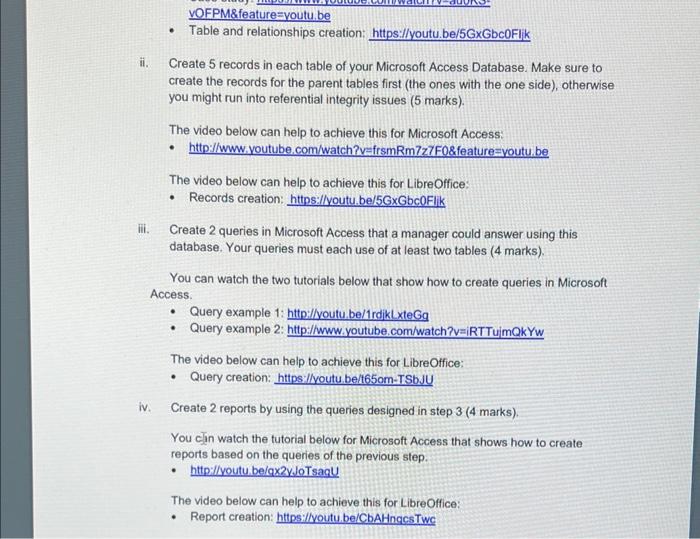
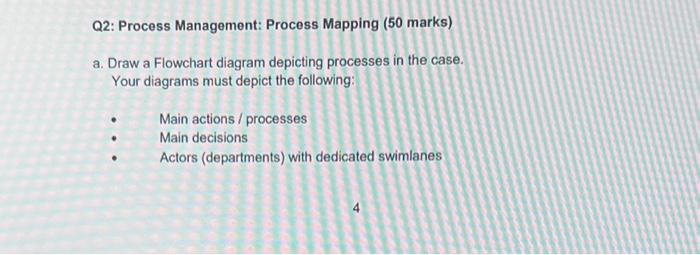
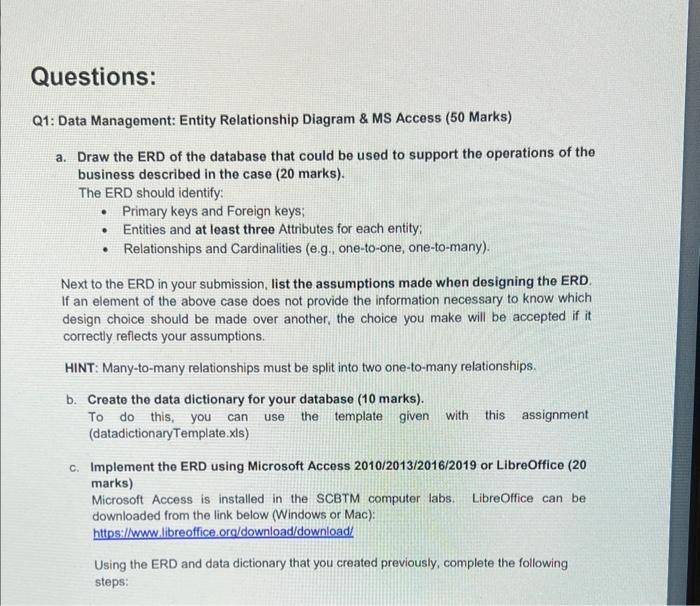
Data Management: Entity Relationship Diagram \& MS Access (50 Marks) a. Draw the ERD of the database that could be used to support the operations of the business described in the case ( 20 marks). The ERD should identify: - Primary keys and Foreign keys; - Entities and at least three Attributes for each entity; - Relationships and Cardinalities (e.g., one-to-one, one-to-many). Next to the ERD in your submission, list the assumptions made when designing the ERD. If an element of the above case does not provide the information necessary to know which design choice should be made over another, the choice you make will be accepted if it correctly reflects your assumptions. HINT: Many-to-many relationships must be split into two one-to-many relationships. b. Create the data dictionary for your database ( 10 marks). To do this, you can use the template given with this assignment (datadictionaryTemplate.xls) c. Implement the ERD using Microsoft Accoss 2010/2013/2016/2019 or LibreOffice (20 marks) Microsoft Access is installed in the SCBTM computer labs. LibreOffice can be downloaded from the link below (Windows or Mac): https:/lwnw. libreoffice. oraldownload/download Using the ERD and data dictionary that you created previously, complete the following steps: Using the ERD and data dictionary that you created previously, complete the following steps: i. Implement the ERD and data dictionary in Microsoft Access 2010/2013/2016/2019 or LibreOffice. The Microsoft Access Database should have all the tables, attributes, and relationships defined in your ERD and data dictionary. You should make sure that all the primary keys and foreign keys are defined (7 marks). The videos below can help you to achieve this for Microsoft Access: - Table creation: http://lvoutu.be/hd 7 XpwlBOKO - Relationships creation: http:/hww. Youtube.com/watch?v=xihuhz120Ho - The PowerPoint for the video tutorials above is named "AccessTutorial.pptx" and included with this assignment. The videos below can help you to achieve this for LibreOffice: 3 - Case study: https: // wuw. youtube com/watch?v=au0KS. vOFPM\& feature =youtu.be - Table and relationships creation: https:/lyoutu.be/5GxGbc0Flik ii. Create 5 records in each table of your Microsoft Access Database. Make sure to create the records for the parent tables first (the ones with the one side), otherwise you might run into referential integrity issues ( 5 marks). The video below can help to achieve this for Microsoft Access: - http://lwww. youtube.com/watch?v=frsmR m7z7F08 feature=youtu, be The video below can help to achieve this for LibreOffice: - Records creation: hittps:llyoutu, be/5GxGbc0Flik - Table and relationships creation: https:/lyoutu.be/5GxGbc0Flik ii. Create 5 records in each table of your Microsoft Access Database. Make sure to create the records for the parent tables first (the ones with the one side), otherwise you might run into referential integrity issues ( 5 marks). The video below can help to achieve this for Microsoft Access: - http://wmw. youtube.com/watch?v=frsmRm7z7F0\&feature =youtu. be The video below can help to achieve this for LibreOffice: - Records creation: https:/lyoutu.be/5GxGbc0Flik iii. Create 2 queries in Microsoft Access that a manager could answer using this database. Your queries must each use of at least two tables ( 4 marks). You can watch the two tutorials below that show how to create queries in Microsoft Access. - Query example 1: http://voutu,be/1rdikLxteGq - Query example 2: http://www. youtube.com/watch?v=iRTTuimQkYw The video below can help to achieve this for LibreOffice: - Query creation: https: ilyoutu.belt650m-TSbJU iv. Create 2 reports by using the queries designed in step 3 ( 4 marks). You cin watch the tutorial below for Microsoft Access that shows how to create reports based on the queries of the previous step. The video below can help to achieve this for LibreOffice: - Report creation: https:ilyoutu.be/CbAHngcsTwc Q2: Process Management: Process Mapping (50 marks) a. Draw a Flowchart diagram depicting processes in the case. Your diagrams must depict the following: Main actions / processes Main decisions Actors (departments) with dedicated swimlanes

Step by Step Solution

There are 3 Steps involved in it

1 Expert Approved Answer
Step: 1 Unlock blur-text-image

Question Has Been Solved by an Expert!

Get step-by-step solutions from verified subject matter experts

Step: 2 Unlock
Step: 3 Unlock

Students Have Also Explored These Related General Management Questions!