







Question: Asked to do this using C++, having a hard tile understanding how to do it please help!! Picture of grades.txt file mentjoned in the question
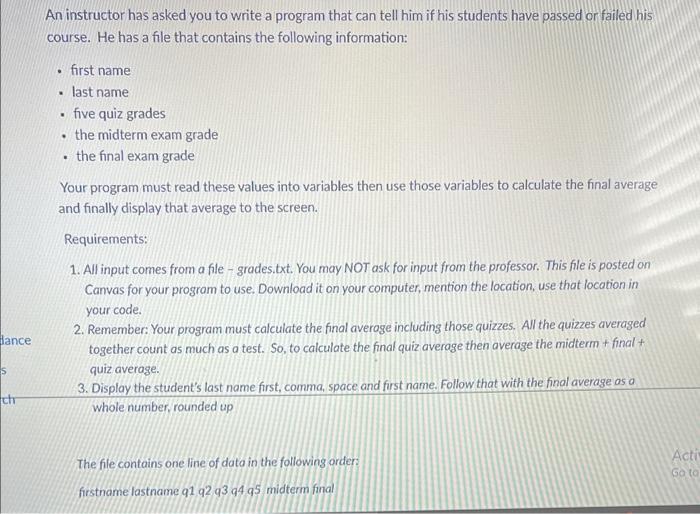
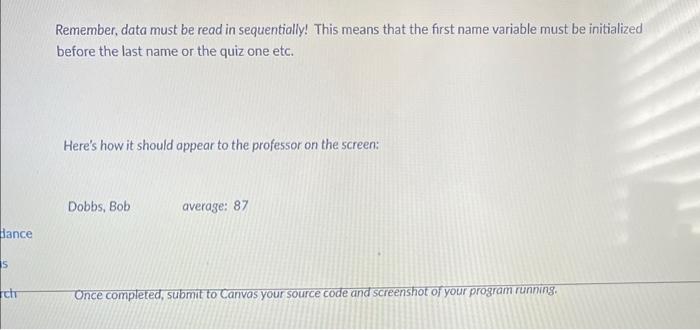
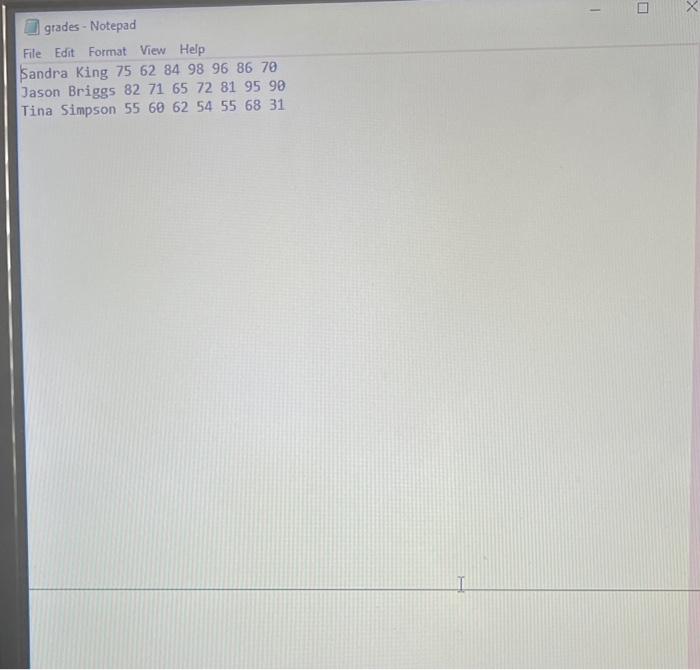
An instructor has asked you to write a program that can tell him if his students have passed or failed his course. He has a file that contains the following information: - first name - last name - five quiz grades - the midterm exam grade - the final exam grade Your program must read these values into variables then use those variables to calculate the final average and finally display that average to the screen. Requirements: 1. All input comes from a file - grades.txt. You may NOT ask for input from the professor. This file is posted on Canvas for your program to use. Download it on your computer, mention the location, use that location in your code. 2. Remember: Your program must calculate the final averoge including those quizzes. All the quizzes averaged together count as much as a test. So, to calculate the final quiz average then average the midterm + final + quiz average. 3. Display the student's last name first, comma, space and first name. Follow that with the final average as a whole number, rounded up The fle contains one line of data in the following orders firstname lastname 91292939495 midterm final Remember, data must be read in sequentially! This means that the first name variable must be initialized before the last name or the quiz one etc. Here's how it should appear to the professor on the screen: [1] grades - Notepad File Edit Format View Help Sandra King 75628498968670 Jason Briggs 82716572819590
Step by Step Solution
There are 3 Steps involved in it

Get step-by-step solutions from verified subject matter experts
 Study Help