







Question: ( ASSEMBLY LANGUAGE ) Building on the program from the last assignment, a null - terminated string of ASCII character codes, representing decimal digits as
ASSEMBLY LANGUAGEBuilding on the program from the last assignment, a nullterminated string of ASCII character codes,
representing decimal digits as might be entered from a keyboard, are stored in consecutive bytes of memory
beginning at address STRG in RAM. Write a program to convert the decimal number represented by this
string of characters to the equivalent bit binary number, storing the result at address BINARY in RAM.
This is essentially a decimal to binary conversion. This program should be able to process strings of any
number of digits from one to the number corresponding to the maximum bit unsigned binary number.
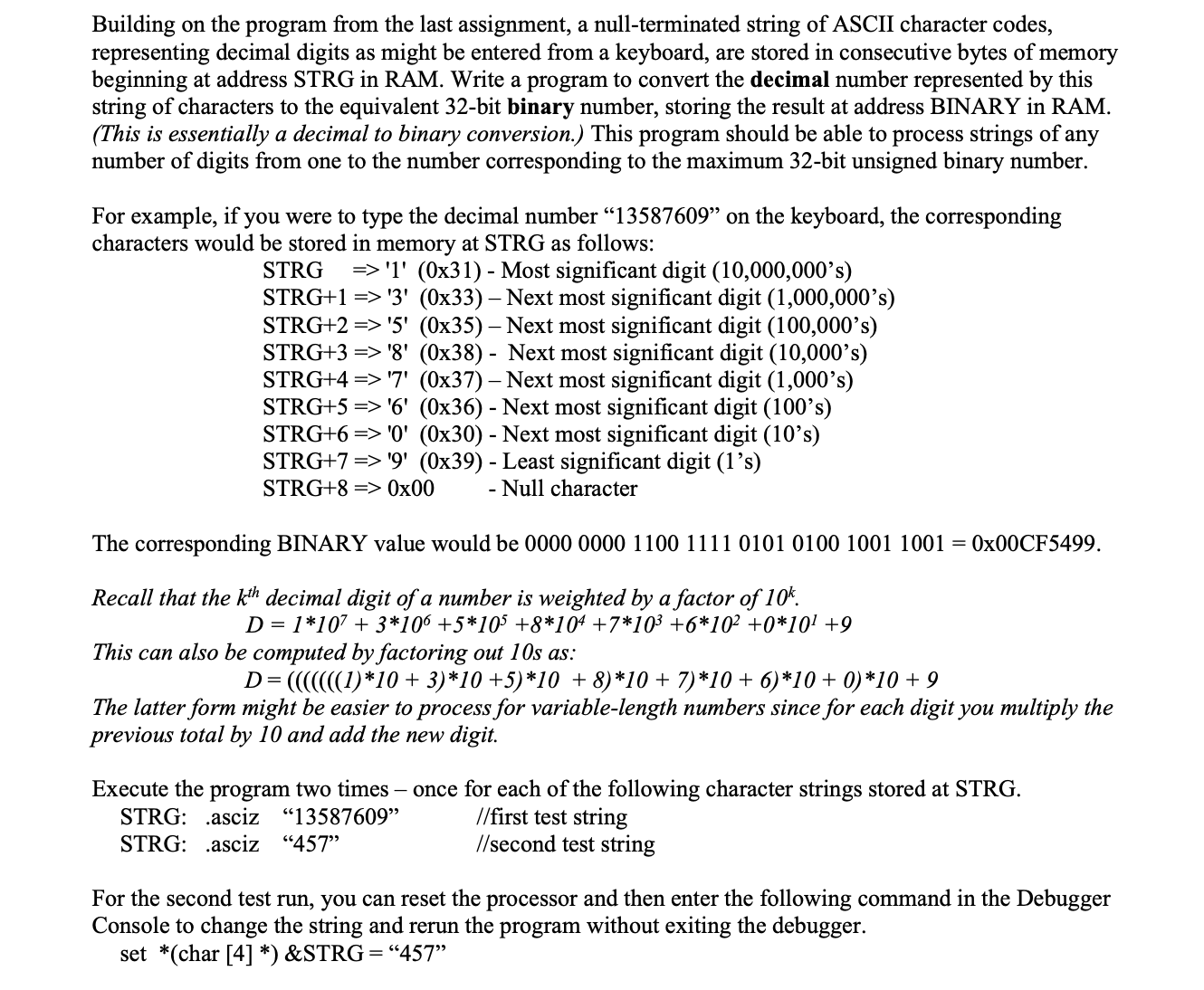
For example, if you were to type the decimal number on the keyboard, the corresponding
characters would be stored in memory at STRG as follows:
Most significant digit
Next most significant digit
Next most significant digit
Next most significant digit
Next most significant digit
Next most significant digit
Next most significant digit
Least significant digit
Null character
The corresponding BINARY value would be
Recall that the decimal digit of a number is weighted by a factor of
This can also be computed by factoring out s as:
The latter form might be easier to process for variablelength numbers since for each digit you multiply the
previous total by and add the new digit.
Execute the program two times once for each of the following character strings stored at STRG
STRG: asciz first test string
STRG: asciz second test string
For the second test run, you can reset the processor and then enter the following command in the Debugger
Console to change the string and rerun the program without exiting the debugger.
set char STRG
Step by Step Solution
There are 3 Steps involved in it
1 Expert Approved Answer
Step: 1 Unlock

Question Has Been Solved by an Expert!
Get step-by-step solutions from verified subject matter experts
Step: 2 Unlock
Step: 3 Unlock
 Study Help