







Question: Assembly program III. Using the BX Register in the Register Indirect Mode An instruction that has the BX register placed in square brackets is register
Assembly program
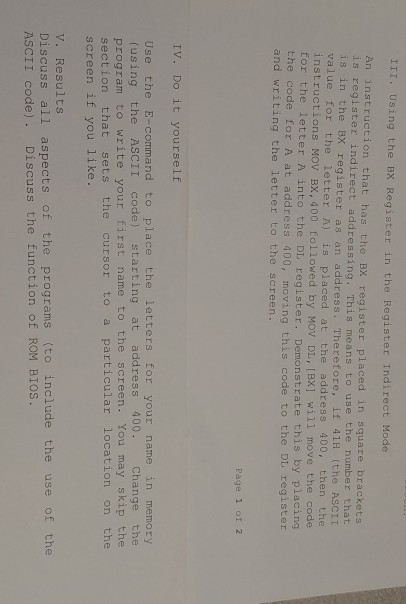
III. Using the BX Register in the Register Indirect Mode An instruction that has the BX register placed in square brackets is register indirect addressing. This means to use the number that is in the BX register as an address. Therefore, if 411 (the ASCII value for the letter A) is placed at the address 400, then the instructions MOV BX, 400 followed by MOV DL,[BX] will move the code for the letter A into the DL register. Demonstrate this by placing the code for A at address 900, moving this code to the DL register and writing the letter to the screen. Page 1 of 2 IV. Do it yourself Use the E-command to place the letters for your name in memory (using the ASCII code) starting at address 400. Change the program to write your first name to the screen. You may skip the section that sets the cursor to a particular location on the screen if you like. V. Results Discuss all aspects of the programs (to include the use of the ASCII code). Discuss the function of ROM BIOS. III. Using the BX Register in the Register Indirect Mode An instruction that has the BX register placed in square brackets is register indirect addressing. This means to use the number that is in the BX register as an address. Therefore, if 411 (the ASCII value for the letter A) is placed at the address 400, then the instructions MOV BX, 400 followed by MOV DL,[BX] will move the code for the letter A into the DL register. Demonstrate this by placing the code for A at address 900, moving this code to the DL register and writing the letter to the screen. Page 1 of 2 IV. Do it yourself Use the E-command to place the letters for your name in memory (using the ASCII code) starting at address 400. Change the program to write your first name to the screen. You may skip the section that sets the cursor to a particular location on the screen if you like. V. Results Discuss all aspects of the programs (to include the use of the ASCII code). Discuss the function of ROM BIOS
Step by Step Solution
There are 3 Steps involved in it

Get step-by-step solutions from verified subject matter experts
 Study Help