







Question: Assessment topic: Create a Dynamic Business Website Task details: Continuing with the website from Assignment 2, add below controls to the specified pages o Data
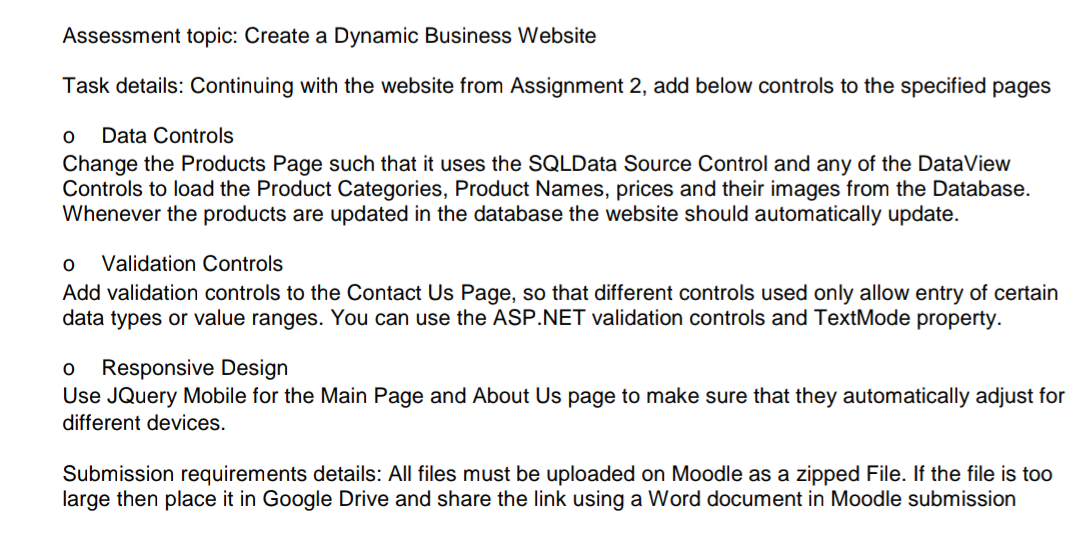
Assessment topic: Create a Dynamic Business Website Task details: Continuing with the website from Assignment 2, add below controls to the specified pages o Data Controls Change the Products Page such that it uses the SQLData Source Control and any of the DataView Controls to load the Product Categories, Product Names, prices and their images from the Database. Whenever the products are updated in the database the website should automatically update. o Validation Controls Add validation controls to the Contact Us Page, so that different controls used only allow entry of certain data types or value ranges. You can use the ASP.NET validation controls and TextMode property. o Responsive Design Use JQuery Mobile for the Main Page and About Us page to make sure that they automatically adjust for different devices. Submission requirements details: All files must be uploaded on Moodle as a zipped File. If the file is too large then place it in Google Drive and share the link using a Word document in Moodle submission Assessment topic: Create a Dynamic Business Website Task details: Continuing with the website from Assignment 2, add below controls to the specified pages o Data Controls Change the Products Page such that it uses the SQLData Source Control and any of the DataView Controls to load the Product Categories, Product Names, prices and their images from the Database. Whenever the products are updated in the database the website should automatically update. o Validation Controls Add validation controls to the Contact Us Page, so that different controls used only allow entry of certain data types or value ranges. You can use the ASP.NET validation controls and TextMode property. o Responsive Design Use JQuery Mobile for the Main Page and About Us page to make sure that they automatically adjust for different devices. Submission requirements details: All files must be uploaded on Moodle as a zipped File. If the file is too large then place it in Google Drive and share the link using a Word document in Moodle submission
Step by Step Solution
There are 3 Steps involved in it

Get step-by-step solutions from verified subject matter experts
 Study Help