



Question: Assign the file that you ve inputted and opened to a file name, because this is zyBooks, use the command: ilename open( 'zypa8.dat', 'r') .
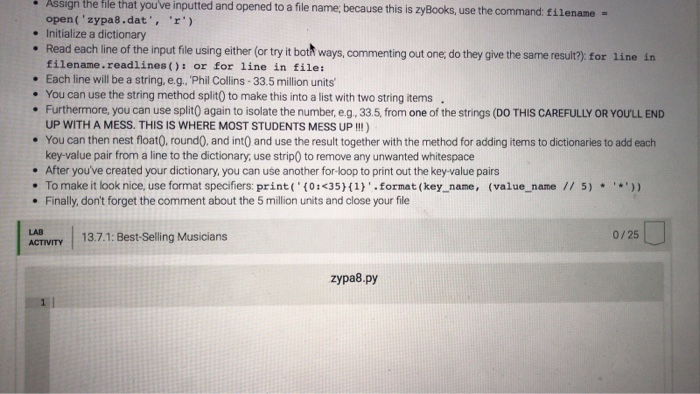
Assign the file that you ve inputted and opened to a file name, because this is zyBooks, use the command: ilename open( 'zypa8.dat', 'r') . Initialize a dictionary . Read each line of the input file using either (or try it both ways,commenting out one, do they give the same result?) for line in filename.readlines(): or for line in file: . Each line will be a string, e.g. Phil Collins-33.5 million units . You can use the string method split0 to make this into a list with two string items Furthermore, you can use split0 again to isolate the number, eg, 33.5, from one of the strings (DO THIS CAREFULLY OR YOU'LL END UP WITH A MESS. THIS IS WHERE MOST STUDENTS MESS UP !!!) . You can then nest float0. roundO. and int0 and use the result together with the method for adding items to dictionaries to add each key-value pair from a line to the dictionary, use strip0 to remove any unwanted whitespace . After you've created your dictionary, you can use another for-loop to print out the key value pairs . To make it look nice, use format specifiers: print0351)'.format (key name, (value_name /1 5)) Finally, don't forget the comment about the 5 million units and close your file LAB ACTIVITY 13.7.1: Best-Selling Musicians 0/25 zypa8.py
Step by Step Solution
There are 3 Steps involved in it

Get step-by-step solutions from verified subject matter experts