







Question: Assignment 1 - Creating VI's using LabVIEW For this assignment you are required to create and build five separate VI's, they are: (a) The VI
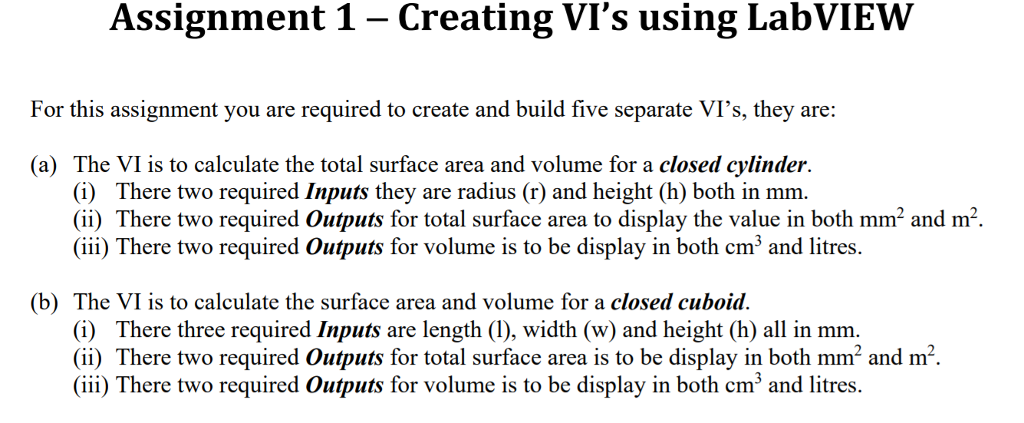
Assignment 1 - Creating VI's using LabVIEW For this assignment you are required to create and build five separate VI's, they are: (a) The VI is to calculate the total surface area and volume for a closed cylinder. (i) There two required Inputs they are radius (r) and height(h) both in mm. (ii) There two required Outputs for total surface area to display the value in both mm2 and m2 (iii) There two required Outputs for volume is to be display in both cm3 and litres. (b) The VI is to calculate the surface area and volume for a closed cuboid. (i) There three required Inputs are length (I), width (w) and height (h) all in mm. (ii) There two required Outputs for total surface area is to be display in both mm2 and m2. (iii) There two required Outputs for volume is to be display in both cm3 and lites Assignment 1 - Creating VI's using LabVIEW For this assignment you are required to create and build five separate VI's, they are: (a) The VI is to calculate the total surface area and volume for a closed cylinder. (i) There two required Inputs they are radius (r) and height(h) both in mm. (ii) There two required Outputs for total surface area to display the value in both mm2 and m2 (iii) There two required Outputs for volume is to be display in both cm3 and litres. (b) The VI is to calculate the surface area and volume for a closed cuboid. (i) There three required Inputs are length (I), width (w) and height (h) all in mm. (ii) There two required Outputs for total surface area is to be display in both mm2 and m2. (iii) There two required Outputs for volume is to be display in both cm3 and lites
Step by Step Solution
There are 3 Steps involved in it

Get step-by-step solutions from verified subject matter experts
 Study Help