







Question: Assignment #1-Getting Comfortable with MATLAB 1- Do the following for the cameraman.tof image: Read it into variablel . Resize it to 256x256 if necessary Write
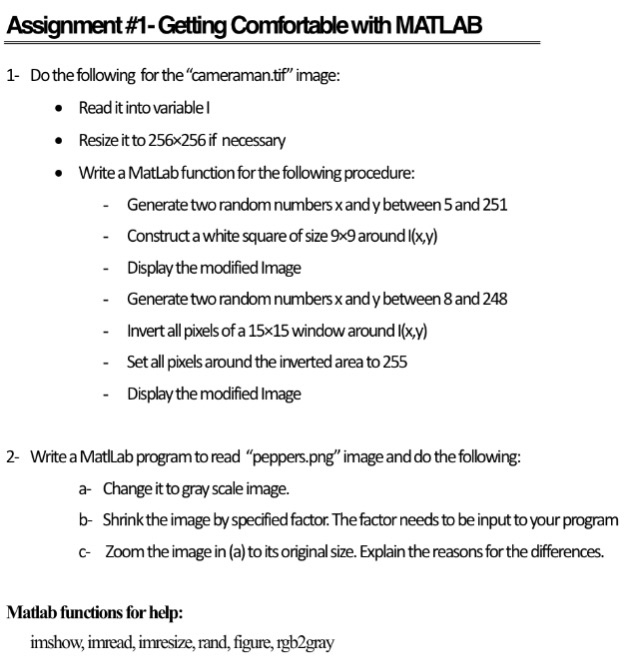
Assignment #1-Getting Comfortable with MATLAB 1- Do the following for the "cameraman.tof" image: Read it into variablel . Resize it to 256x256 if necessary Write a Matlab function for the following procedure: Generatetwo randomnumbers xandy between 5 and 251 Construct a white square of size 9x9 aroundl(xy) Display the modified Image Generate two random numbers x and y between 8 and 248 Invert all pixels of a 15x15 window around l(xy) - - Set all pixels around the inverted area to 255 - Display the modified Image 2- Write a Matlab program to read "peppers.png" image anddo the following: a- Change it to gray scale image. b- Shrinkthe image byspedified factor. The factor needs to be input to your program c Zoomthe image in (a) to its original size. Explain the reasons for the differences. Matlab functions for help: imshow, imread, imresize, rand, figure, rgb2gray
Step by Step Solution
There are 3 Steps involved in it

Get step-by-step solutions from verified subject matter experts
 Study Help