







Question: Assignment 3 Chapter 5 - UML Sequence Diagram Draw a Sequence diagram for Scheduler system for the scenario of adding new appointment The scenario begins
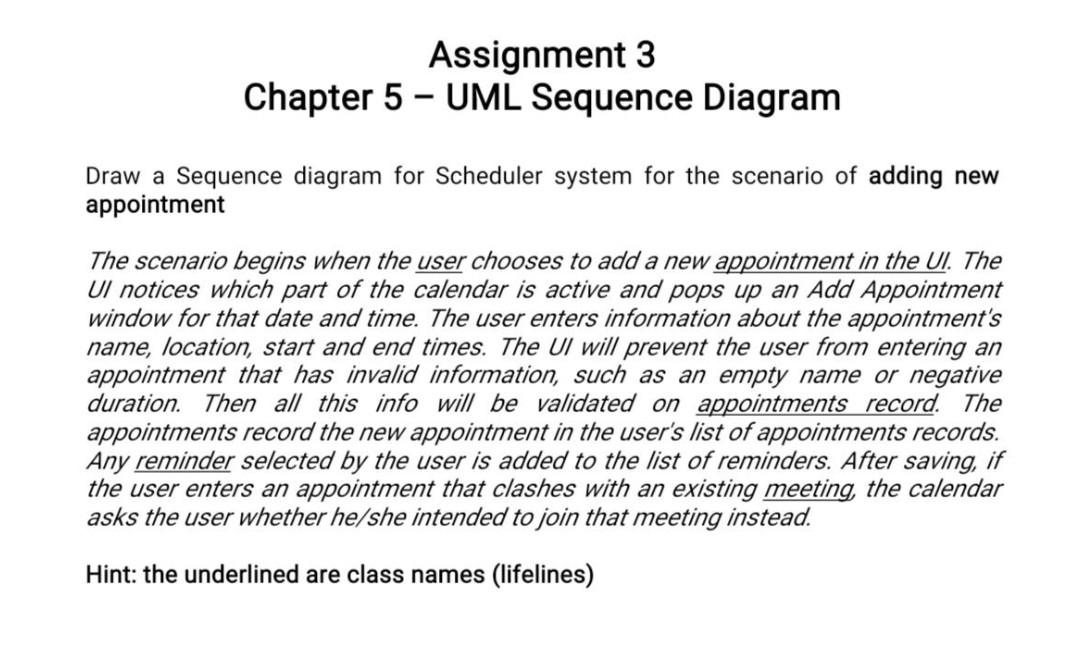
Assignment 3 Chapter 5 - UML Sequence Diagram Draw a Sequence diagram for Scheduler system for the scenario of adding new appointment The scenario begins when the user chooses to add a new appointment in the Ul. The UI notices which part of the calendar is active and pops up an Add Appointment window for that date and time. The user enters information about the appointment's name, location, start and end times. The UI will prevent the user from entering an appointment that has invalid information, such as an empty name or negative duration. Then all this info will be validated on appointments record. The appointments record the new appointment in the user's list of appointments records. reminder selected by the user is added to the list of reminders. After saving, if the user enters an appointment that clashes with an existing meeting, the calendar asks the user whether he/she intended to join that meeting instead. Hint: the underlined are class names (lifelines)
Step by Step Solution
There are 3 Steps involved in it

Get step-by-step solutions from verified subject matter experts
 Study Help