







Question: Assignment # 3 In cryptography, encryption is the process of encoding a message or information in such a way that only authorized parties can access
Assignment #
In cryptography, encryption is the process of encoding a message or
information in such a way that only authorized parties can access it and
those who are not authorized cannot. In an encryption scheme, the
intended information or message, referred to as plaintext, is encrypted
using an encryption algorithm a cipher generating ciphertext that can
be read only if decrypted.
The Enigma machines were a family of portable cipher machines
with rotor scramblers that became Nazi Germany's principal crypto
system. It was broken by the Polish General Staff's Cipher Bureau in
December with the aid of Frenchsupplied intelligence material
obtained from a German spy
Enigma machine used by Nazi Germany
during World War II
Assignment Description
Write a Java program to encrypt and decrypt a phrase using two similar approaches, each insecure by
modern standards.
The first approach is called the Caesar Cipher and is a simple "substitution cipher" where characters in a
message are replaced by a substitute character.
The second approach, due to Gioxan Battista Bellaso b d uses a key word, where each
character in the word specifies the offset for the corresponding character in the message, with the key
word wrapping around as needed.
Concepts covered by this assignment
Using loops
String and character processing
ASCII codes
Data Manager class CryptoManager
Implement each of the methods specified in this file. This version as provided will print error
messages in the console, because they are just skeletons.
Each of the methods are static, so there is no need to create an instance of the Data Manager.
The methods are described below.
public static boolean isStringInBounds String plainText
This method determines if a string is within the allowable bounds of ASCII codes
according to the LOWERRANGE and UPPERRANGE characters.
The parameter plainText is the string to be encrypted.
The method returns true if all characters are within the allowable bounds, false if
any character is outside.
public static String caesarEncryption String plainText, int key
This method encrypts a string according to the Caesar Cipher.
The parameter plainText is an uppercase string to be encrypted.replaced by the character the specified distance away from it
The method returns the encrypted string.
If the plainText is not in bounds, the method returns:
The selected string is not in bounds, Try again.
public static String caesarDecryption String encryptedText, int key
This method decrypts a string according to the Caesar Cipher.
This is the inverse of the caesarEncryption method.
The parameter encryptedText is the encrypted string to be decrypted, and key is
the integer used to encrypt the original text.
The integer key specifies an offset and each character in encryptedText is replaced
by the character "offset" characters before itpublic static String bellasoEncryption String plainText, String bellasoStsach character in plainText is offset according to the ASCII value of the
corresponding character in bellasoSts, which is repeated to correspond to the
length of plaintext. The method returns the encrypted string.
public static String bellasoDecryptionString encryptedText, String bellasoStr
This method decrypts a string according to the Bellaso Cipher.
Yeach character in encryptedText is replaced by the character corresponding to the
character in bellasoStr, which is repeated to correspond to the length of plainText.
This is the inverse of the bellasoDecryption method. The parameter bellasoStr is the string used to encrypt the original text.
The method returns the original plain text string.
Add additional methods if you wish to make your logic easier to follow.
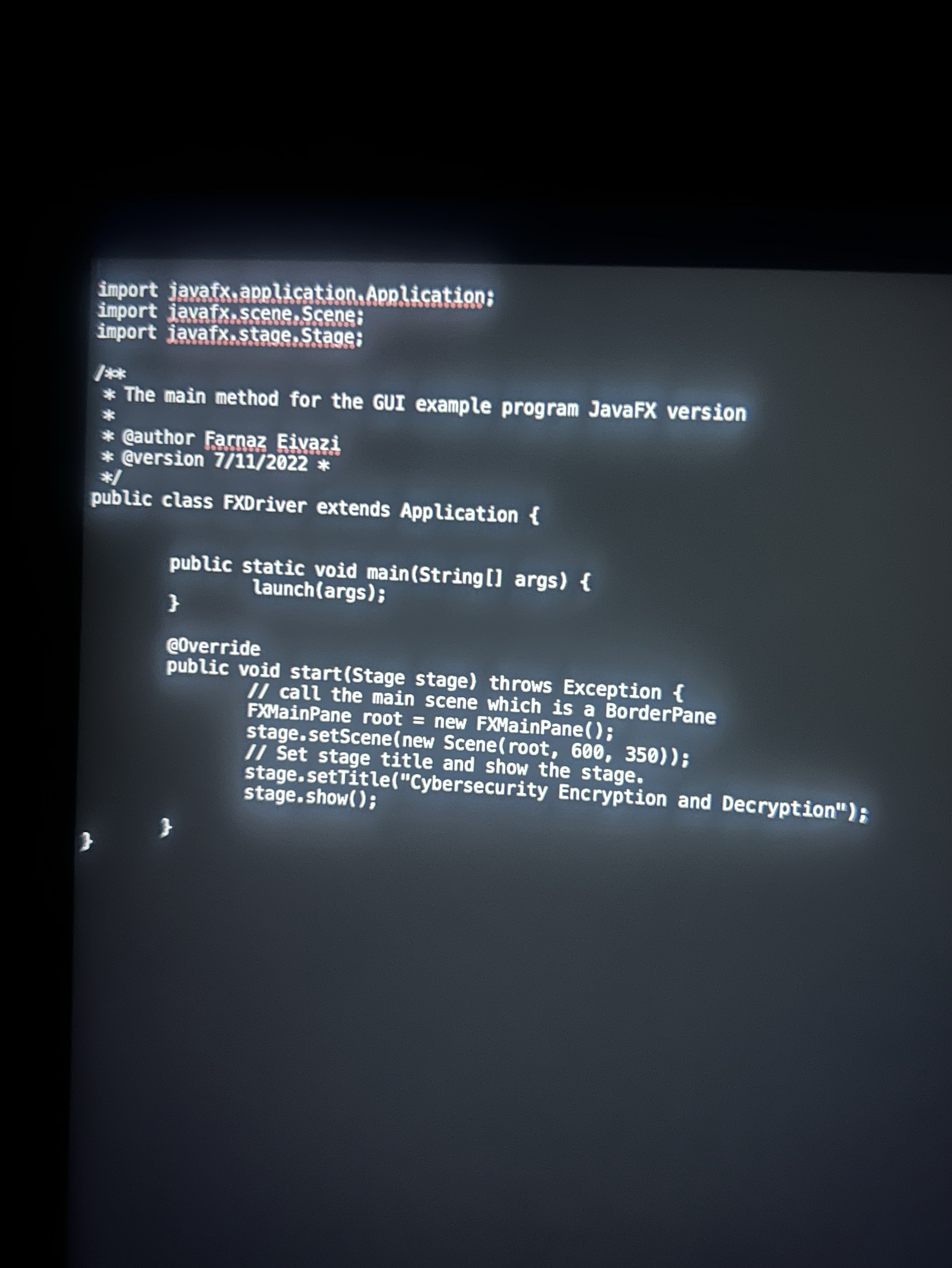
GUI Driver class FXD river and FXMainPane
A Graphical User Interface GUI is provided. Be sure that the GUI will compile and run
with your methods. The GUI will not compile if your method headers in CryptoManager.java
are not exactly in the format specified. When you first run the application, your methods will
all throw exceptions, which will be caught by the GUI and printed out in the console.
The GUI takes care of capitalizing your input strings.
Do not modify the GUI.
Junit Test
Two JUnit test files have been provided; CryptoManagerGFATest and CryptoManagerTestPublic.
Once your methods are implemented, run each JUnit test. Ensure that the JUnit tests all succeed.
You must create another JUnit test file, named CryptoManagerTestStudent to test every public method
of the CryptoManager class, except setUp and tearDown methods.
testStringinBounds: void
testEncryptCaesar : void
testDecryptCaesar : void
testEncryp
Step by Step Solution
There are 3 Steps involved in it
1 Expert Approved Answer
Step: 1 Unlock

Question Has Been Solved by an Expert!
Get step-by-step solutions from verified subject matter experts
Step: 2 Unlock
Step: 3 Unlock
 Study Help