







Question: Assignment 4 : Formatting a Formal Paper Directions You are working with a formal paper that includes a title page, table of contents, headers, table,
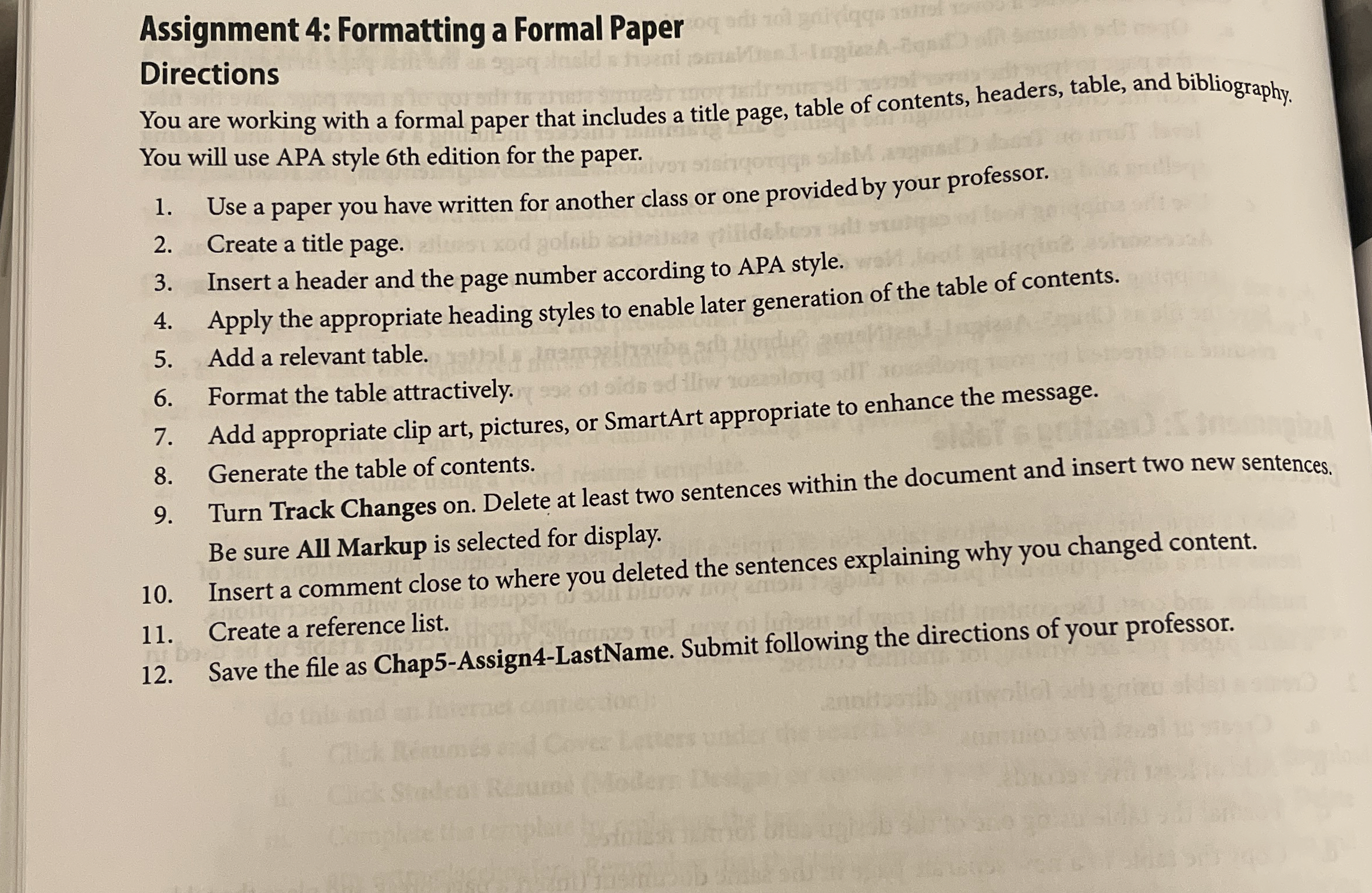
Assignment : Formatting a Formal Paper Directions
You are working with a formal paper that includes a title page, table of contents, headers, table, and bibliography. You will use APA style th edition for the paper.
Use a paper you have written for another class or one provided by your professor.
Create a title page.
Insert a header and the page number according to APA style.
Apply the appropriate heading styles to enable later generation of the table of contents.
Add a relevant table.
Format the table attractively.
Add appropriate clip art, pictures, or SmartArt appropriate to enhance the message.
Generate the table of contents.
Turn Track Changes on Delete at least two sentences within the document and insert two new sentences. Be sure All Markup is selected for display.
Insert a comment close to where you deleted the sentences explaining why you changed content.
Create a reference list.
Save the file as ChapAssignLastName. Submit following the directions of your professor.
Step by Step Solution
There are 3 Steps involved in it
1 Expert Approved Answer
Step: 1 Unlock

Question Has Been Solved by an Expert!
Get step-by-step solutions from verified subject matter experts
Step: 2 Unlock
Step: 3 Unlock
 Study Help