







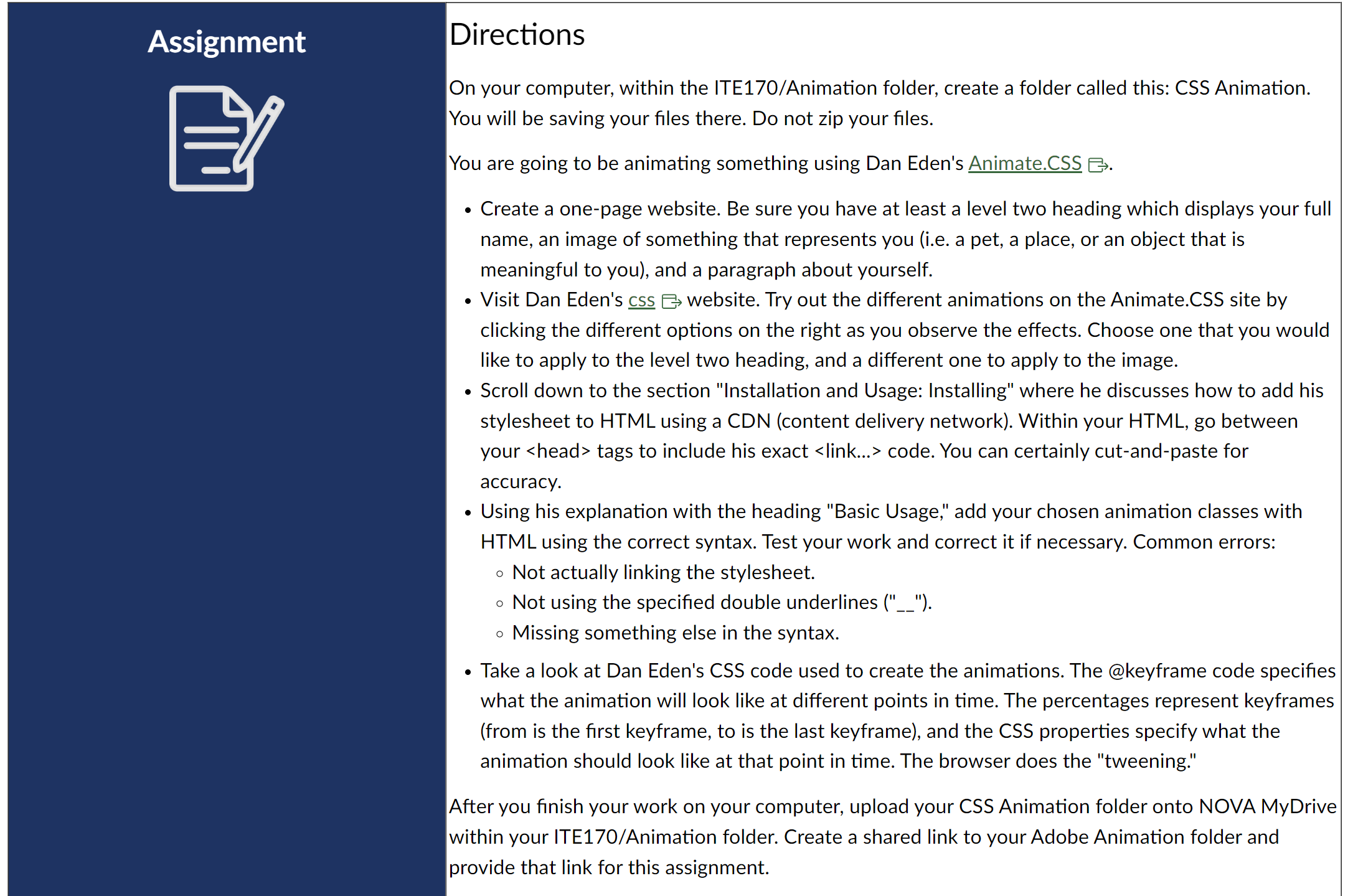
Question: Assignment Directions On your computer, within the ITE 1 7 0 / Animation folder, create a folder called this: CSS Animation. You will be saving
Assignment
Directions
On your computer, within the ITEAnimation folder, create a folder called this: CSS Animation.
You will be saving your files there. Do not zip your files.
You are going to be animating something using Dan Eden's Animate.CSS G
Create a onepage website. Be sure you have at least a level two heading which displays your full
name, an image of something that represents you ie a pet, a place, or an object that is
meaningful to you and a paragraph about yourself.
Visit Dan Eden's css website. Try out the different animations on the Animate.CSS site by
clicking the different options on the right as you observe the effects. Choose one that you would
like to apply to the level two heading, and a different one to apply to the image.
Scroll down to the section "Installation and Usage: Installing" where he discusses how to add his
stylesheet to HTML using a CDN content delivery network Within your HTML go between
your head tags to include his exact
Step by Step Solution
There are 3 Steps involved in it
1 Expert Approved Answer
Step: 1 Unlock

Question Has Been Solved by an Expert!
Get step-by-step solutions from verified subject matter experts
Step: 2 Unlock
Step: 3 Unlock
 Study Help