



Question: Assignment guidelines are on page 2. Instructions for using Visio (for creating activity diagrams]; and comments on downloading 1ii'isio software for home useare provided. An
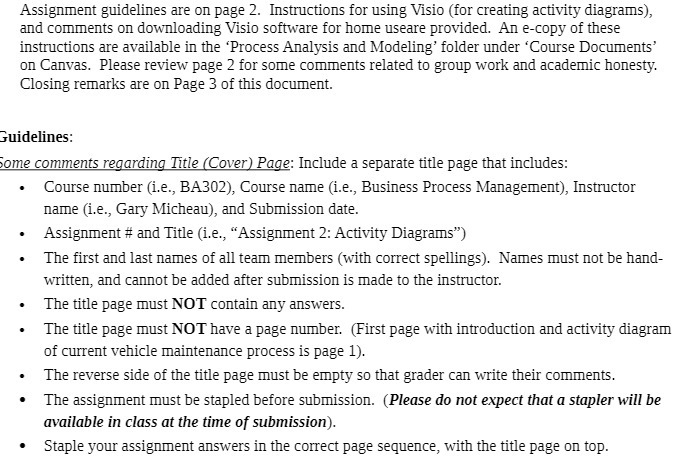
Assignment guidelines are on page 2. Instructions for using Visio (for creating activity diagrams]; and comments on downloading 1ii'isio software for home useare provided. An ecopy of these instructions are available in the 'Process Analysis and Modeling' folder under 'Course Documents' on Canvas. Please review page 2 for some comments related to group work and academic honesty. Closing remarks are on Page 3 of this document. Guidelines: lame comments regarding Title (Cover! Page: Include a separate title page 'rat includes: - Course mimber (Leg EABDEJ, Course name (i.e., Business Process Management], Instructor name (Leg Gary MicheauL and Submission date. - Assignment # and Title (i.e., \"Assignment 2: Activity Diagrams\") - The rst and last names of all team members (with correct spellings). blames must not be hand written, and cannot be added after submission is made to the instructor. - The title page must NOT contain anyr answers. - The title page must NOT have a page number. (First page with introduction and actirdty diagram of current vehicle maintenance process is page 1). - The reverse side of the title page must be empty so 'rat grader can write their comments. . The assignment must be stapled before submission. {Please do not expect that a stapler will be maritabte in ctass at the time of submission]. I Staple your assignment answers in the correct page sequence, with the title page on top
Step by Step Solution
There are 3 Steps involved in it

Get step-by-step solutions from verified subject matter experts