







Question: Assignment Instructions Draw a PLC program in ladder to implement the following logic: 1) When a process is turned on (1.0-1) and the process is
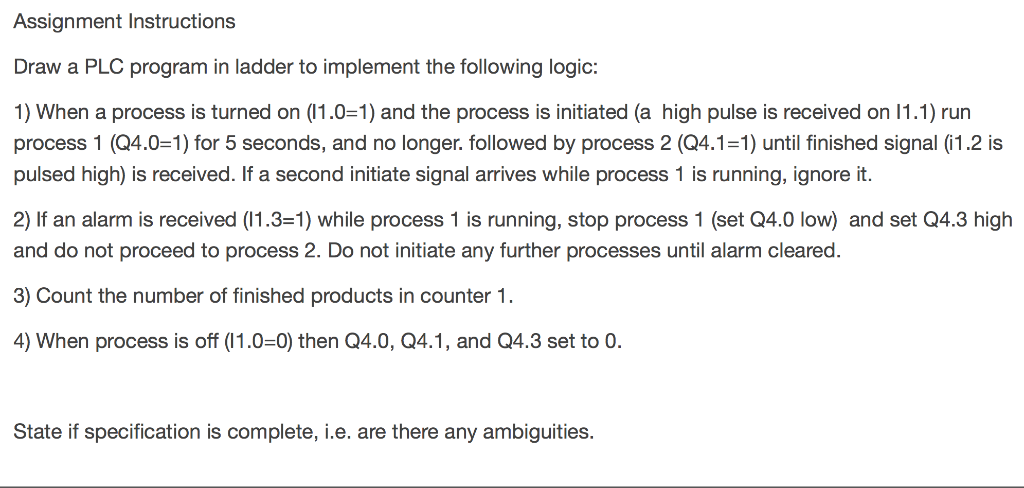
Assignment Instructions Draw a PLC program in ladder to implement the following logic: 1) When a process is turned on (1.0-1) and the process is initiated (a high pulse is received on 11.1) run process 1 (Q4.0-1) for 5 seconds, and no longer. followed by process 2 (Q4.1-1) until finished signal (1.2 is pulsed high) is received. If a second initiate signal arrives while process 1 is running, ignore it. 2) If an alarm is received (1.3-1) while process 1 is running, stop process 1 (set Q4.0 low) and set Q4.3 high and do not proceed to process 2. Do not initiate any further processes until alarm cleared. 3) Count the number of finished products in counter 1 4) When process is off (11.0-0) then Q4.0, Q4.1, and Q4.3 set to 0. State if specification is complete, i.e. are there any ambiguities. Assignment Instructions Draw a PLC program in ladder to implement the following logic: 1) When a process is turned on (1.0-1) and the process is initiated (a high pulse is received on 11.1) run process 1 (Q4.0-1) for 5 seconds, and no longer. followed by process 2 (Q4.1-1) until finished signal (1.2 is pulsed high) is received. If a second initiate signal arrives while process 1 is running, ignore it. 2) If an alarm is received (1.3-1) while process 1 is running, stop process 1 (set Q4.0 low) and set Q4.3 high and do not proceed to process 2. Do not initiate any further processes until alarm cleared. 3) Count the number of finished products in counter 1 4) When process is off (11.0-0) then Q4.0, Q4.1, and Q4.3 set to 0. State if specification is complete, i.e. are there any ambiguities
Step by Step Solution
There are 3 Steps involved in it

Get step-by-step solutions from verified subject matter experts
 Study Help