







Question: Assignment Instructions For this assignment, you will create a PowerPoint presentation in which you explain the use of direct manipulation and various other components
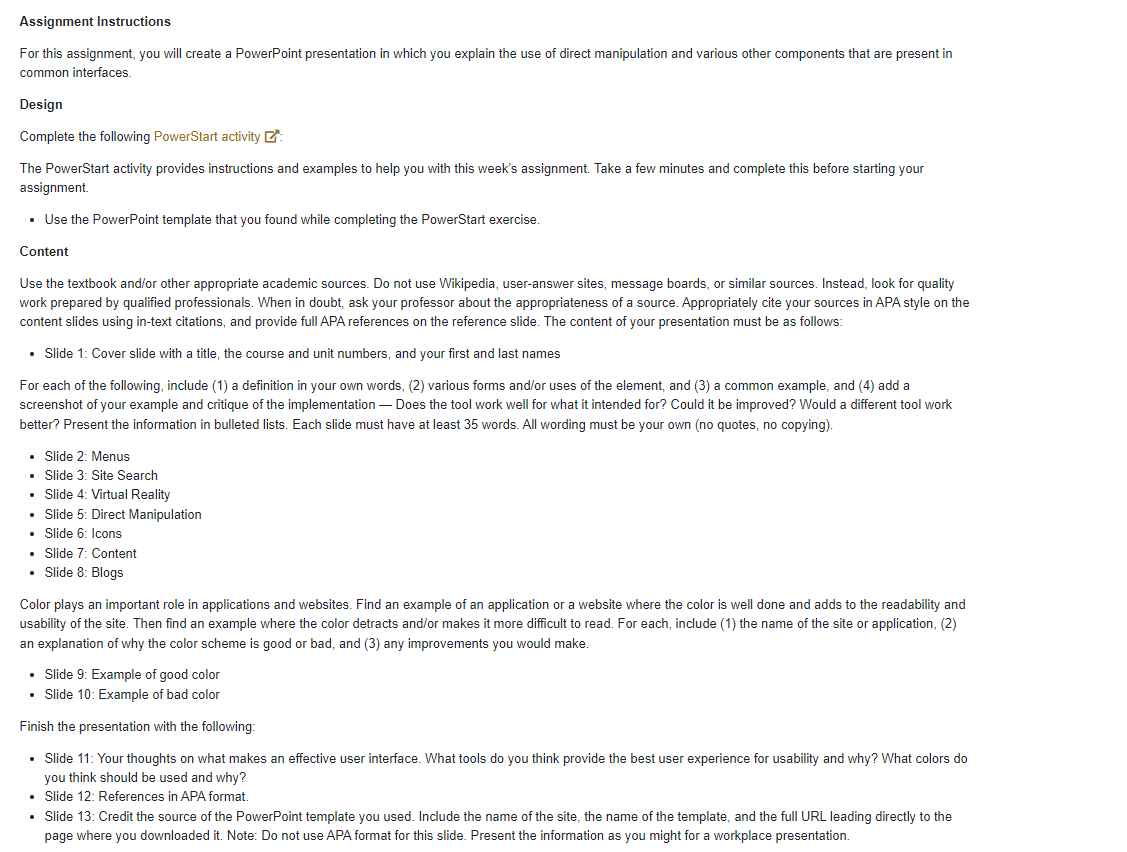
Assignment Instructions For this assignment, you will create a PowerPoint presentation in which you explain the use of direct manipulation and various other components that are present in common interfaces. Design Complete the following PowerStart activity : The PowerStart activity provides instructions and examples to help you with this week's assignment. Take a few minutes and complete this before starting your assignment. Use the PowerPoint template that you found while completing the PowerStart exercise. Content Use the textbook and/or other appropriate academic sources. Do not use Wikipedia, user-answer sites, message boards, or similar sources. Instead, look for quality work prepared by qualified professionals. When in doubt, ask your professor about the appropriateness of a source. Appropriately cite your sources in APA style on the content slides using in-text citations, and provide full APA references on the reference slide. The content of your presentation must be as follows: Slide 1: Cover slide with a title, the course and unit numbers, and your first and last names For each of the following, include (1) a definition in your own words, (2) various forms and/or uses of the element, and (3) a common example, and (4) add a screenshot of your example and critique of the implementation - Does the tool work well for what it intended for? Could it be improved? Would a different tool work better? Present the information in bulleted lists. Each slide must have at least 35 words. All wording must be your own (no quotes, no copying). Slide 2: Menus Slide 3: Site Search Slide 4: Virtual Reality Slide 5: Direct Manipulation Slide 6: Icons Slide 7: Content Slide 8: Blogs Color plays an important role in applications and websites. Find an example of an application or a website where the color is well done and adds to the readability and usability of the site. Then find an example where the color detracts and/or makes it more difficult to read. For each, include (1) the name of the site or application, (2) an explanation of why the color scheme is good or bad, and (3) any improvements you would make. Slide 9: Example of good color Slide 10: Example of bad color Finish the presentation with the following: Slide 11: Your thoughts on what makes an effective user interface. What tools do you think provide the best user experience for usability and why? What colors do you think should be used and why? Slide 12: References in APA format. Slide 13: Credit the source of the PowerPoint template you used. Include the name of the site, the name of the template, and the full URL leading directly to the page where you downloaded it. Note: Do not use APA format for this slide. Present the information as you might for a workplace presentation.
Step by Step Solution
There are 3 Steps involved in it

Get step-by-step solutions from verified subject matter experts
 Study Help