







Question: Assignment Instructions Log into your Smaug Linux environment (see appendix below, on how to). 1. In Smaug, enter the command pwd. This command should display
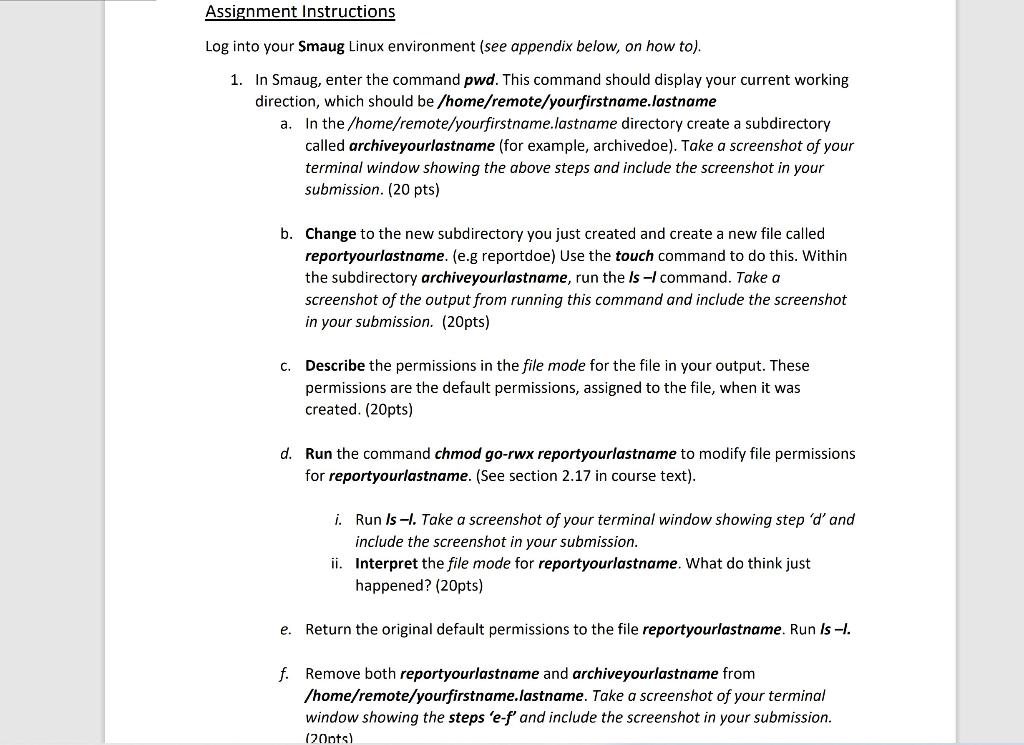
Assignment Instructions Log into your Smaug Linux environment (see appendix below, on how to). 1. In Smaug, enter the command pwd. This command should display your current working direction, which should be /home/remote/yourfirstname.Jastname a. In the /home/remote/yourfirstname.lastname directory create a subdirectory called archiveyourlastname (for example, archivedoe). Take a screenshot of your terminal window showing the above steps and include the screenshot in your submission. (20 pts) b. Change to the new subdirectory you just created and create a new file called reportyourlastname. (e.g reportdoe) Use the touch command to do this. Within the subdirectory archiveyourlastname, run the Is - command. Take a screenshot of the output from running this command and include the screenshot in your submission. (20pts) C. Describe the permissions in the file mode for the file in your output. These permissions are the default permissions, assigned to the file, when it was created. (20pts) d. Run the command chmod go-rwx reportyourlastname to modify file permissions for reportyourlastname. (See section 2.17 in course text). i. Run ls -l. Take a screenshot of your terminal window showing step d' and include the screenshot in your submission. ii. Interpret the file mode for reportyourlastname. What do think just happened? (20pts) e. Return the original default permissions to the file reportyourlastname. Run Is -I. f. Remove both reportyourlastname and archiveyourlastname from /home/remote/yourfirstname.lastname. Take a screenshot of your terminal window showing the steps 'e-f' and include the screenshot in your submission. (20nts)
Step by Step Solution
There are 3 Steps involved in it

Get step-by-step solutions from verified subject matter experts
 Study Help