







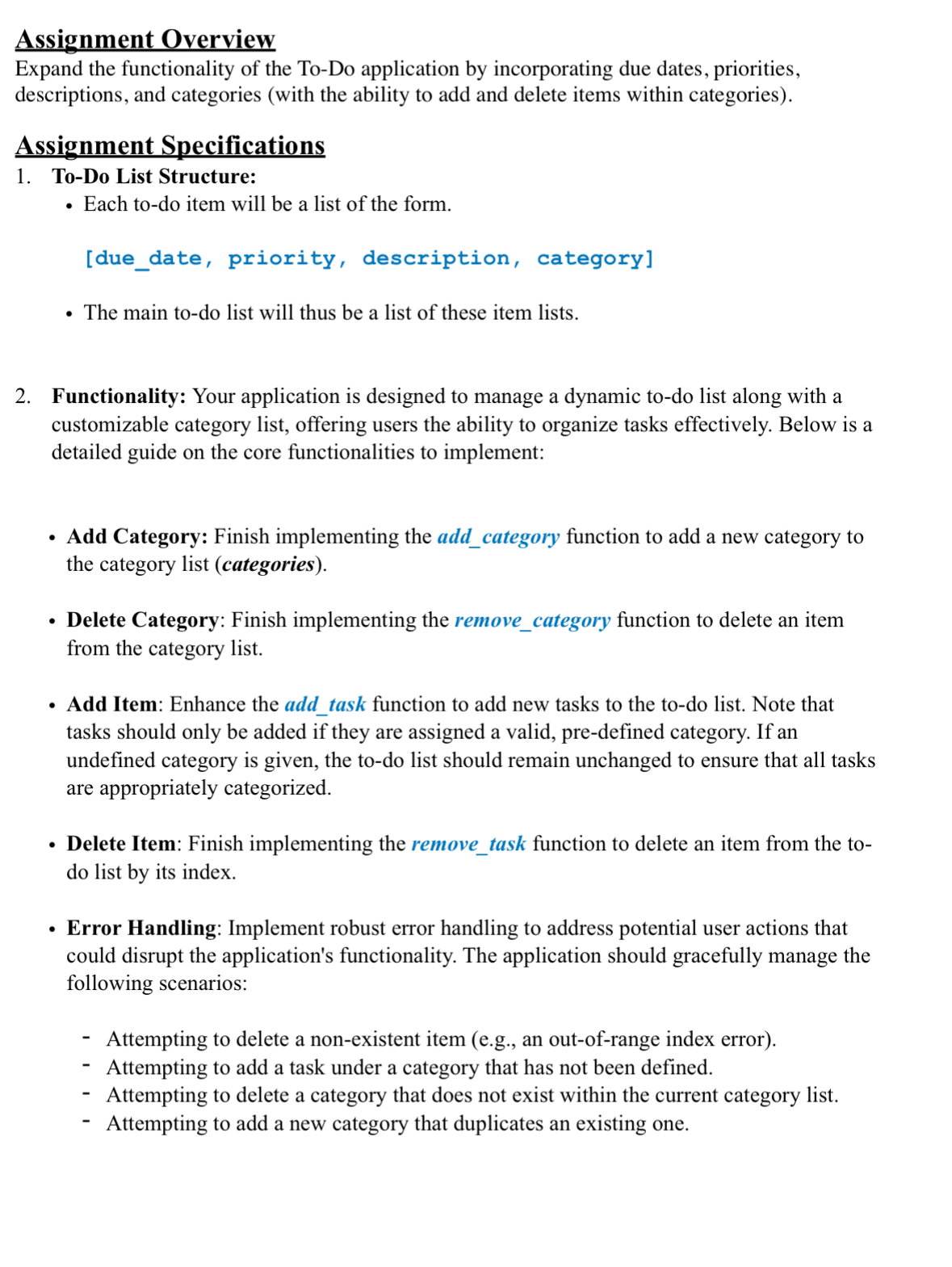
Question: Assignment Overview Expand the functionality of the To - Do application by incorporating due dates, priorities, descriptions, and categories ( with the ability to add
Assignment Overview
Expand the functionality of the ToDo application by incorporating due dates, priorities, descriptions, and categories with the ability to add and delete items within categories
Assignment Specifications
ToDo List Structure:
Each todo item will be a list of the form.
duedate, priority, description, category
The main todo list will thus be a list of these item lists.
Functionality: Your application is designed to manage a dynamic todo list along with a customizable category list, offering users the ability to organize tasks effectively. Below is a detailed guide on the core functionalities to implement:
Add Category: Finish implementing the addcategory function to add a new category to the category list categories
Delete Category: Finish implementing the removecategory function to delete an item from the category list.
Add Item: Enhance the addtask function to add new tasks to the todo list. Note that tasks should only be added if they are assigned a valid, predefined category. If an undefined category is given, the todo list should remain unchanged to ensure that all tasks are appropriately categorized.
Delete Item: Finish implementing the removetask function to delete an item from the todo list by its index.
Error Handling: Implement robust error handling to address potential user actions that could disrupt the application's functionality. The application should gracefully manage the following scenarios:
Attempting to delete a nonexistent item eg an outofrange index error
Attempting to add a task under a category that has not been defined.
Attempting to delete a category that does not exist within the current category list.
Attempting to add a new category that duplicates an existing one.
Step by Step Solution
There are 3 Steps involved in it
1 Expert Approved Answer
Step: 1 Unlock

Question Has Been Solved by an Expert!
Get step-by-step solutions from verified subject matter experts
Step: 2 Unlock
Step: 3 Unlock
 Study Help