



Question: Attached is the psuedocode for the rock paper scissors game. For this work, you will write code in Coral for your selected programming game. Specifically,
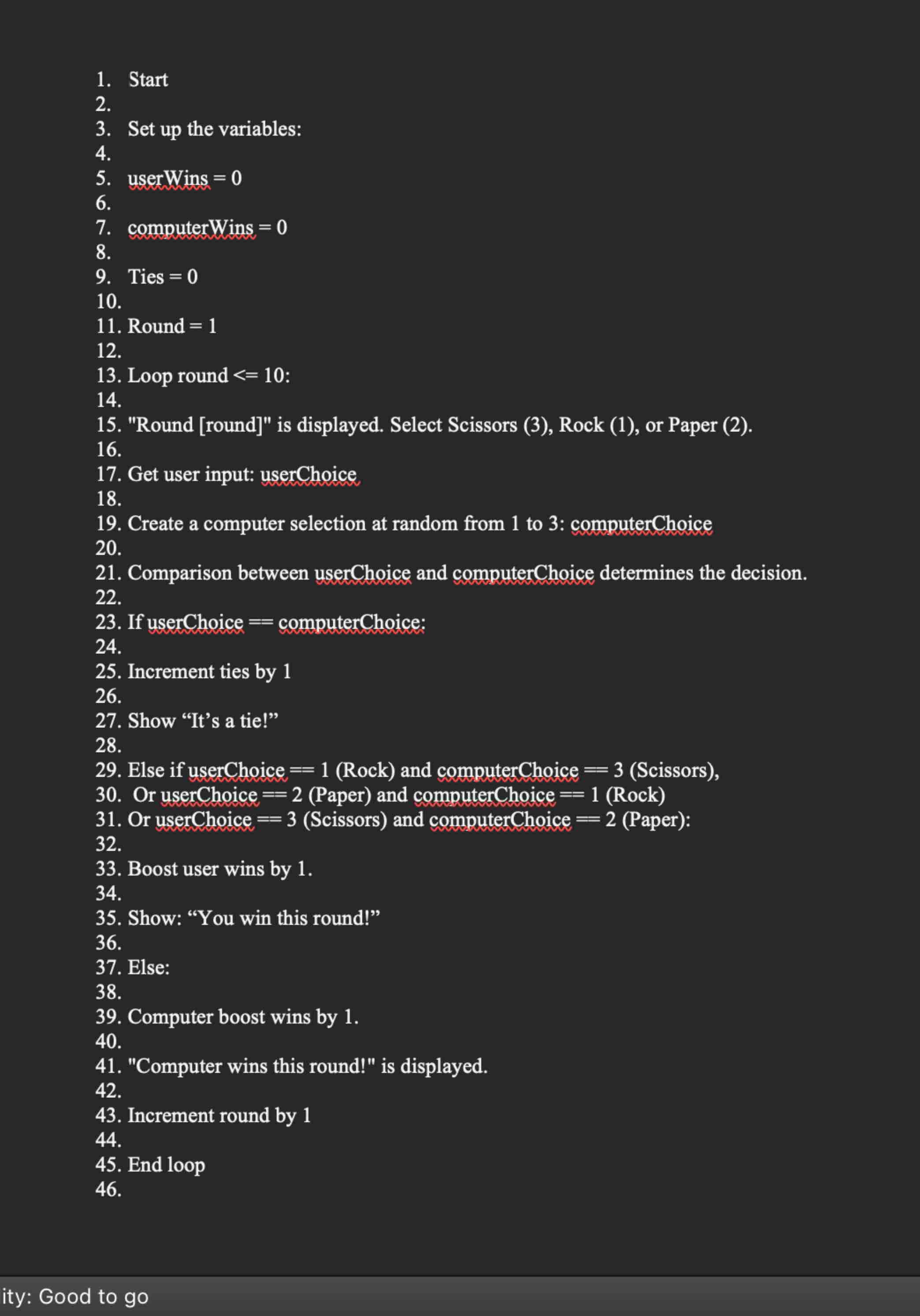
Attached is the psuedocode for the rock paper scissors game.
For this work, you will write code in Coral for your selected programming game.
Specifically, you must address the following rubric criteria:
Determine the variables and relevant data types of each variable. Consider the necessary variables required to implement the logic of your game, as well as the relevant data type eg integer or float of each variable. Consider your inputs and outputs for the program as you work.
Initialize the variables using appropriate data values. Where necessary, assign an initial value to each variable. Note that variables that obtain an initial value from user input do not require initializing. For example, before you start simulating any of the games, there should be zero wins and losses.
Set a branch that uses conditionals to define the logic of the game. This must meet the requirements of the program. This includes using the following:
IFIFELSEIFELSEIF
Statements must also use the appropriate relational operators, which are as follows:
equalsnot equalless thangreater thanless than or equalgreater than or equal
Create one loop to define the logic, flow, and sequence of the game. This must meet the requirements of the program. Use a WHILE or FOR loop and the appropriate relational operators and Avoid infinite loops by ensuring the loop has an exit condition using the appropriate relational operator.
RockPaperScissors: Write code that will play the game once.
Apply necessary arithmetic operations. Note that mathematical operators include and modulo This must meet the requirements of the program. For example, in each of the games, you will want to keep track of wins and losses.
RockPaperScissors: Keep track of the player who won the first round in the RockPaperScissors game.
Write code using best practices including appropriate syntax and commenting. This includes the following:
Using descriptive names for your variables. Using the correct formatting structure with appropriate indentations. Using appropriate comments relating to your code Start
Set up the variables:
userWins
computerWins
Ties
Round
Loop round :
"Round round is displayed. Select Scissors Rock or Paper
Get user input: userChoice
Create a computer selection at random from to : computerChoice
Comparison between userChoice and computerChoice determines the decision.
If userChoice computerChoice:
Increment ties by
Show "It's a tie!"
Else if userChoice Rock and computerChoice Scissors
Or userChoice Paper and computerChoice Rock
Or userChoice Scissors and computerChoice Paper:
Boost user wins by
Show: "You win this round!"
Else:
Computer boost wins by
"Computer wins this round!" is displayed.
Increment round by
End loop
Step by Step Solution
There are 3 Steps involved in it
1 Expert Approved Answer
Step: 1 Unlock

Question Has Been Solved by an Expert!
Get step-by-step solutions from verified subject matter experts
Step: 2 Unlock
Step: 3 Unlock