







Question: Auta fill can only be used to continue a sequence of numeric data and will not work on qualitative data such as months of the
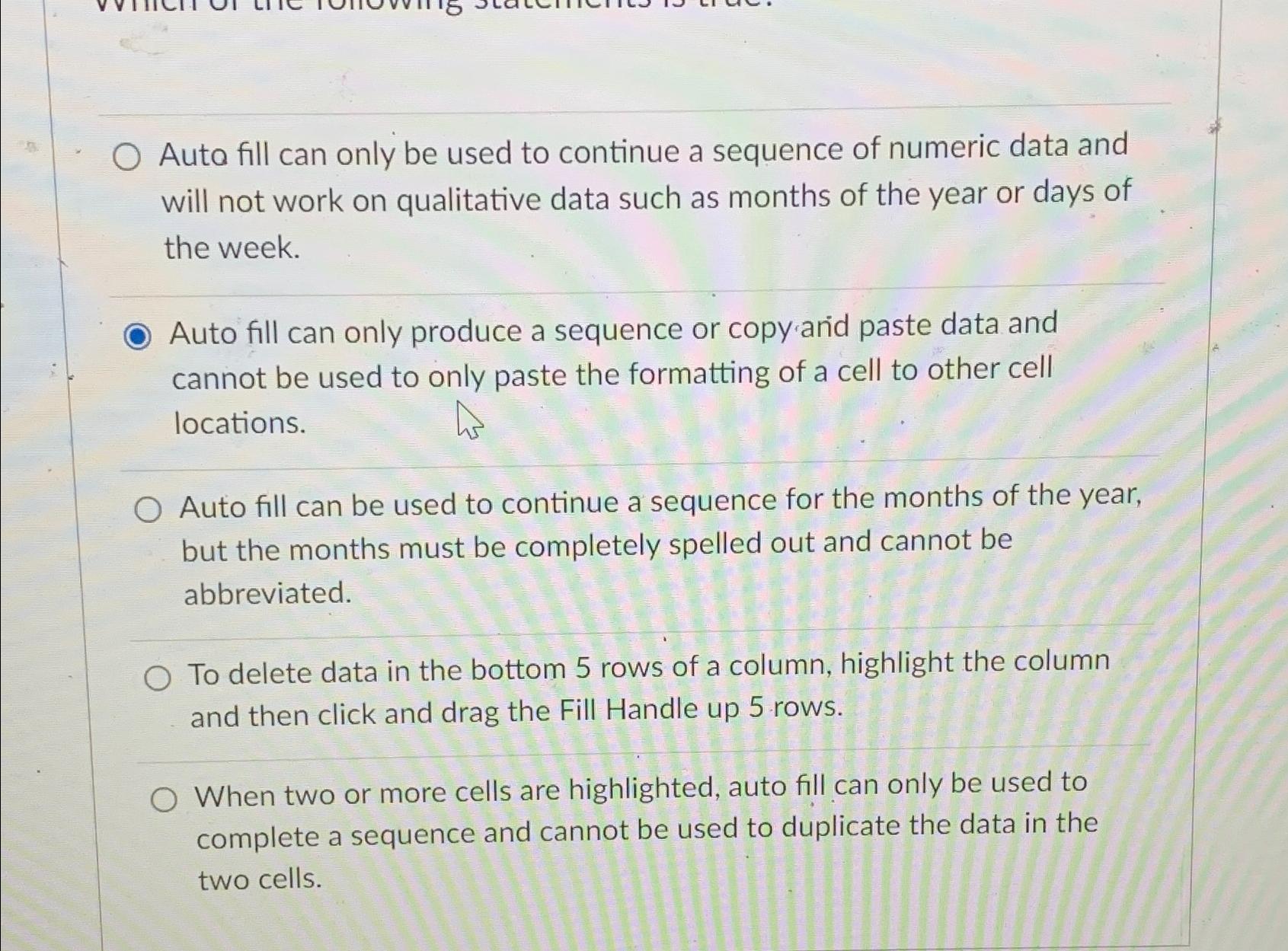
Auta fill can only be used to continue a sequence of numeric data and will not work on qualitative data such as months of the year or days of the week.
Auto fill can only produce a sequence or copy and paste data and cannot be used to only paste the formatting of a cell to other cell locations.
Auto fill can be used to continue a sequence for the months of the year, but the months must be completely spelled out and cannot be abbreviated.
To delete data in the bottom rows of a column, highlight the column and then click and drag the Fill Handle up rows.
When two or more cells are highlighted, auto fill can only be used to complete a sequence and cannot be used to duplicate the data in the two cells.
Step by Step Solution
There are 3 Steps involved in it
1 Expert Approved Answer
Step: 1 Unlock

Question Has Been Solved by an Expert!
Get step-by-step solutions from verified subject matter experts
Step: 2 Unlock
Step: 3 Unlock
 Study Help