



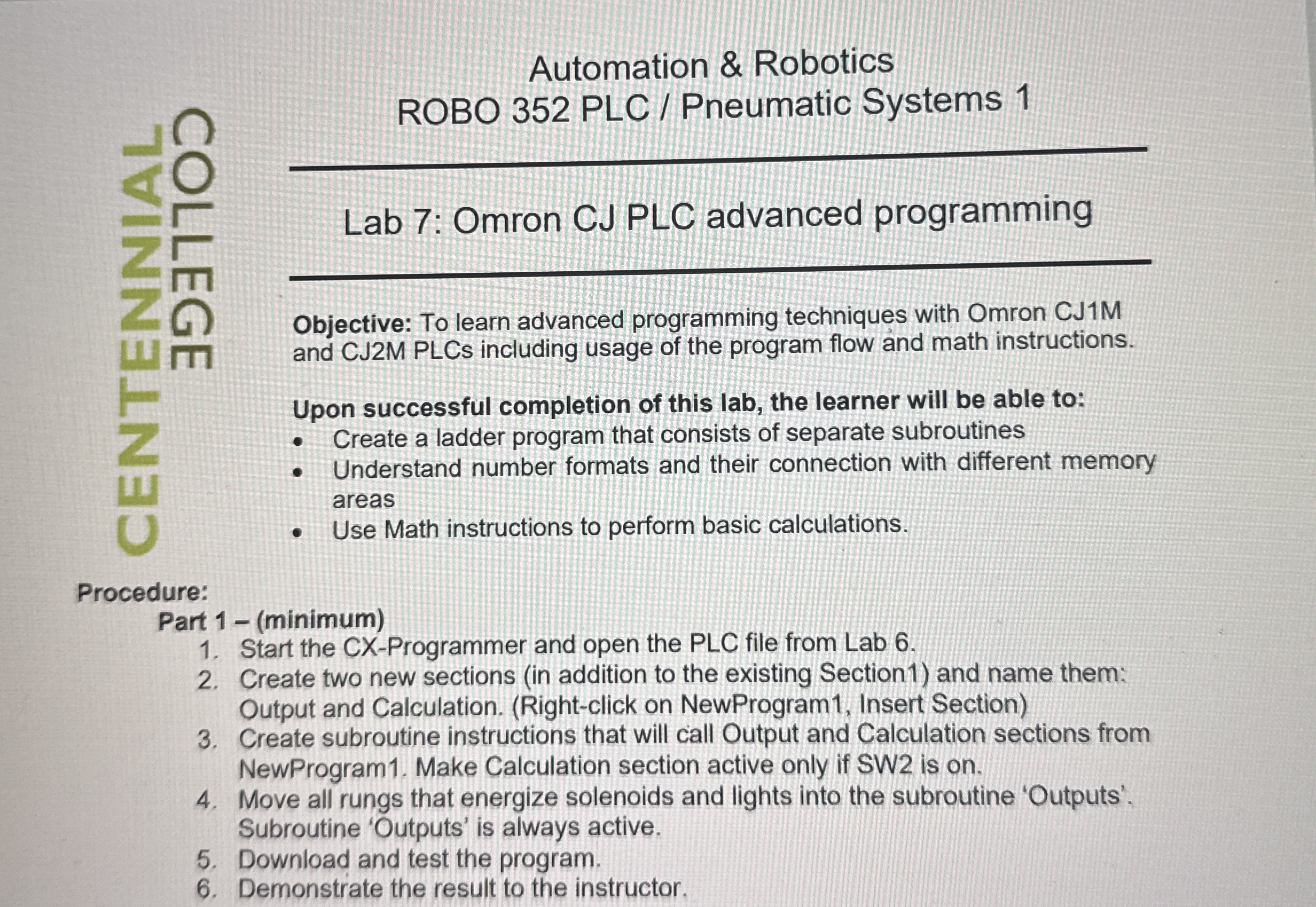
Question: Automation & Robotics ROBO 3 5 2 PLC / Pneumatic Systems 1 Lab 7 : Omron CJ PLC advanced programming Objective: To learn advanced programming
Automation & Robotics
ROBO PLC Pneumatic Systems
Lab : Omron CJ PLC advanced programming
Objective: To learn advanced programming techniques with Omron CJM and CJM PLCs including usage of the program flow and math instructions.
Upon successful completion of this lab, the learner will be able to:
Create a ladder program that consists of separate subroutines
Understand number formats and their connection with different memory areas
Use Math instructions to perform basic calculations.
Procedure:
Part minimum
Start the CXProgrammer and open the PLC file from Lab
Create two new sections in addition to the existing Section and name them: Output and Calculation. Rightclick on NewProgram Insert Section
Create subroutine instructions that will call Output and Calculation sections from NewProgram Make Calculation section active only if SW is on
Move all rungs that energize solenoids and lights into the subroutine 'Outputs'. Subroutine 'Outputs' is always active.
Download and test the program.
Demonstrate the result to the instructor.
Step by Step Solution
There are 3 Steps involved in it
1 Expert Approved Answer
Step: 1 Unlock

Question Has Been Solved by an Expert!
Get step-by-step solutions from verified subject matter experts
Step: 2 Unlock
Step: 3 Unlock