



Question: AutoSave OFF Asus CIS101 BTS 3-starter Data Share Comments Home fx Insert Draw Page Layout Formulas Ev - O - 2 - A - Review
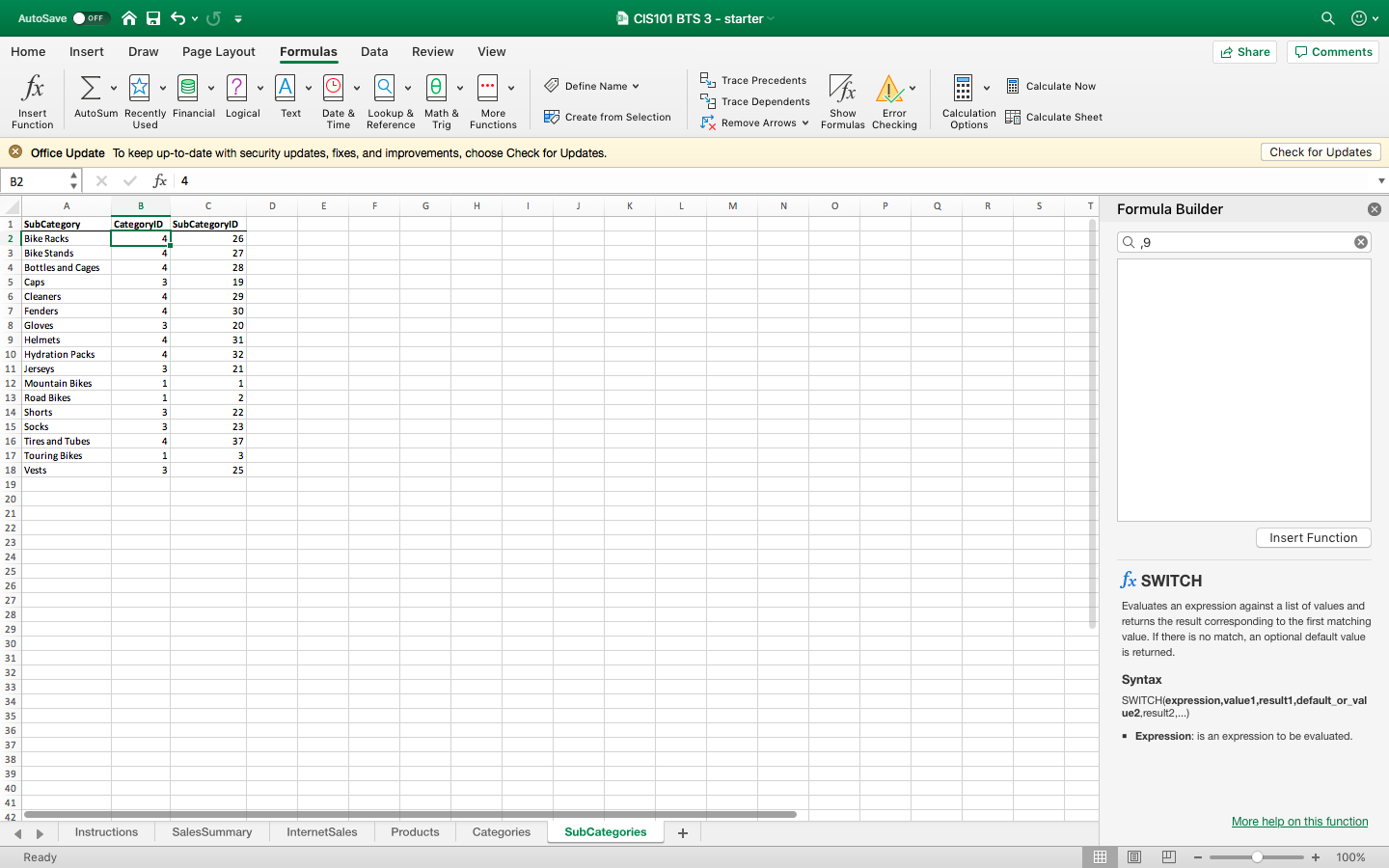
AutoSave OFF Asus CIS101 BTS 3-starter Data Share Comments Home fx Insert Draw Page Layout Formulas Ev - O - 2 - A - Review 0 - View - Define Name v 3 Calculate Now By Trace Precedents a Trace Dependents FRemove Arrows Insert Function AutoSum Recently Financial Logical Used Text Date & Time Lookup & Math & Reference Trig More Functions Create from Selection Show Error Formulas Checking Calculation Options Calculate Sheet Check for Updates K L M N O P Q R S T Formula Builder 0,9 Office Update To keep up-to-date with security updates, fixes, and improvements, choose Check for Updates. | B2 x fox 4 A B C D E F G H I J 1 SubCategory CategoryID SubCategoryID 2 Bike Racks 26 Bike Stands Bottles and Cages Caps 6 Cleaners 7 Fenders 8 Gloves 9 Helmets 10 Hydration Packs 11 Jerseys 12 Mountain Bikes 13 Road Bikes 14 Shorts 22 15 Socks 16 Tires and Tubes 17 Touring Bikes 18 Vests 21 37 25 Insert Function fx SWITCH Evaluates an expression against a list of values and returns the result corresponding to the first matching value. If there is no match, an optional default value is returned. Syntax SWITCH(expression, value1, result1,default_or_val ue2,result2....) Expression: is an expression to be evaluated. 42 Instructions Sales Summary More help on this function Internet Sales Products Categories SubCategories - Ready @ - - - + 100% AutoSave OFF Asus CIS101 BTS 3-starter Data Share Comments Home fx Insert Draw Page Layout Formulas Ev - O - 2 - A - Review 0 - View - Define Name v 3 Calculate Now By Trace Precedents a Trace Dependents FRemove Arrows Insert Function AutoSum Recently Financial Logical Used Text Date & Time Lookup & Math & Reference Trig More Functions Create from Selection Show Error Formulas Checking Calculation Options Calculate Sheet Check for Updates K L M N O P Q R S T Formula Builder 0,9 Office Update To keep up-to-date with security updates, fixes, and improvements, choose Check for Updates. | B2 x fox 4 A B C D E F G H I J 1 SubCategory CategoryID SubCategoryID 2 Bike Racks 26 Bike Stands Bottles and Cages Caps 6 Cleaners 7 Fenders 8 Gloves 9 Helmets 10 Hydration Packs 11 Jerseys 12 Mountain Bikes 13 Road Bikes 14 Shorts 22 15 Socks 16 Tires and Tubes 17 Touring Bikes 18 Vests 21 37 25 Insert Function fx SWITCH Evaluates an expression against a list of values and returns the result corresponding to the first matching value. If there is no match, an optional default value is returned. Syntax SWITCH(expression, value1, result1,default_or_val ue2,result2....) Expression: is an expression to be evaluated. 42 Instructions Sales Summary More help on this function Internet Sales Products Categories SubCategories - Ready @ - - - + 100%
Step by Step Solution
There are 3 Steps involved in it

Get step-by-step solutions from verified subject matter experts