







Question: ............ AutoSave . Off) H 9. Intermediate Accounting II Project ISABEL CISNEROS - Excel Picture Tools Sign in File Home Insert Page Layout Formulas Data
............
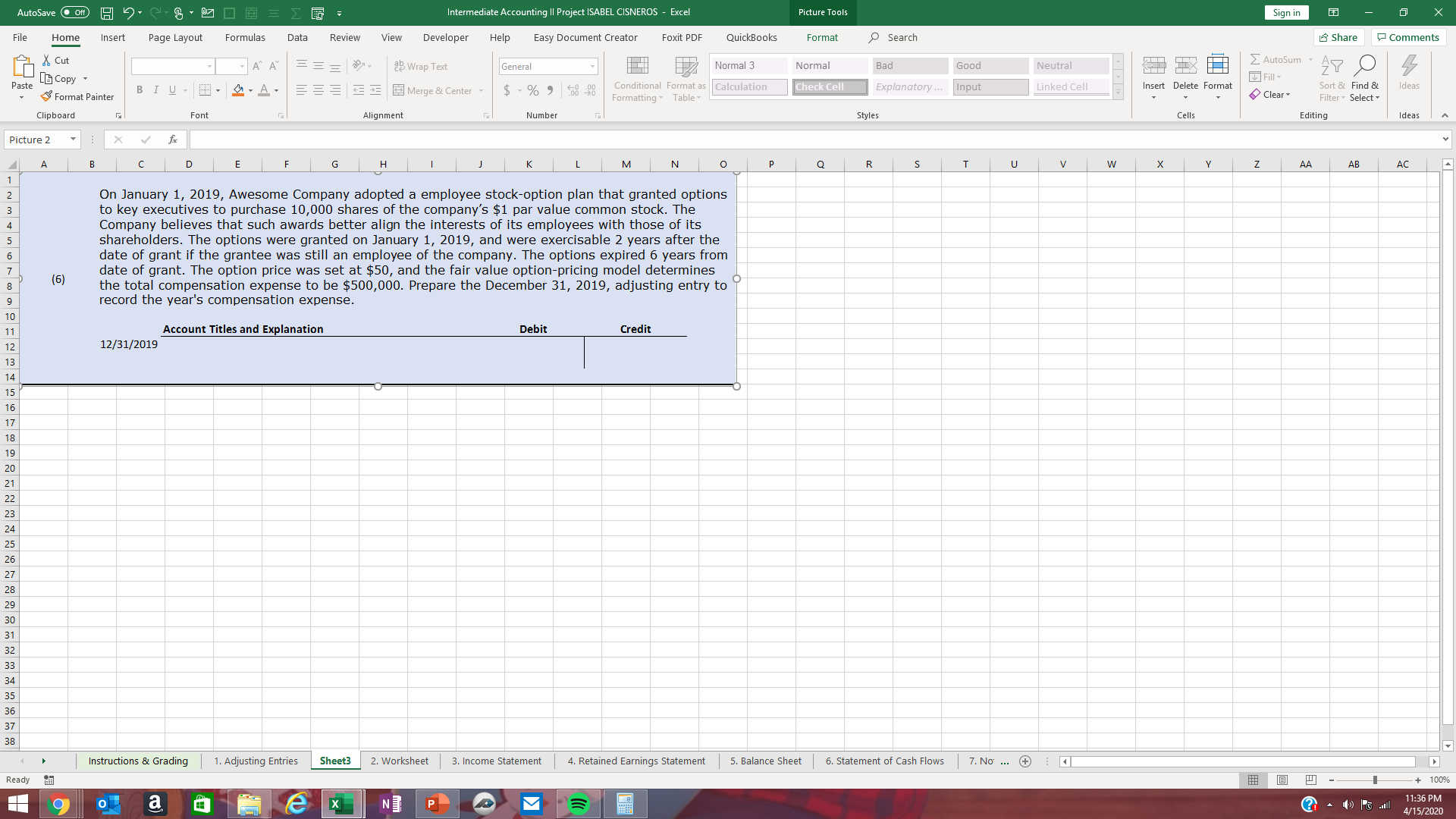
AutoSave . Off) H 9. Intermediate Accounting II Project ISABEL CISNEROS - Excel Picture Tools Sign in File Home Insert Page Layout Formulas Data Review View Developer Help Easy Document Creator Foxit PDF QuickBooks Format Search Share Comments & Cut A" A ab Wrap Text Genera Normal 3 Normal Bad Good Neutral AutoSum Paste [B Copy - Format Painter BIU - - LA. E Merge & Center Conditional Format as |Calculation Check Cell Explanatory ... Linked Cell Formatting Table Input 41 4 I Fill O nsert Delete Format Clear * Sort & Find & Ideas Filter . Select Clipboard Font Alignment Number Styles Cells Editing Ideas Picture 2 X v fx B C D E G H K M N 0 P Q R S T U V W X Y Z AA AB AC On January 1, 2019, Awesome Company adopted a employee stock-option plan that granted options to key executives to purchase 10,000 shares of the company's $1 par value common stock. The Company believes that such awards better align the interests of its employees with those of its shareholders. The options were granted on January 1, 2019, and were exercisable 2 years after the date of grant if the grantee was still an employee of the company. The options expired 6 years from (6) date of grant. The option price was set at $50, and the fair value option-pricing model determines the total compensation expense to be $500,000. Prepare the December 31, 2019, adjusting entry to record the year's compensation expense. Account Titles and Explanation Debit Credit 12/31/2019 Instructions & Grading 1. Adjusting Entries Sheet3 2. Worksheet 3. Income Statement 4. Retained Earnings Statement 5. Balance Sheet 6. Statement of Cash Flows 7. No ... + Ready 100% a N P M 11:36 PM 4/15/2020
Step by Step Solution
There are 3 Steps involved in it

Get step-by-step solutions from verified subject matter experts
 Study Help