







Question: B 1 6 2 6 0 0 A B C D E F G Presented below are incomplete financial statements for Marta Communications Company. Required:
B
A
B
C
D
E
F
G
Presented below are incomplete financial statements for Marta Communications Company.
Required:
Solve for the missing amounts.
Note: When an amount on one financial statement is again shown on another statement, you MUST reference the cell from the earlier statement rather than calculate the amount, thus indicating the relationship between the two statements.
All formulas must return positive values.
tabletableMARTA COMMUNICATIONS CompanyIncome StatementFor the Month Ended March Service Revenue,$Expenses:Rent Expense,Salaries Expense,rUtilities Expense,Income Tax Expense,Net income,$
tableMARTA COMMUNICATIONS CompanyStatement of Stockholders' EquityFor the Month Ended March Beginning balance, March $Add: Net income,Subtract: Dividends,,Ending balance, March V$
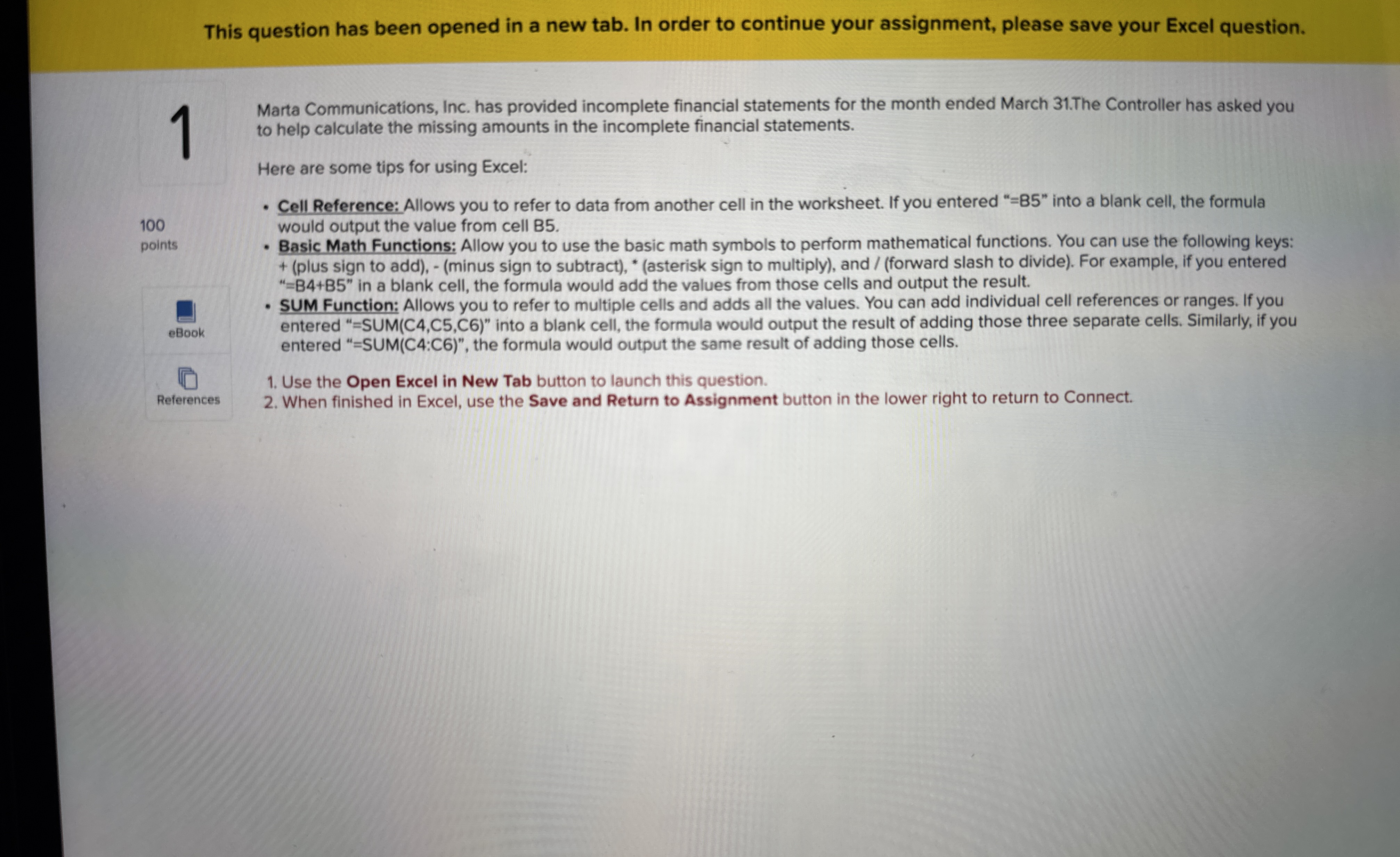
This question has been opened in a new tab. In order to continue your assignment, please save your Excel question.
Marta Communications, Inc. has provided incomplete financial statements for the month ended March The Controller has asked you to help calculate the missing amounts in the incomplete financial statements.
Here are some tips for using Excel:
points ebook
References
Cell Reference: Allows you to refer to data from another cell in the worksheet. If you entered B into a blank cell, the formula would output the value from cell B
Basic Math Functions: Allow you to use the basic math symbols to perform mathematical functions. You can use the following keys: plus sign to addminus sign to subtractasterisk sign to multiply and forward slash to divide For example, if you entered BB in a blank cell, the formula would add the values from those cells and output the result.
SUM Function: Allows you to refer to multiple cells and adds all the values. You can add individual cell references or ranges. If you entered SUM CCC into a blank cell, the formula would output the result of adding those three separate cells. Similarly, if you entered SUMC:C the formula would output the same result of adding those cells.
Use the Open Excel in New Tab button to launch this question.
When finished in Excel, use the Save and Return to Assignment button in the lower right to return to Connect.
Step by Step Solution
There are 3 Steps involved in it
1 Expert Approved Answer
Step: 1 Unlock

Question Has Been Solved by an Expert!
Get step-by-step solutions from verified subject matter experts
Step: 2 Unlock
Step: 3 Unlock
 Study Help