







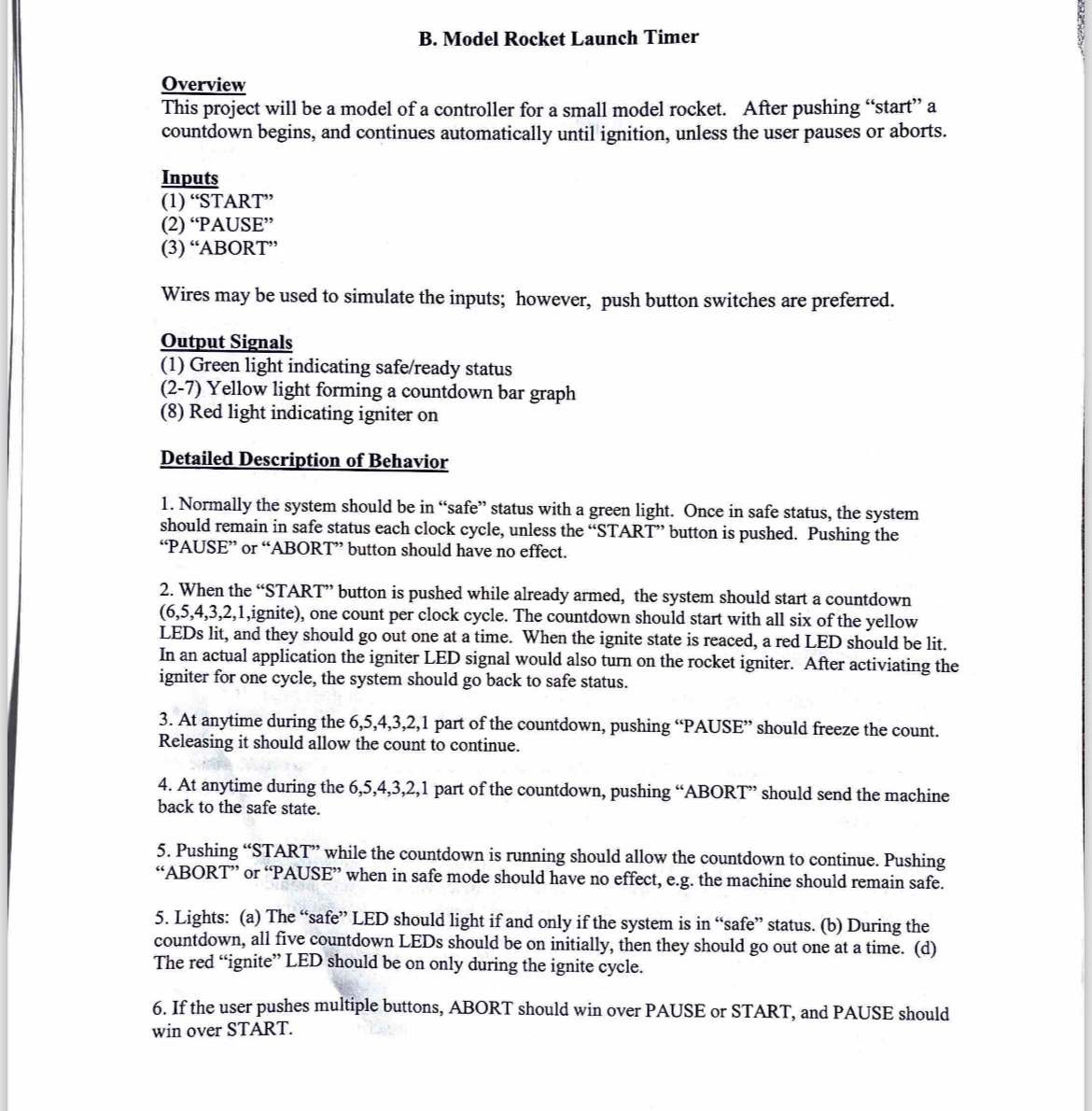
Question: B . Model Rocket Launch Timer Overview This project will be a model of a controller for a small model rocket. After pushing start a
B Model Rocket Launch Timer
Overview
This project will be a model of a controller for a small model rocket. After pushing "start" a countdown begins, and continues automatically until ignition, unless the user pauses or aborts.
Inputs
"START"
"PAUSE"
"ABORT"
Wires may be used to simulate the inputs; however, push button switches are preferred.
Output Signals
Green light indicating safeready status
Yellow light forming a countdown bar graph
Red light indicating igniter on
Detailed Description of Behavior
Normally the system should be in "safe" status with a green light. Once in safe status, the system should remain in safe status each clock cycle, unless the "START" button is pushed. Pushing the "PAUSE" or "ABORT" button should have no effect.
When the "START" button is pushed while already armed, the system should start a countdown ignite one count per clock cycle. The countdown should start with all six of the yellow LEDs lit, and they should go out one at a time. When the ignite state is reaced, a red LED should be lit. In an actual application the igniter LED signal would also turn on the rocket igniter. After activiating the igniter for one cycle, the system should go back to safe status.
At anytime during the part of the countdown, pushing "PAUSE" should freeze the count. Releasing it should allow the count to continue.
At anytime during the part of the countdown, pushing "ABORT" should send the machine back to the safe state.
Pushing "START" while the countdown is running should allow the countdown to continue. Pushing "ABORT" or "PAUSE" when in safe mode should have no effect, eg the machine should remain safe.
Lights: a The "safe" LED should light if and only if the system is in "safe" status. b During the countdown, all five countdown LEDs should be on initially, then they should go out one at a time. d The red "ignite" LED should be on only during the ignite cycle.
If the user pushes multiple buttons, ABORT should win over PAUSE or START, and PAUSE should win over START.
Step by Step Solution
There are 3 Steps involved in it
1 Expert Approved Answer
Step: 1 Unlock

Question Has Been Solved by an Expert!
Get step-by-step solutions from verified subject matter experts
Step: 2 Unlock
Step: 3 Unlock
 Study Help