







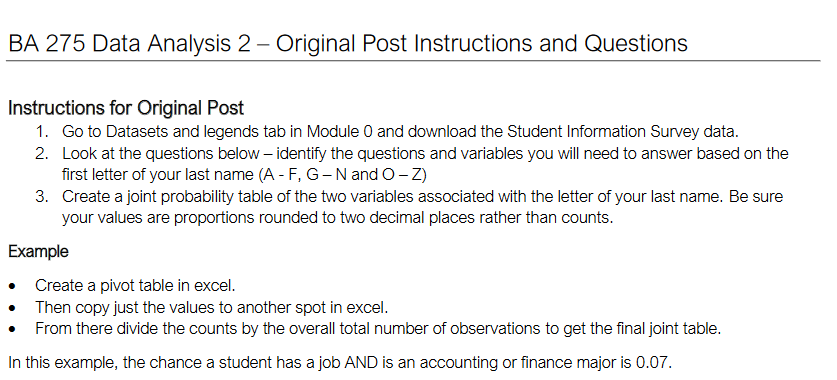
Question: BA 2 7 5 Data Analysis 2 - Original Post Instructions and Questions Instructions for Original Post Go to Datasets and legends tab in Module
BA Data Analysis Original Post Instructions and Questions
Instructions for Original Post
Go to Datasets and legends tab in Module and download the Student Information Survey data.
Look at the questions below identify the questions and variables you will need to answer based on the
first letter of your last name and
Create a joint probability table of the two variables associated with the letter of your last name. Be sure
your values are proportions rounded to two decimal places rather than counts.
Example
Create a pivot table in excel.
Then copy just the values to another spot in excel.
From there divide the counts by the overall total number of observations to get the final joint table.
In this example, the chance a student has a job AND is an accounting or finance major is
Step by Step Solution
There are 3 Steps involved in it
1 Expert Approved Answer
Step: 1 Unlock

Question Has Been Solved by an Expert!
Get step-by-step solutions from verified subject matter experts
Step: 2 Unlock
Step: 3 Unlock
 Study Help