







Question: Based on the images below Using the dig command: 1) What is the hostname that was tried to resolve? 2) What is the DNS record
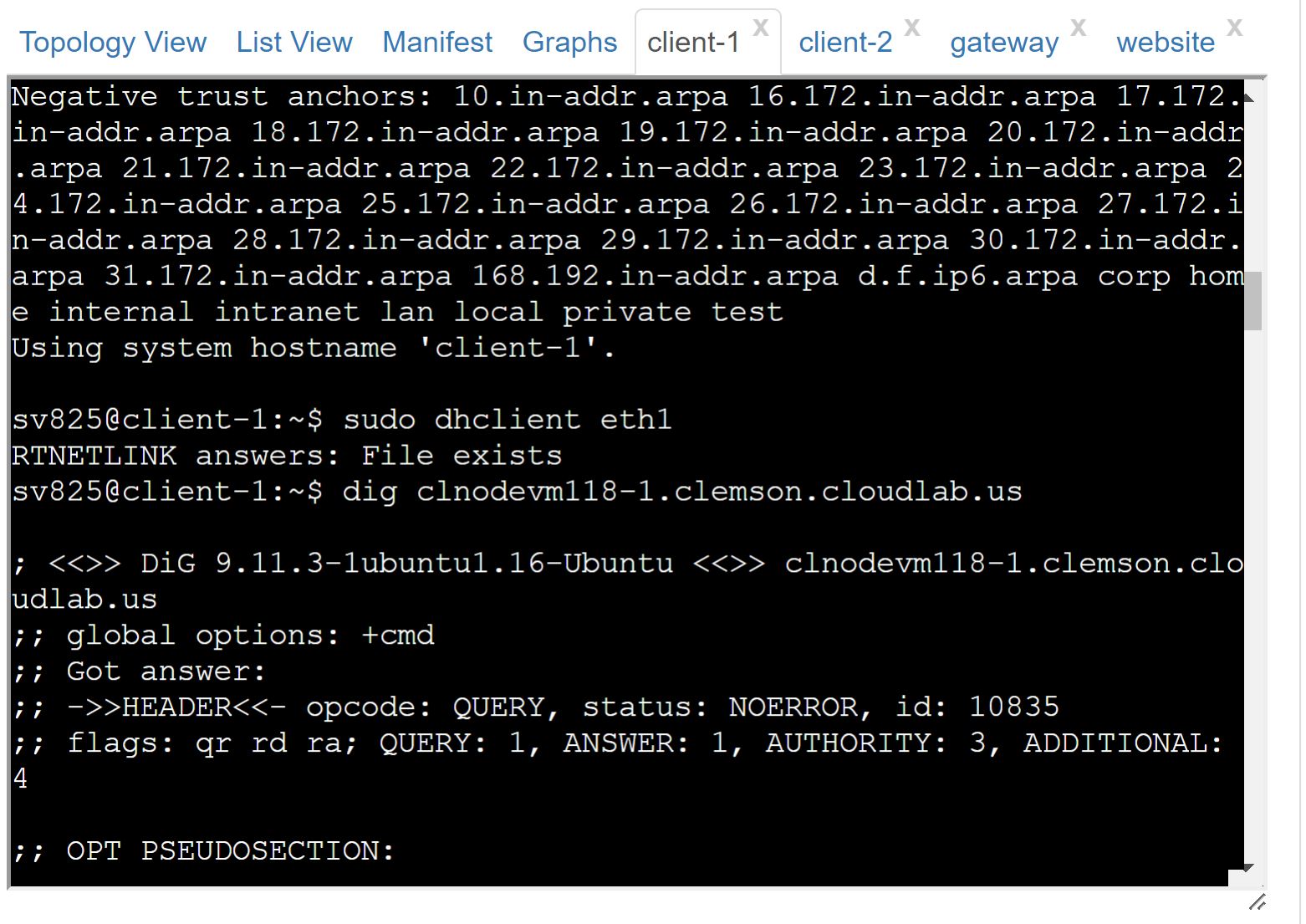
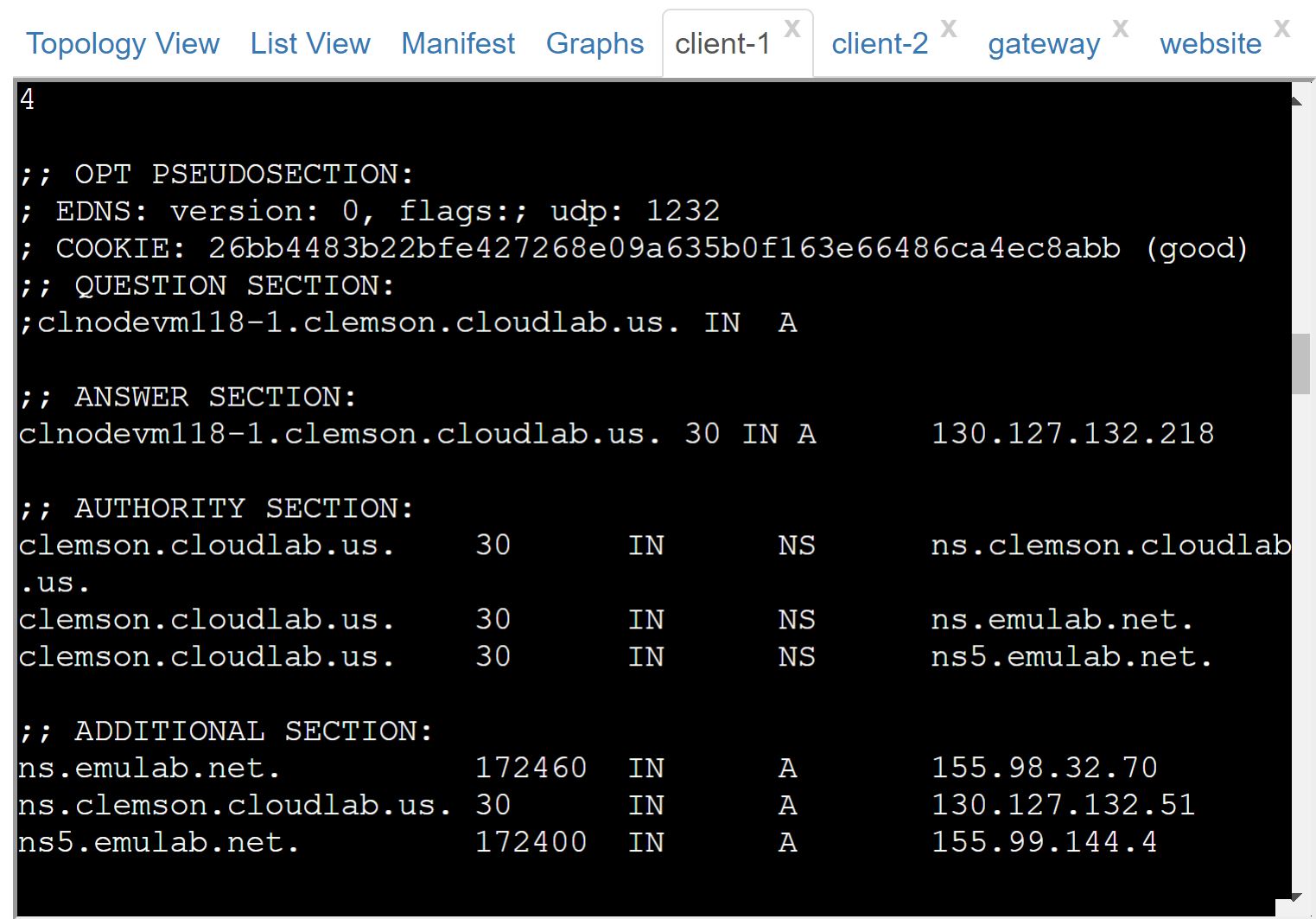
Based on the images below
Using the dig command:
1) What is the hostname that was tried to resolve?
2) What is the DNS record type that the query relates to?
3) What is the address for the hostname asked to resolve?
4) What is the name of the first authoritative server listed for this name and the IP address of that authoritative server?
- For the hierarchical DNS resolution with+trace, show thedigcommand and its output. Draw a diagram showing how the hostname was resolved recursively, starting from the implied.at the end and moving toward the beginning.
- At the top, show the nameservers for the root domain. Highlight the one that was queried for the top-level domain (as shown in thedig +traceoutput).
- At the next level, show the nameservers for the top-level domain. Highlight the one that was queried for the second-level domain.
- At the next level, show the nameservers for the second-level domain. Highlight the one that was queried for the subdomain.
- Repeat until how the complete hostname is resolved.
NAT:
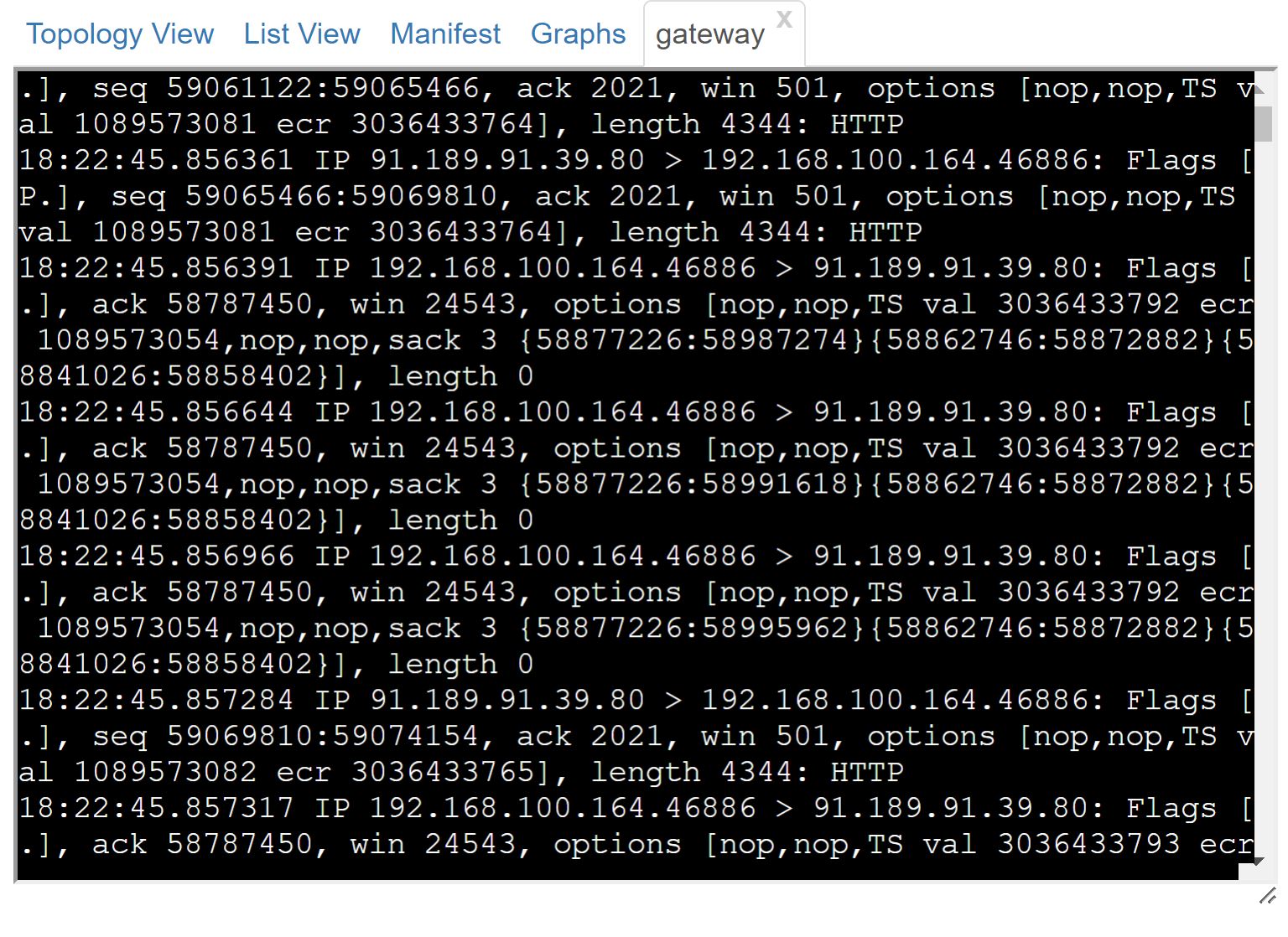
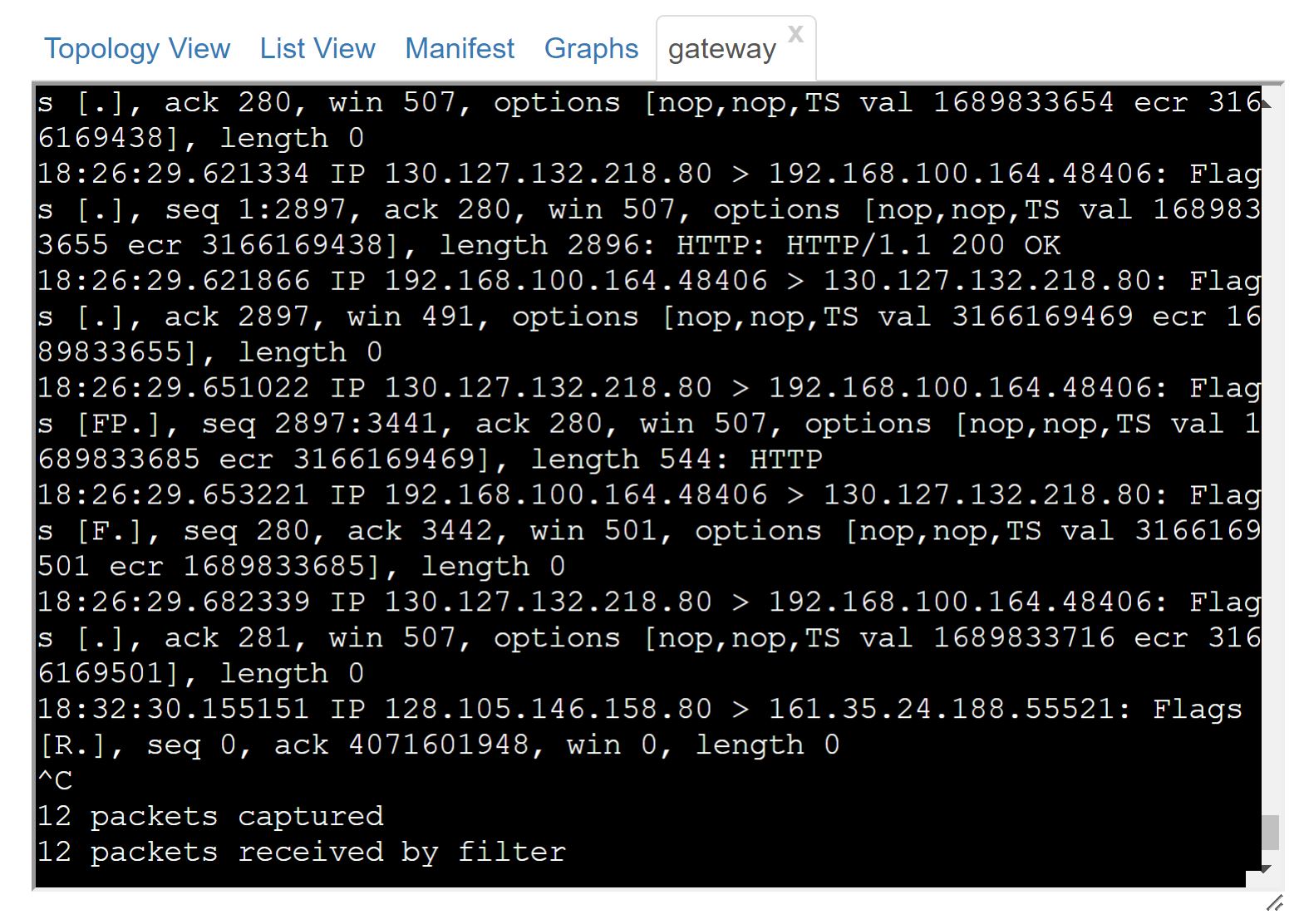
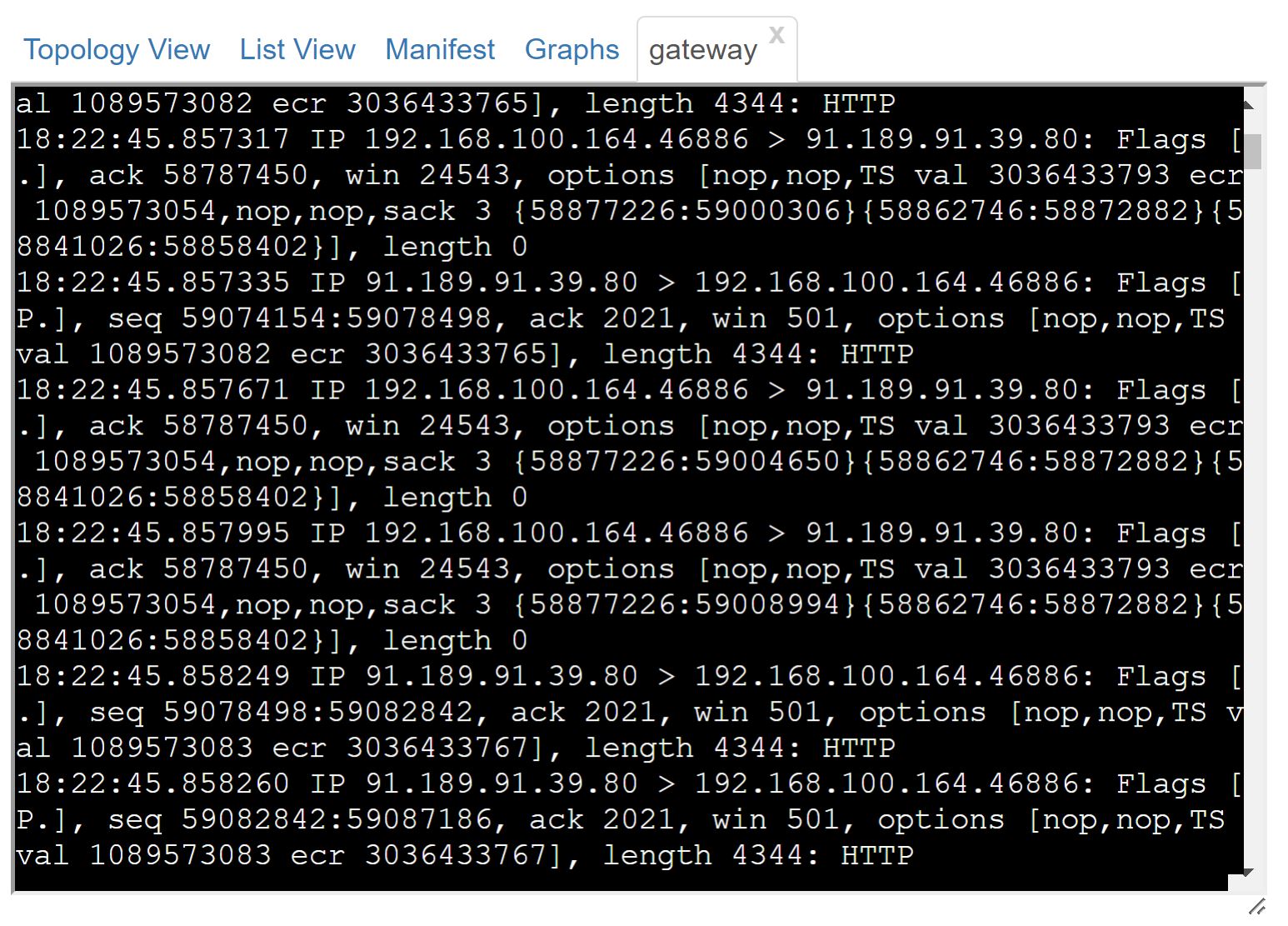
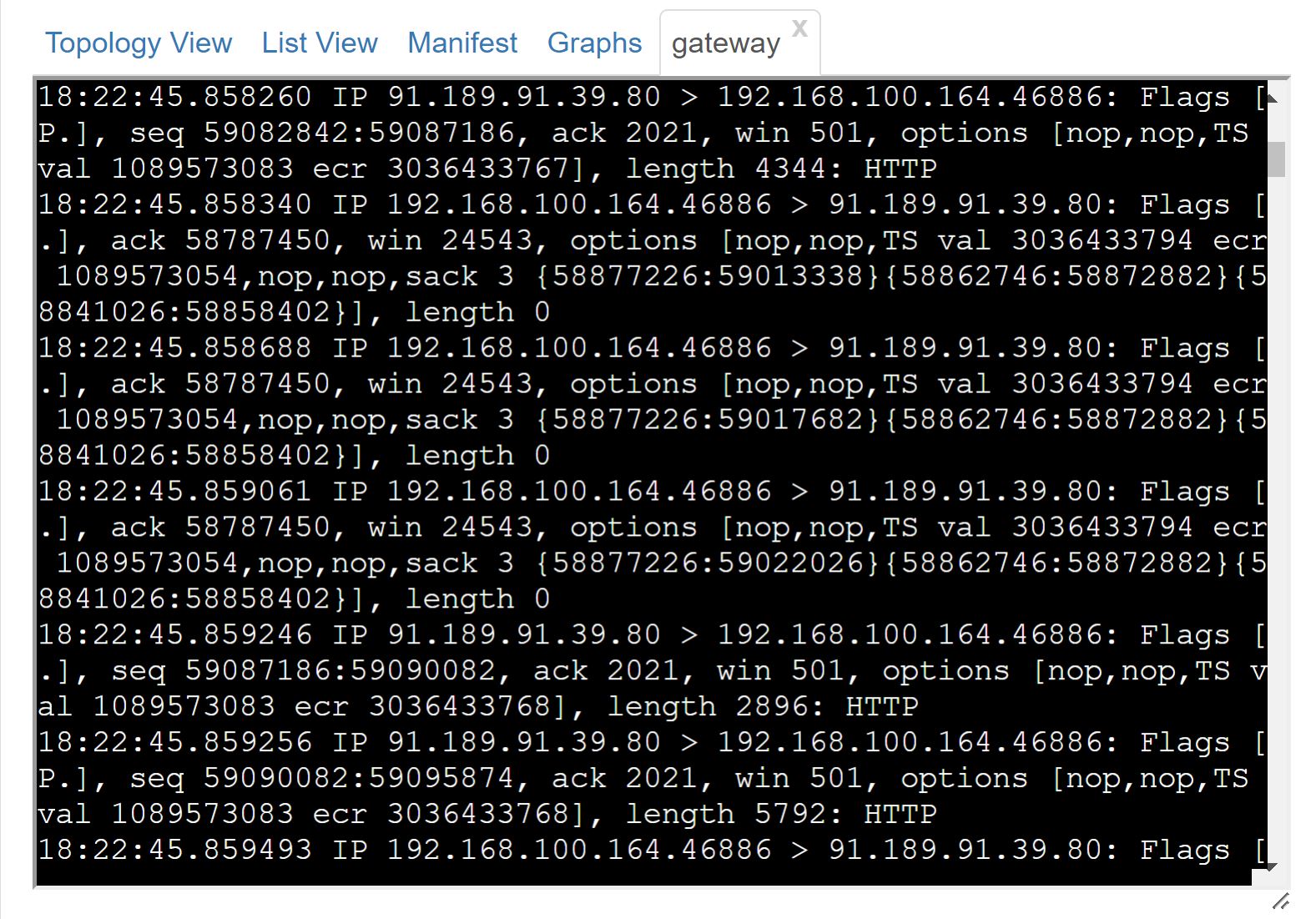
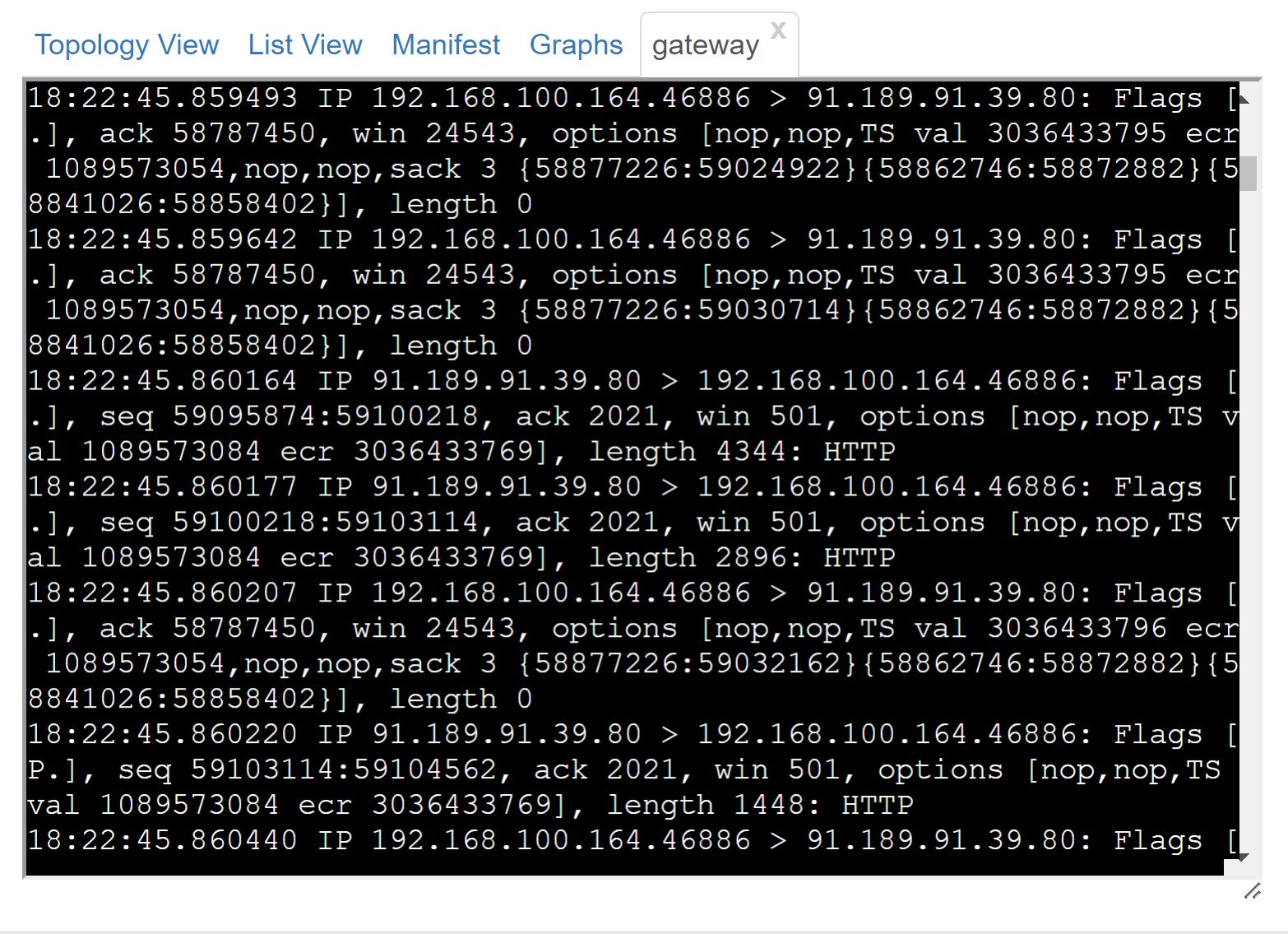
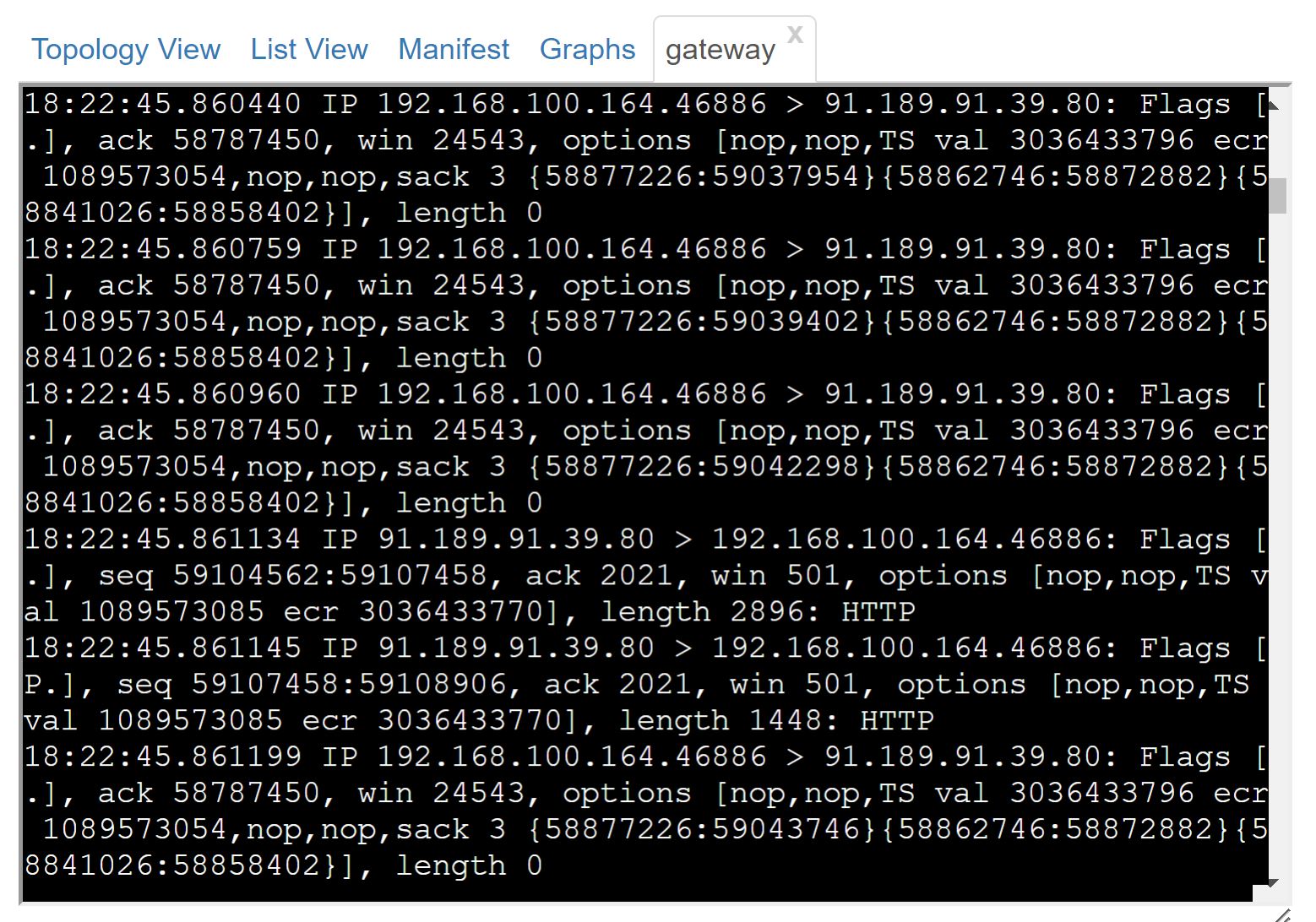
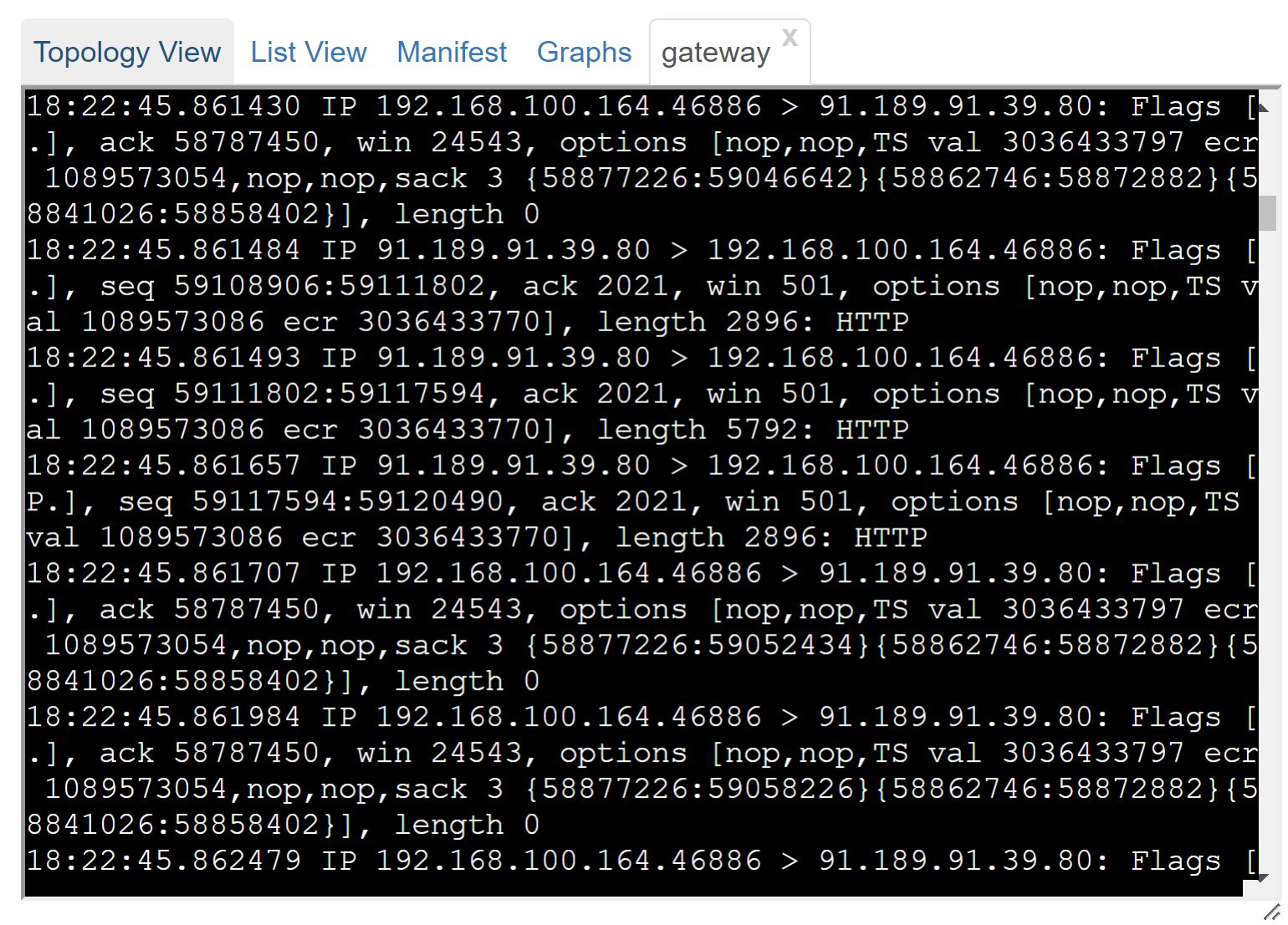
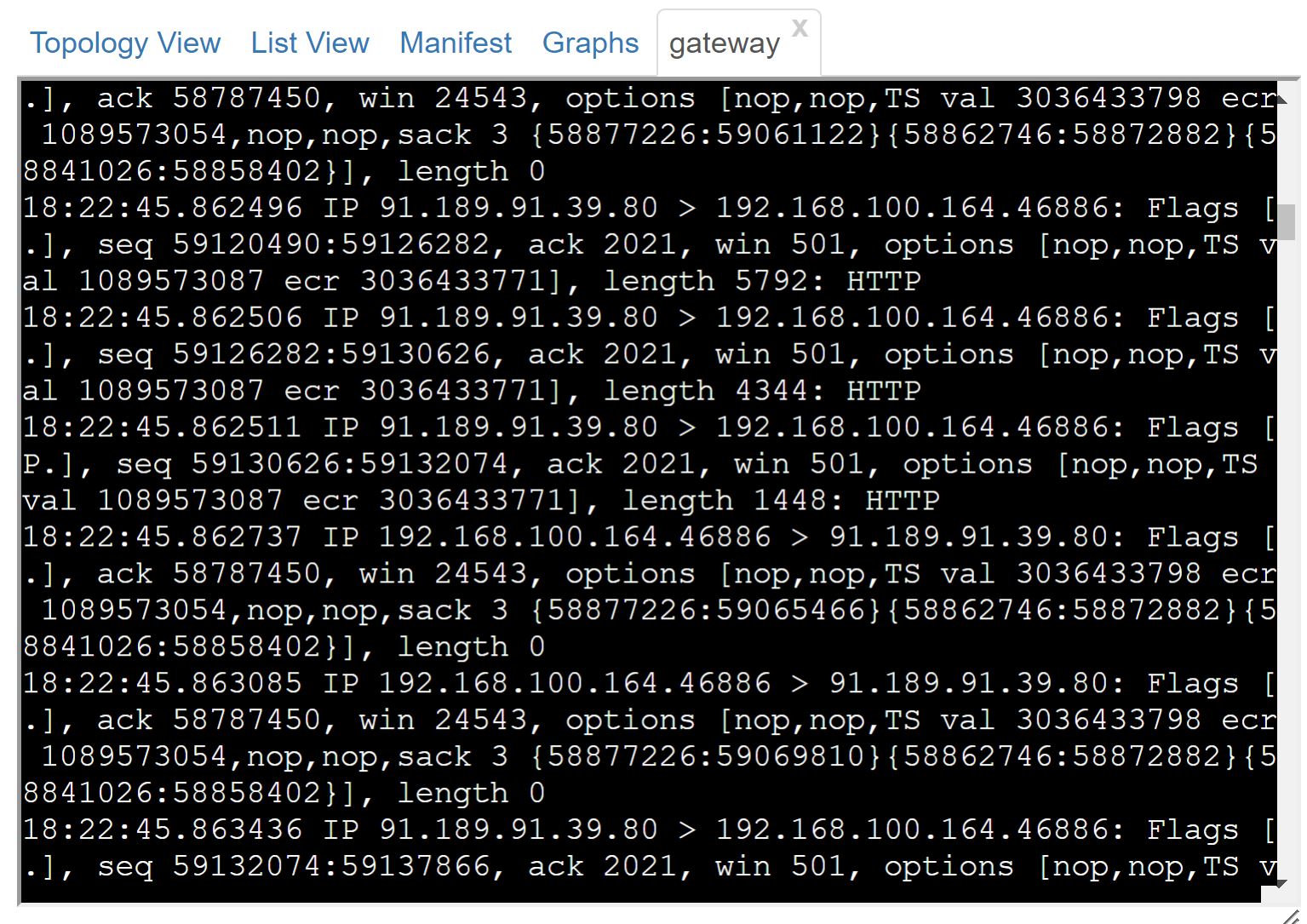
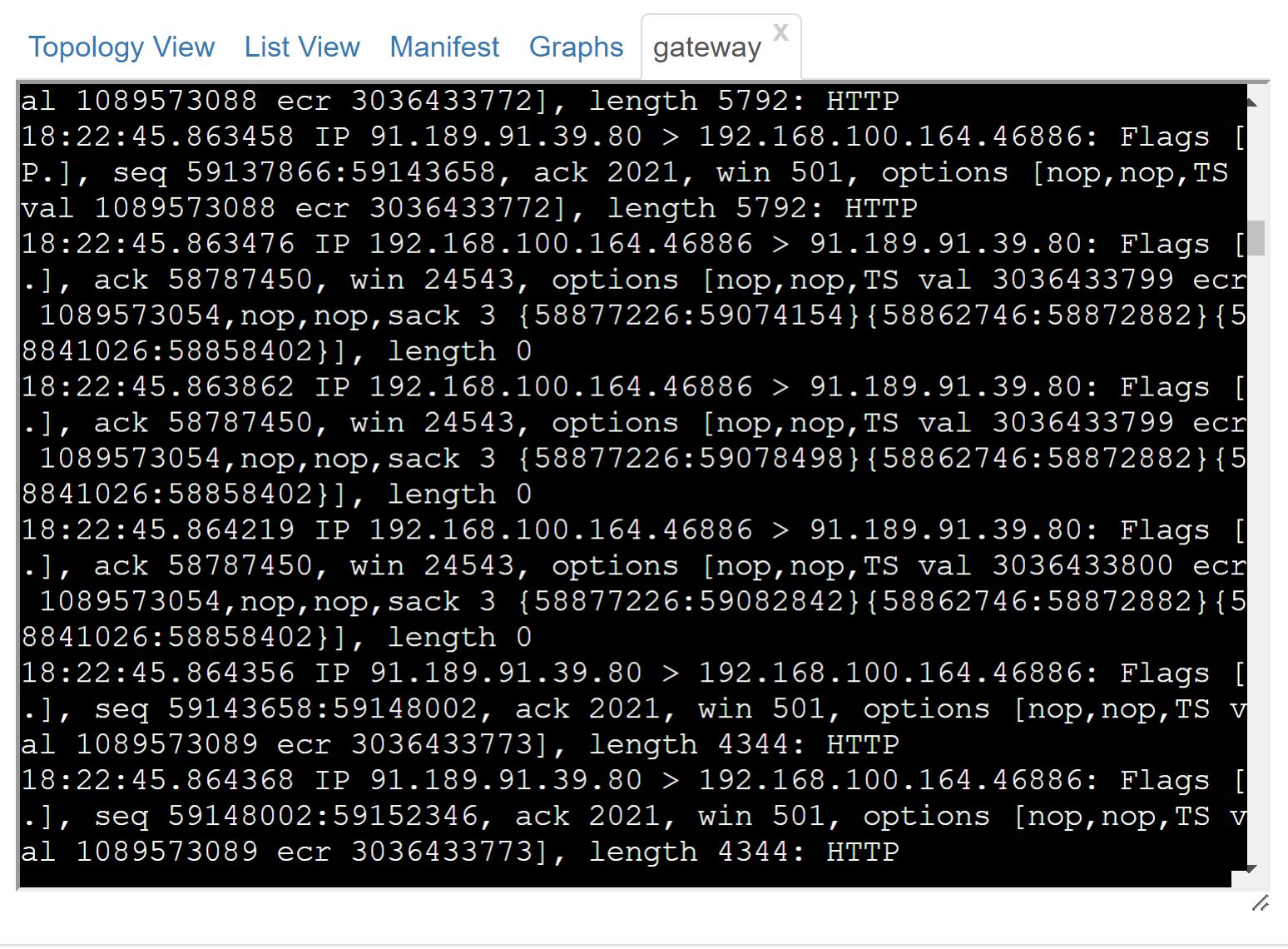
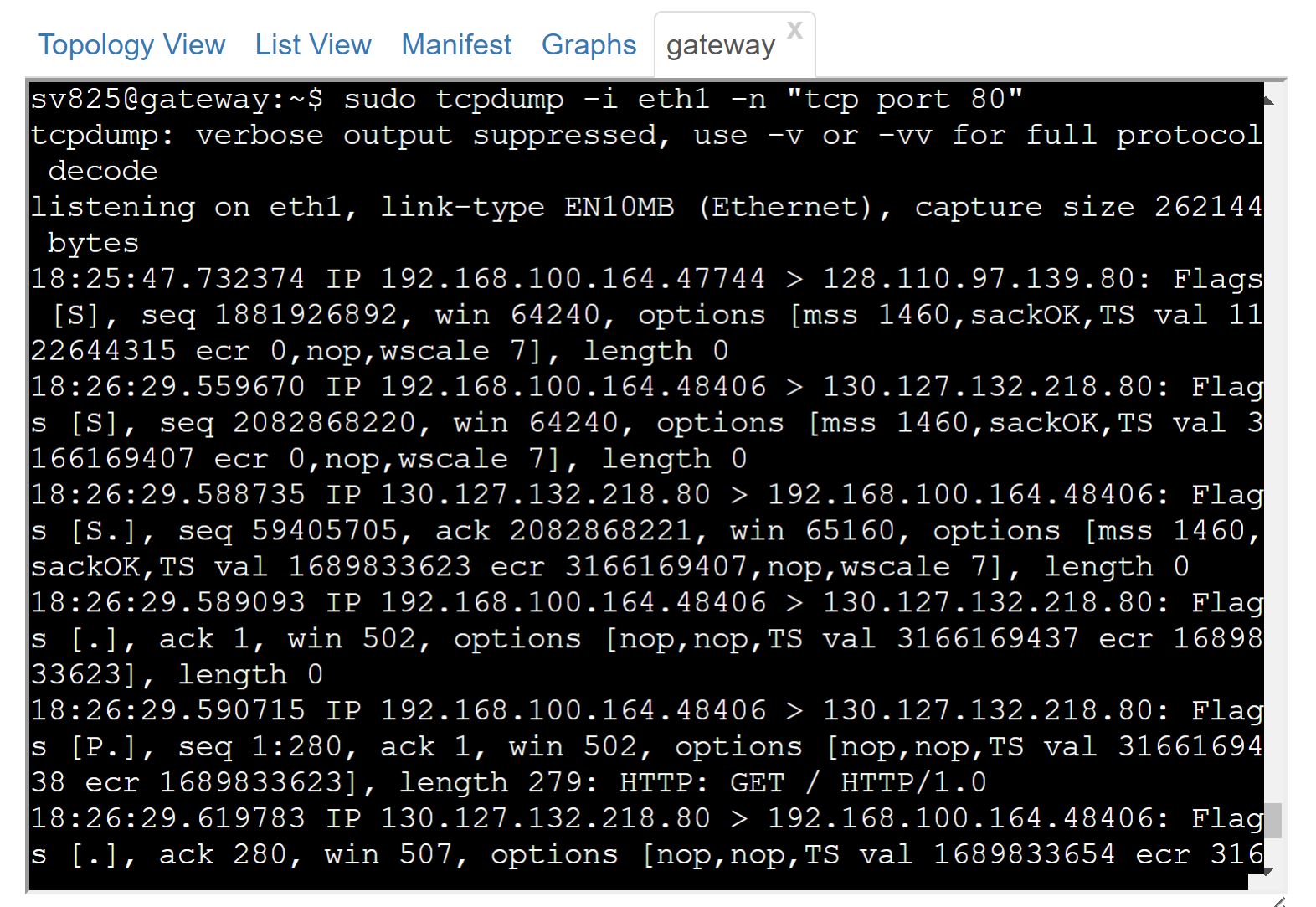
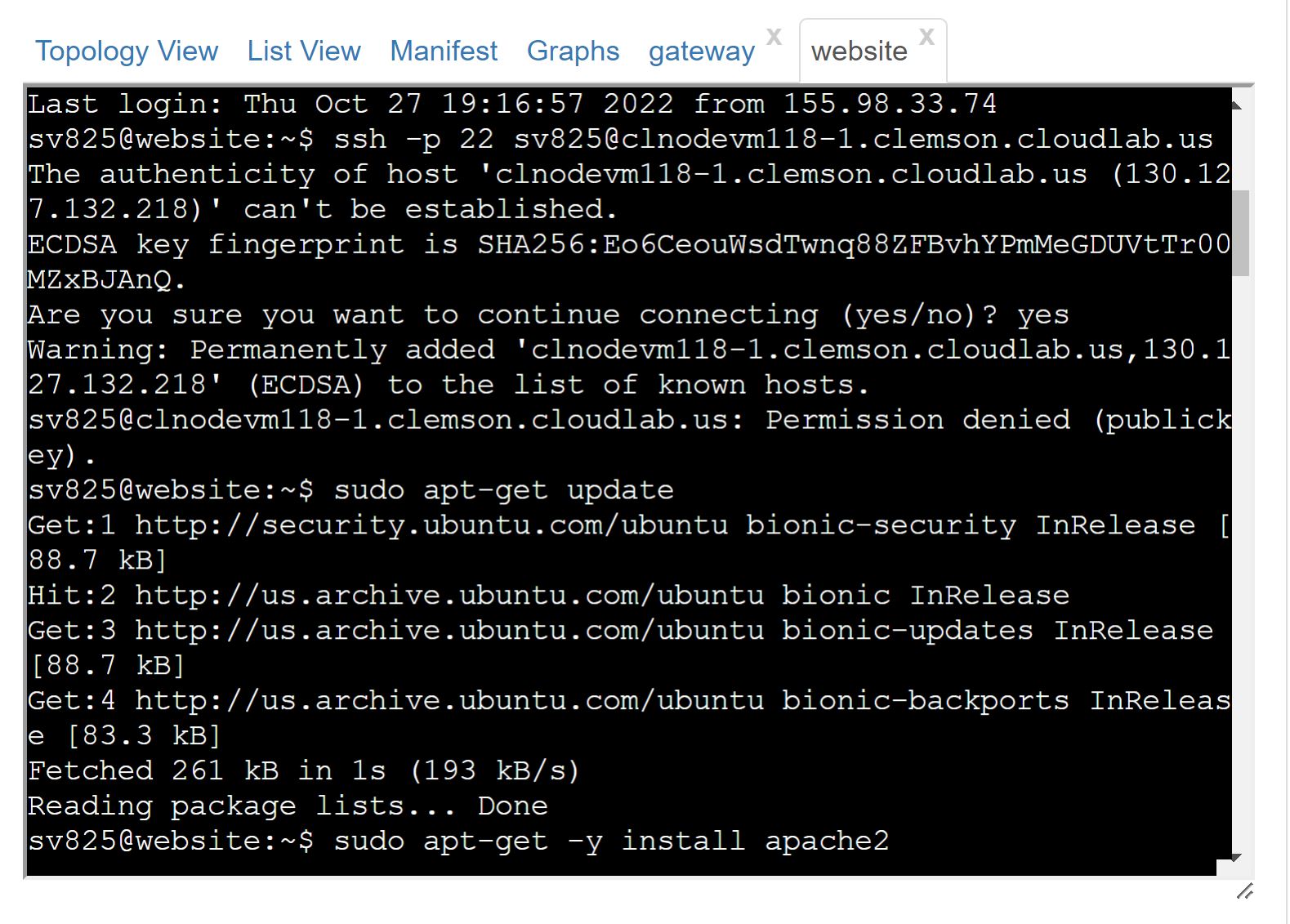
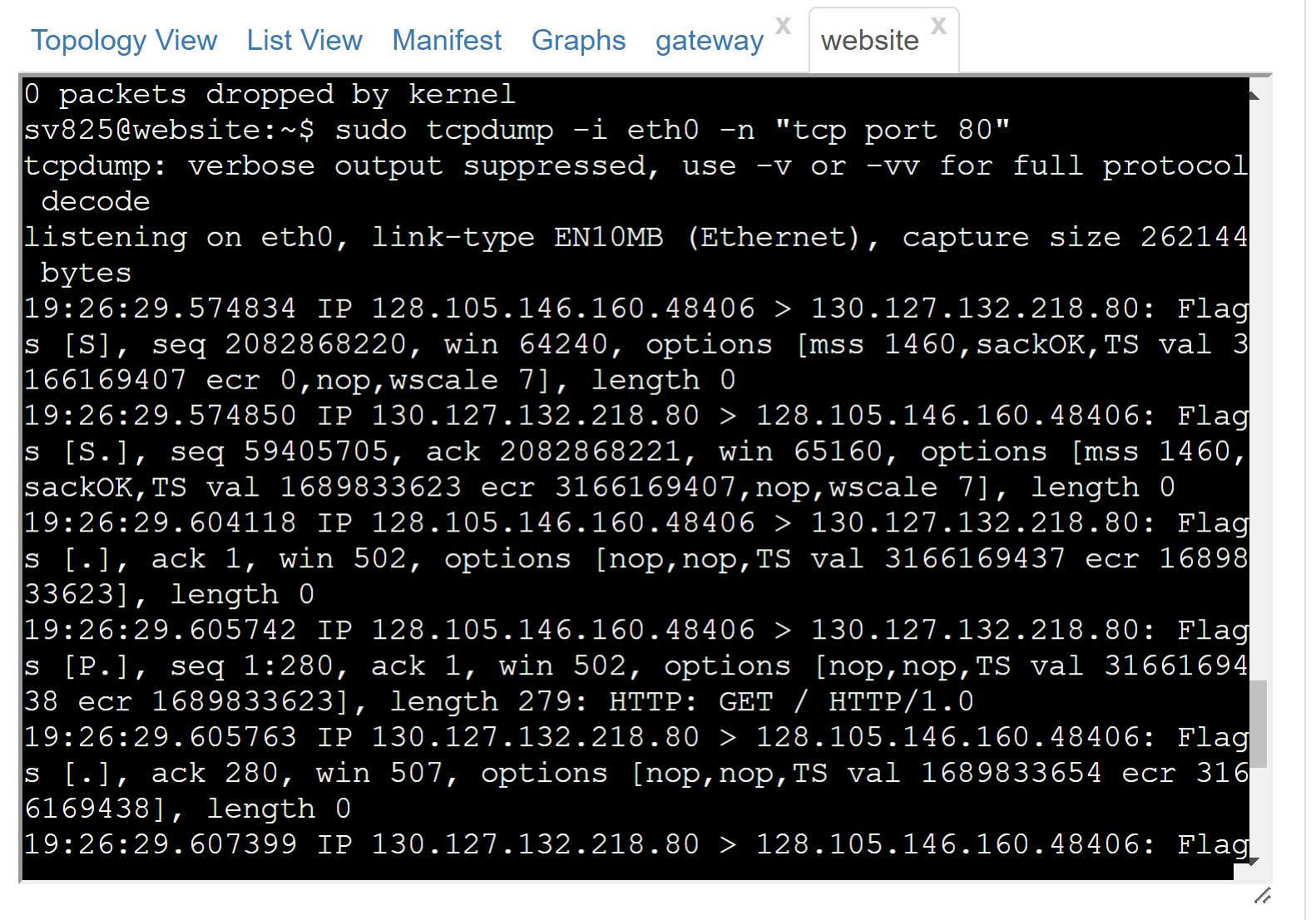
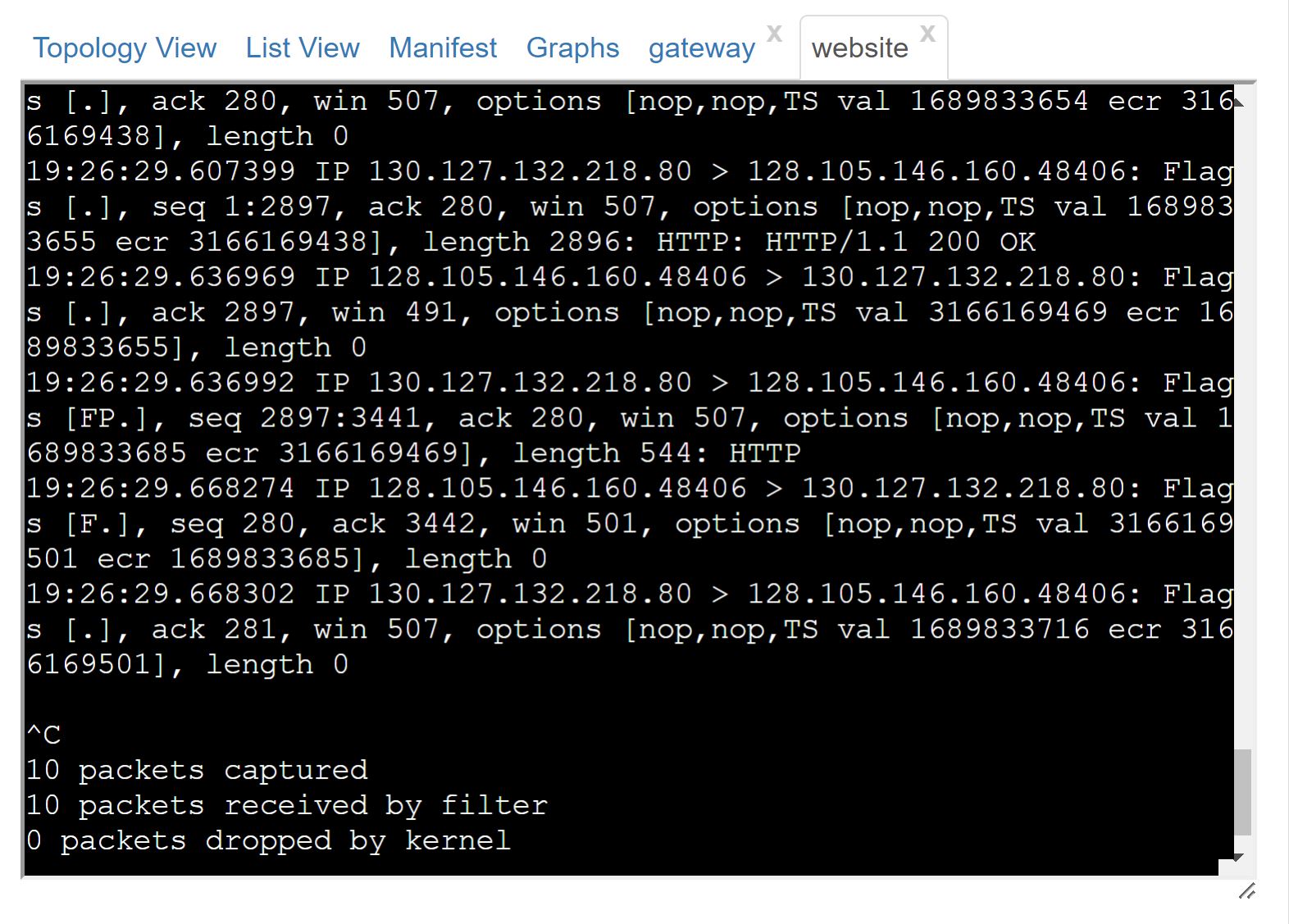
1) Which image showcases the three-way TCP handshake for a connection between client and website as seen by the tcpdump at the website and at the gateway on the LAN. Which IP addresses and port numbers were used in the connection?
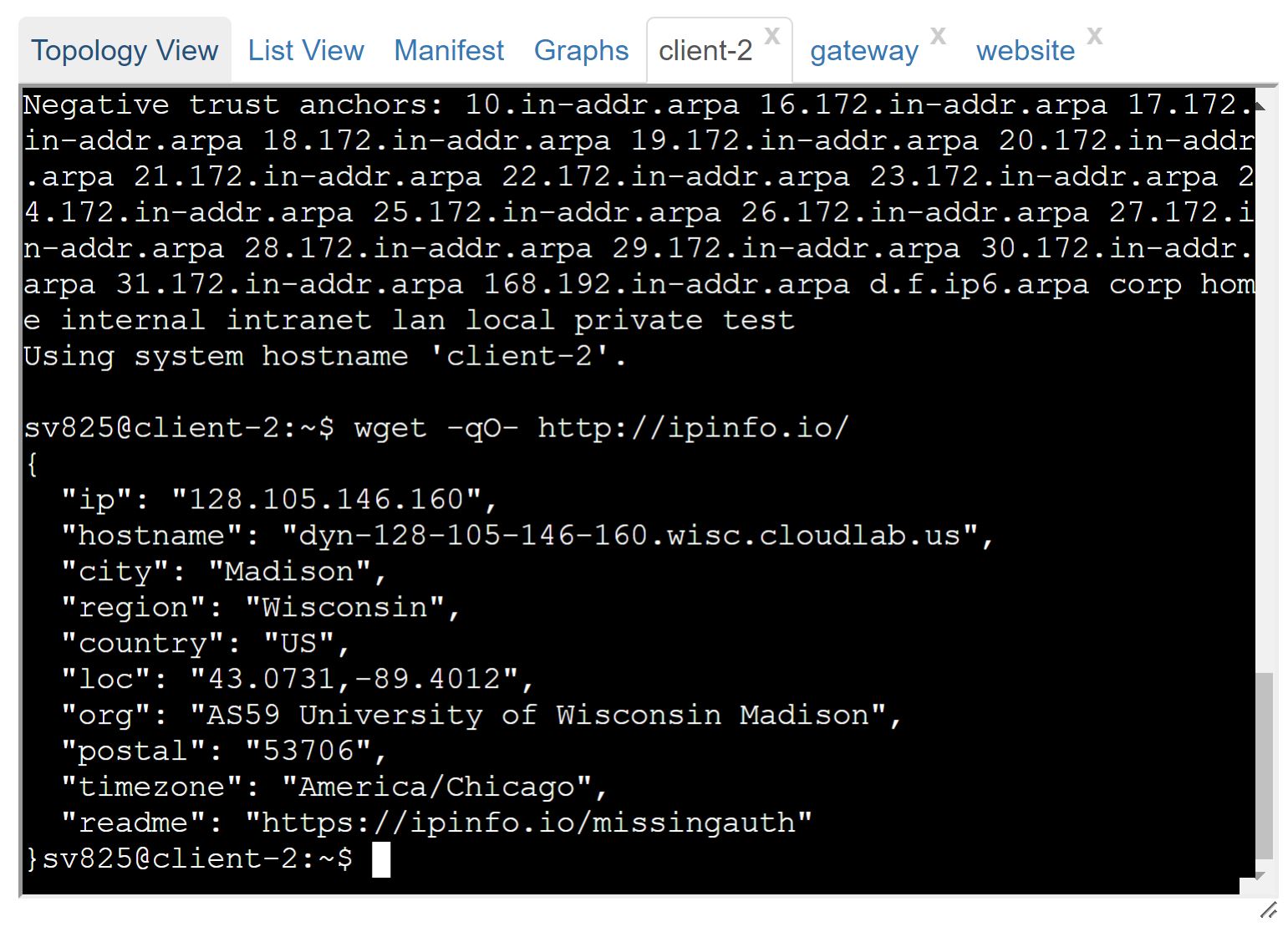
2) How would the diagram showing howNAT is used between client and website with the IP addresses, hostnames, and ports look like based on the images below?
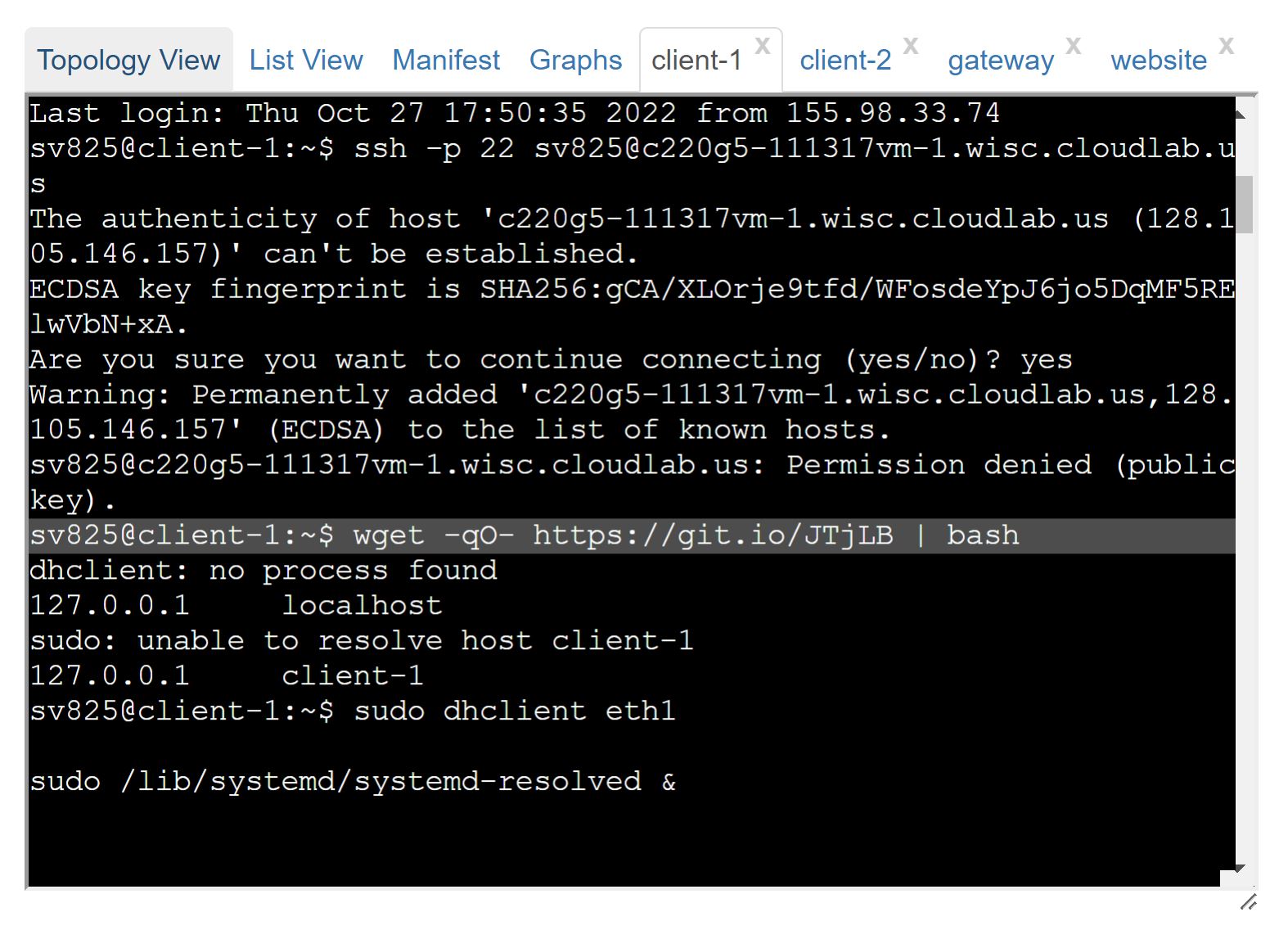
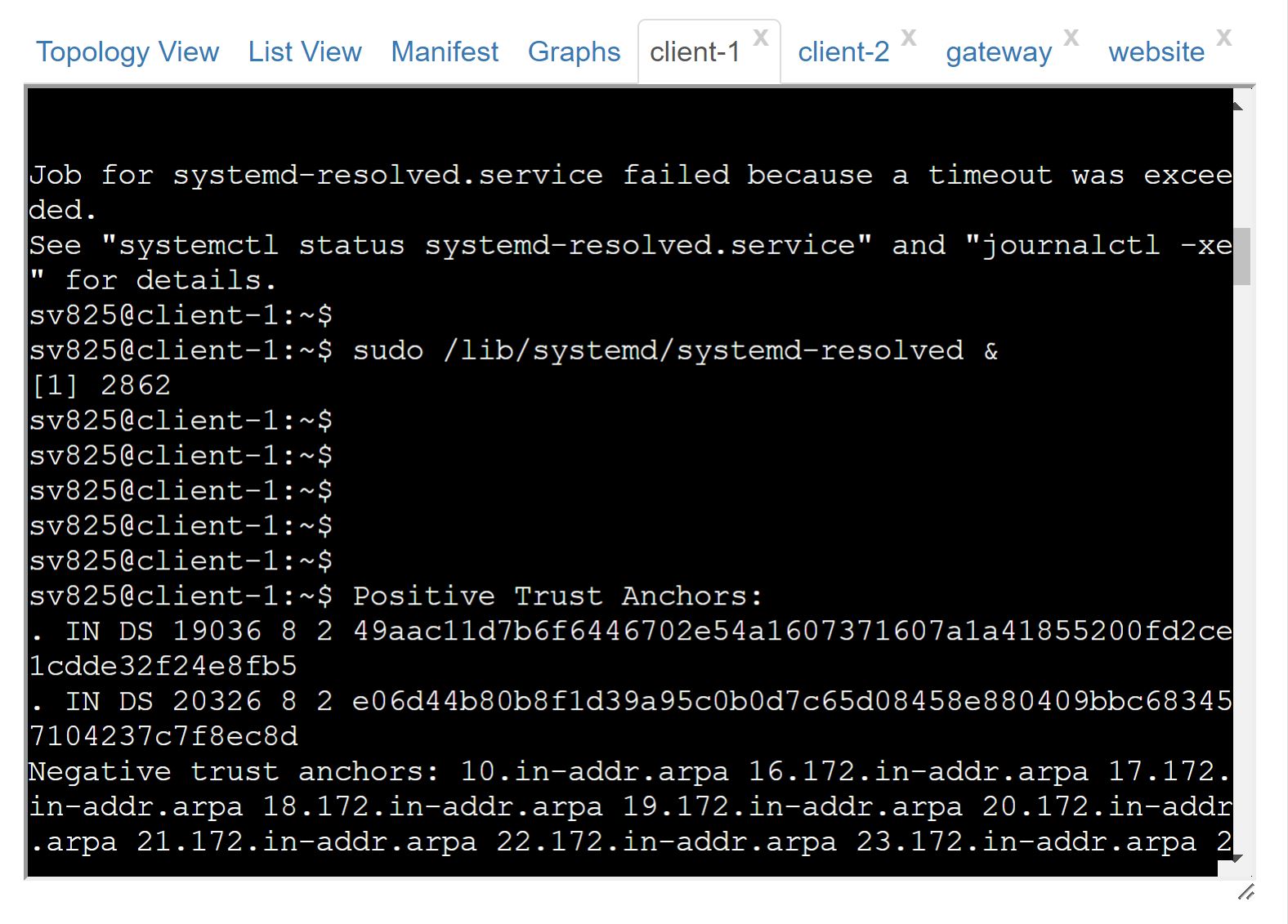
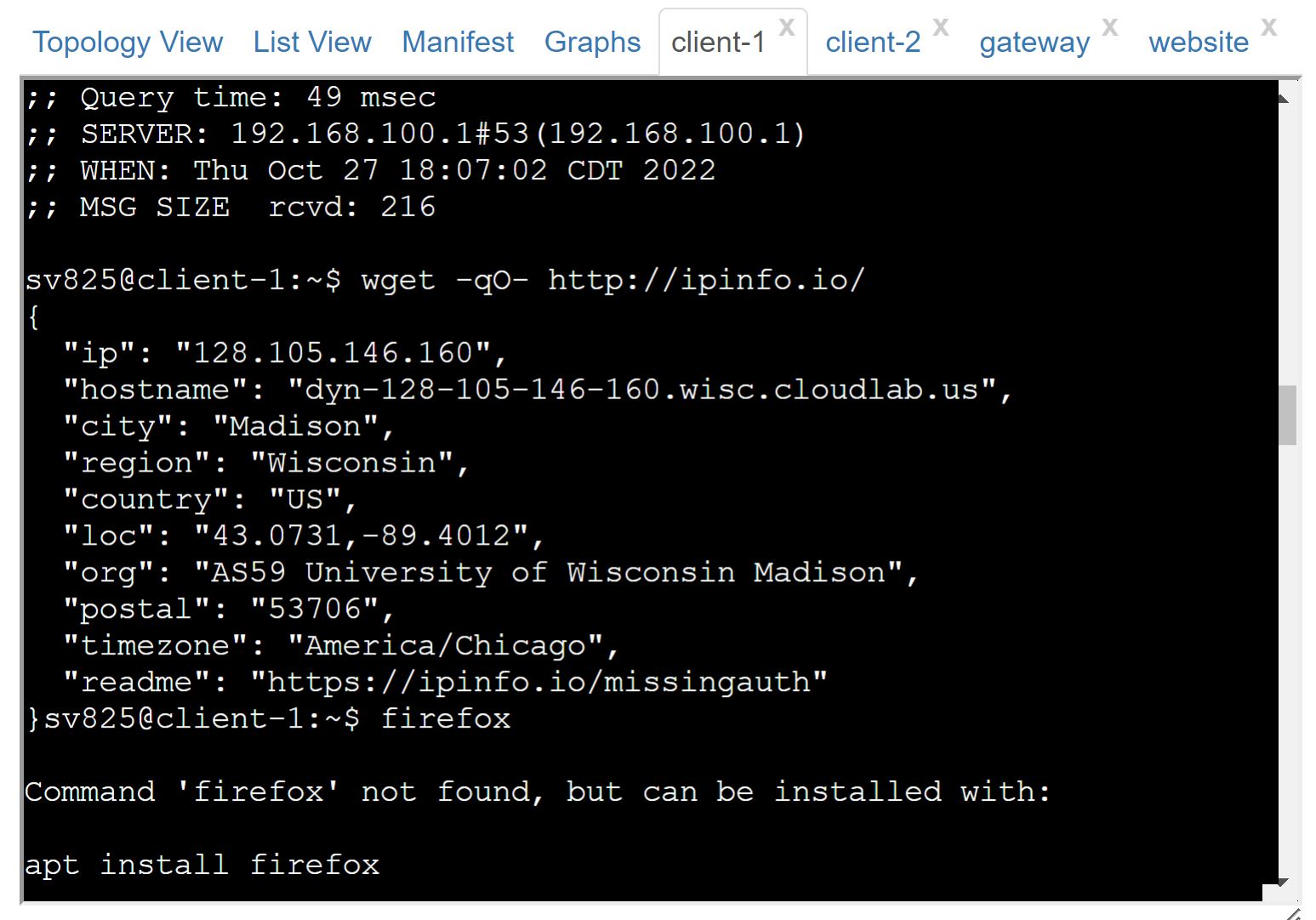
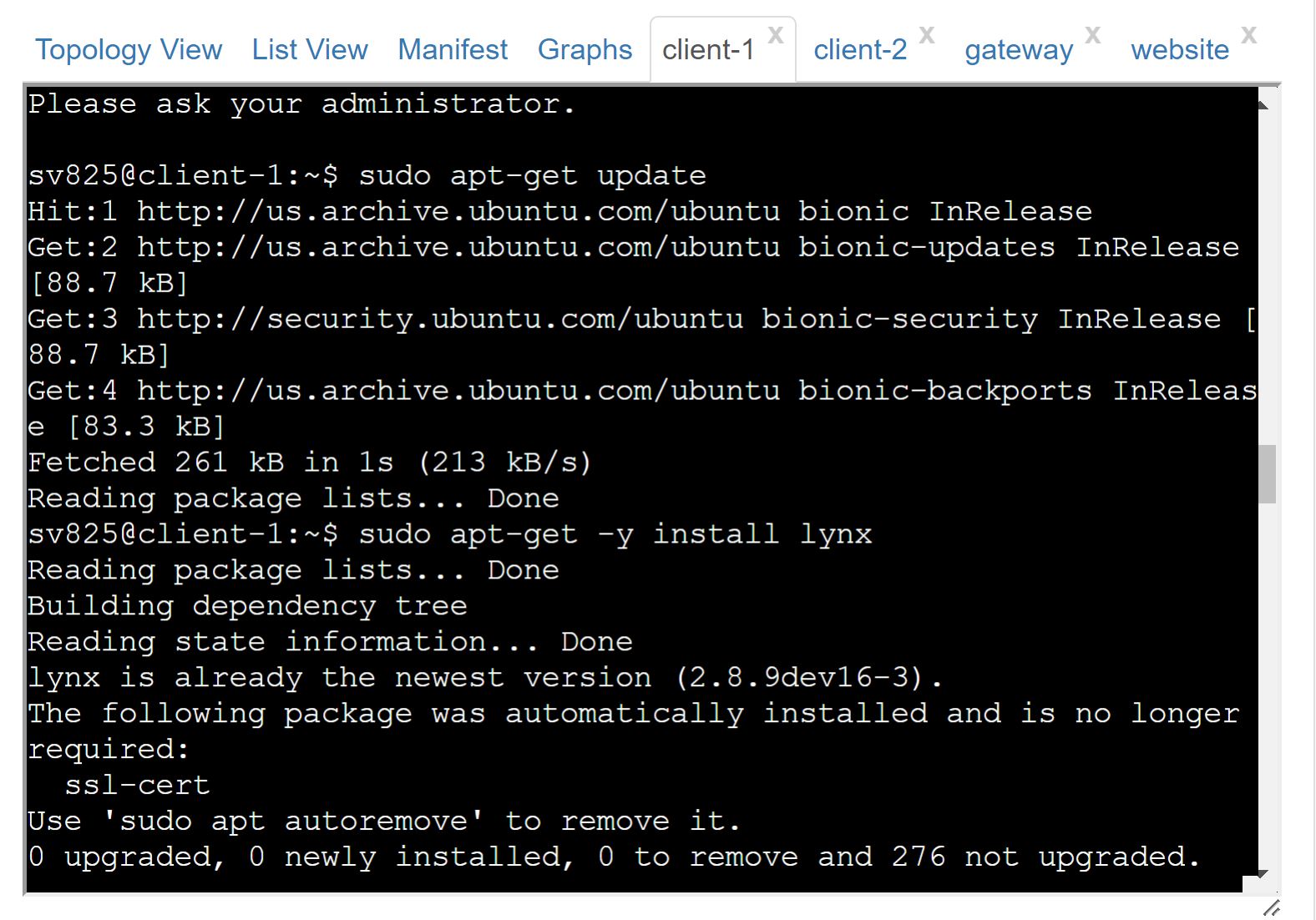
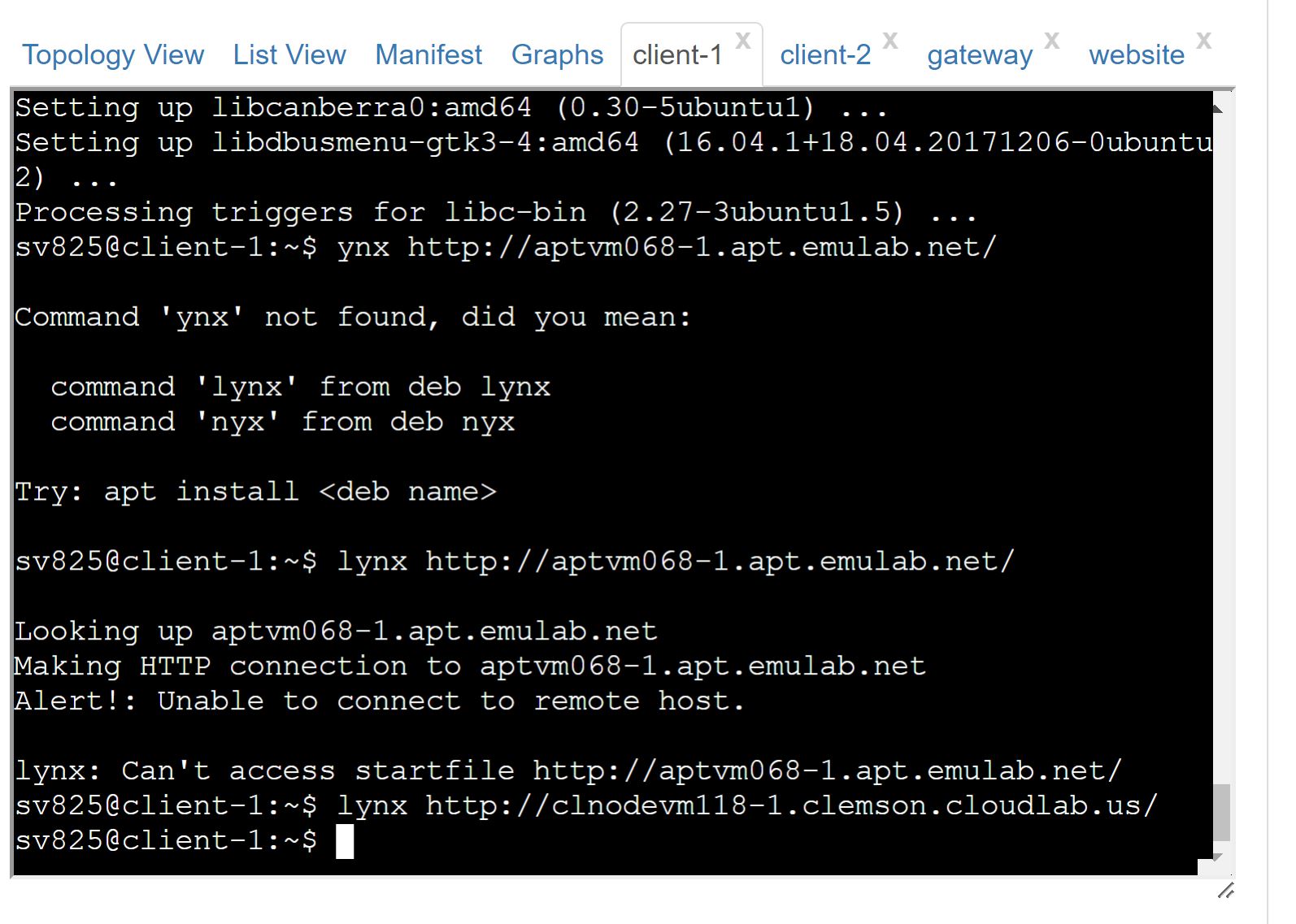
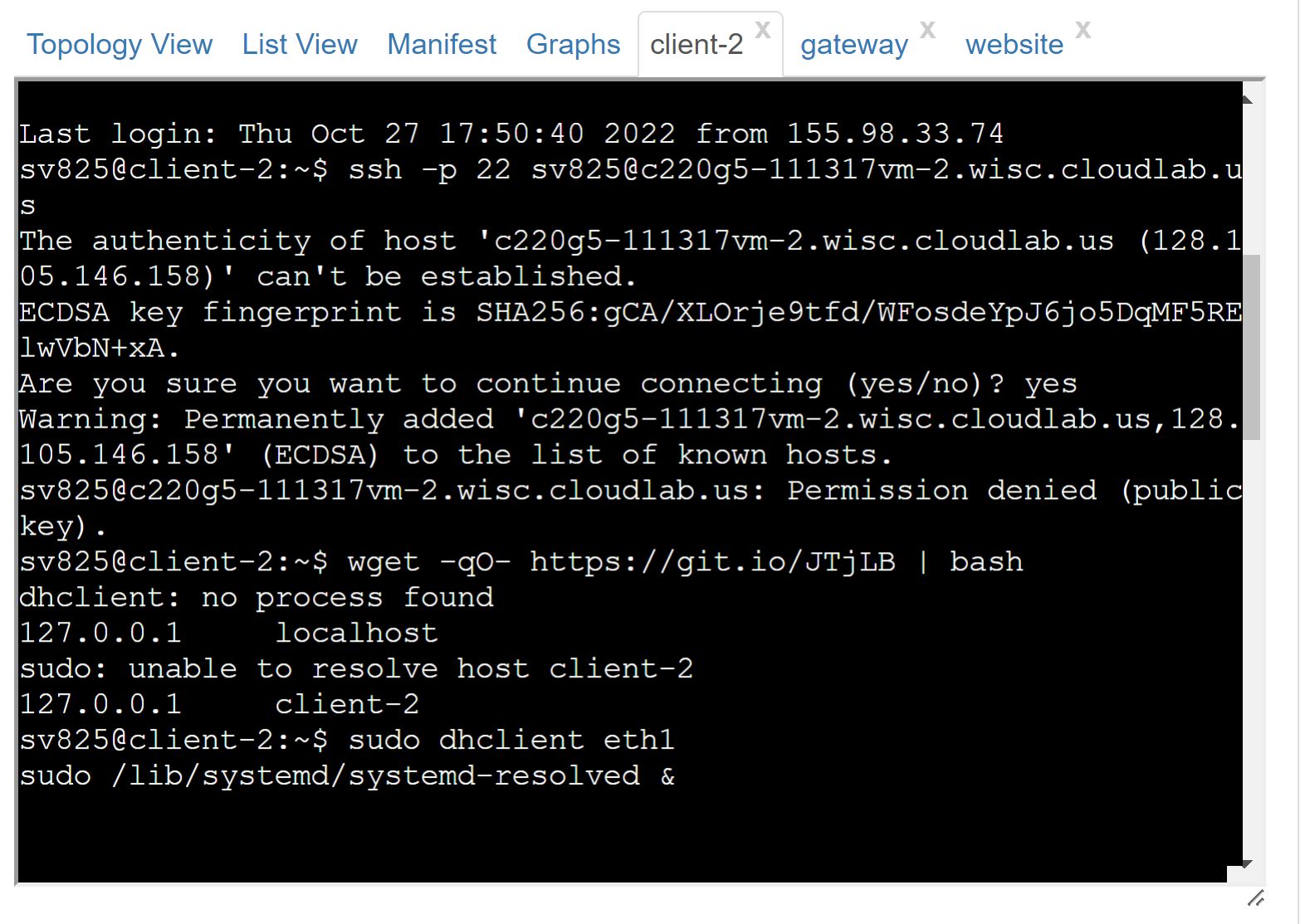
X Topology View List View Manifest Graphs client-1 client-2 gateway website Last login: Thu Oct 27 17:50:35 2022 from 155.98.33.74 sv825@client-1:~$ key). X ssh -p 22 sv825@c220g5-111317vm-1.wisc.cloudlab.u S The authenticity of host 05.146.157)' can't be established. ECDSA key fingerprint is SHA256:gCA/XLOrje9tfd/WFosdeYpJ6jo5DqMF5RE 1wVbN+xA. Are you sure you want to continue connecting (yes/no)? yes Warning: Permanently added 'c220g5-111317vm-1.wisc.cloudlab.us, 128. 105.146.157' (ECDSA) to the list of known hosts. sv825@c220g5-111317vm-1.wisc.cloudlab.us: Permission denied (public 'c220g5-111317vm-1.wisc.cloudlab.us (128.1 sv825@client-1:~$ wget -qO- https://git.io/JTjLB | bash dhclient: no process found 127.0.0.1 localhost sudo: unable to resolve host client-1 127.0.0.1 client-1 sv825@client-1:~$ sudo dhclient ethl sudo /lib/systemd/systemd-resolved &
Step by Step Solution
There are 3 Steps involved in it

Get step-by-step solutions from verified subject matter experts
 Study Help