







Question: Basic Java: Create a GUI applications (Using the Swing and AWT packages) named Compound Interest Calculator that allows the user to enter data into the
Basic Java:
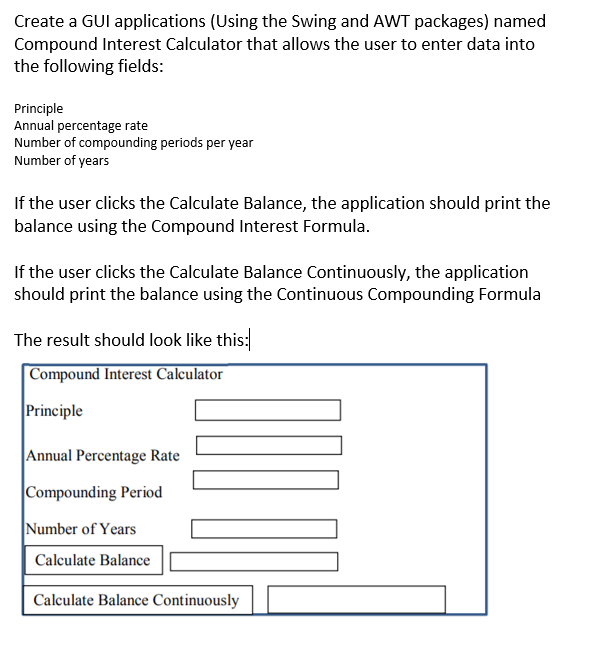
Create a GUI applications (Using the Swing and AWT packages) named Compound Interest Calculator that allows the user to enter data into the following fields: Principle Annual percentage rate Number of compounding periods per year Number of years If the user clicks the Calculate Balance, the application should print the balance using the Compound Interest Formula. If the user clicks the Calculate Balance Continuously, the application should print the balance using the Continuous Compounding Formula The result should look like this: Compound Interest Calculator Principle Annual Percentage Rate Compounding Period Number of Years Calculate Balance Calculate Balance Continuously
Step by Step Solution
There are 3 Steps involved in it

Get step-by-step solutions from verified subject matter experts
 Study Help