







Question: Before continuing with this exercise, clear the variables in your Workspace. Show/hide tip on clearing the Workspace You can clear the variables in your Workspace
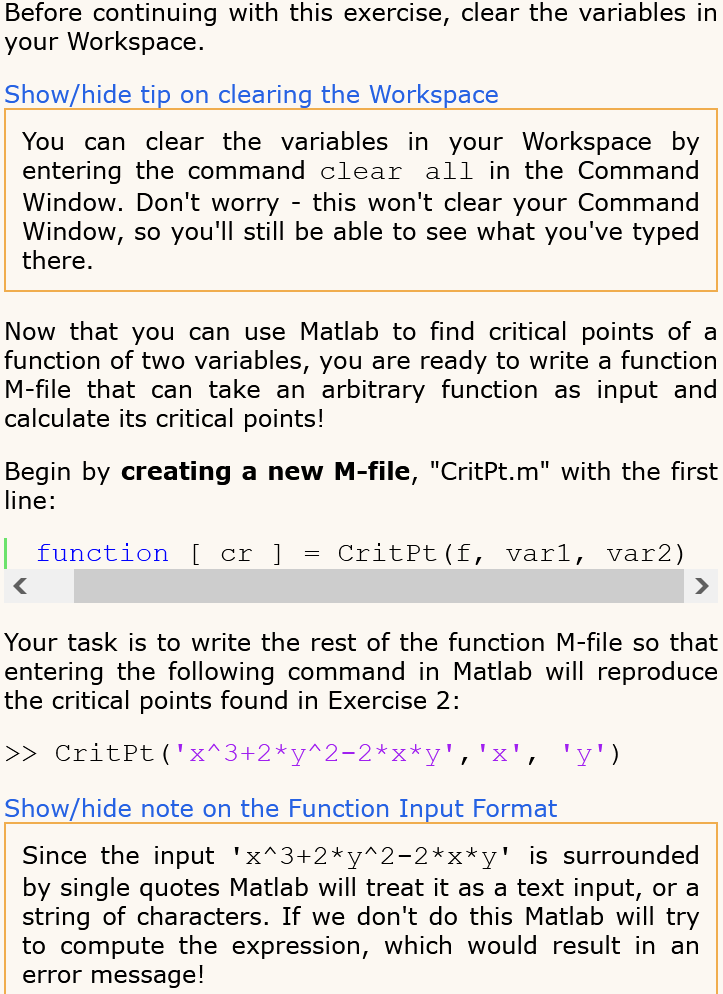
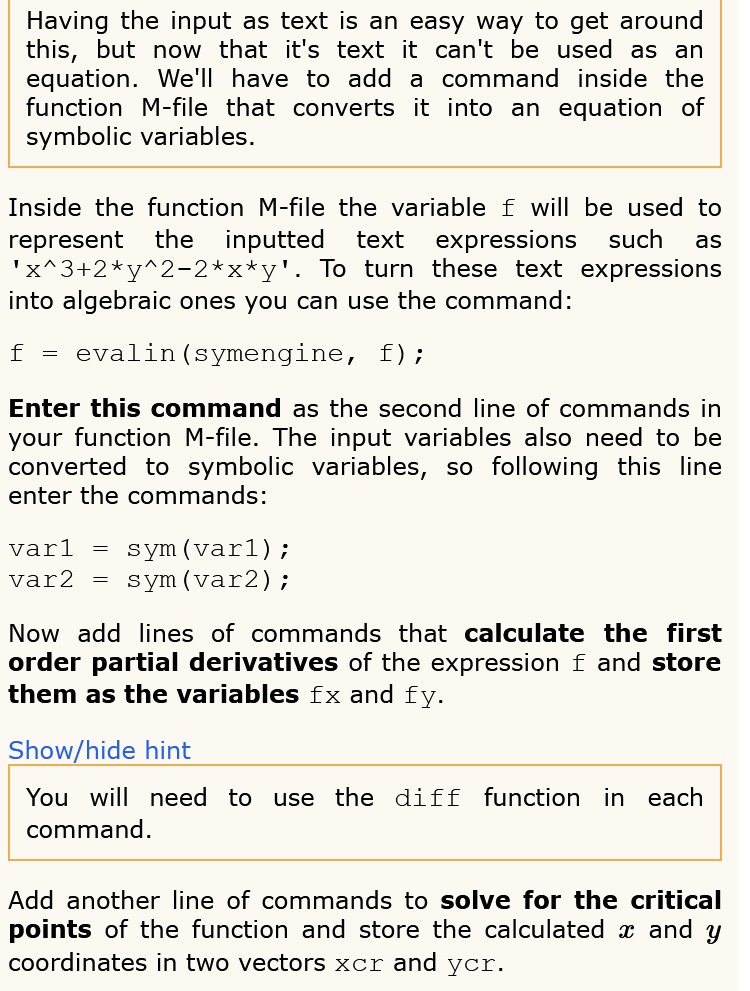
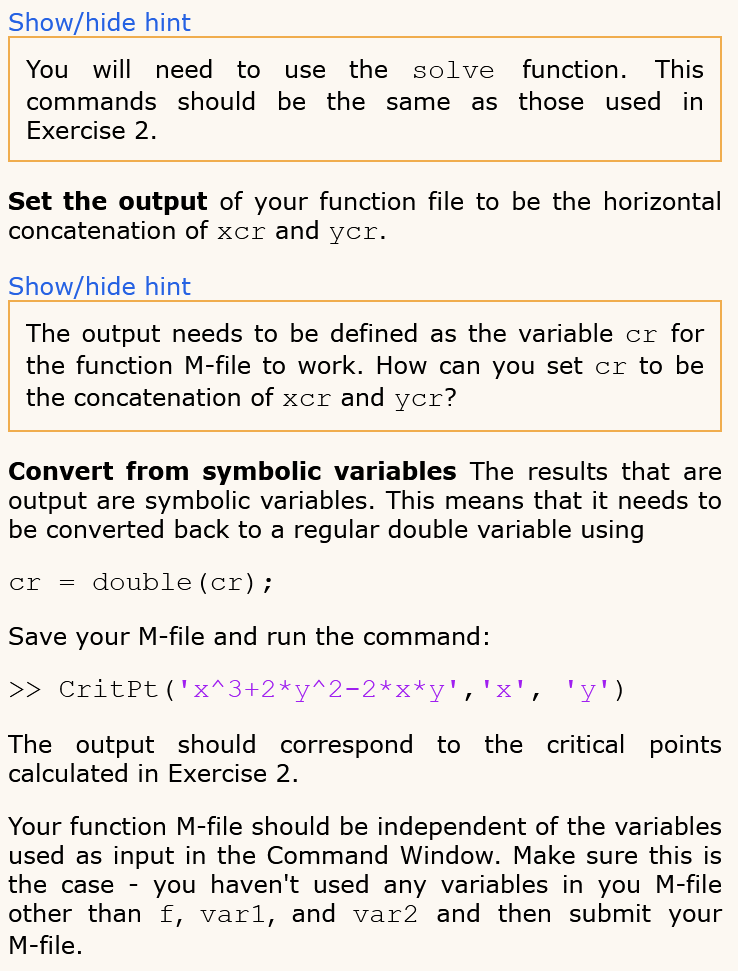
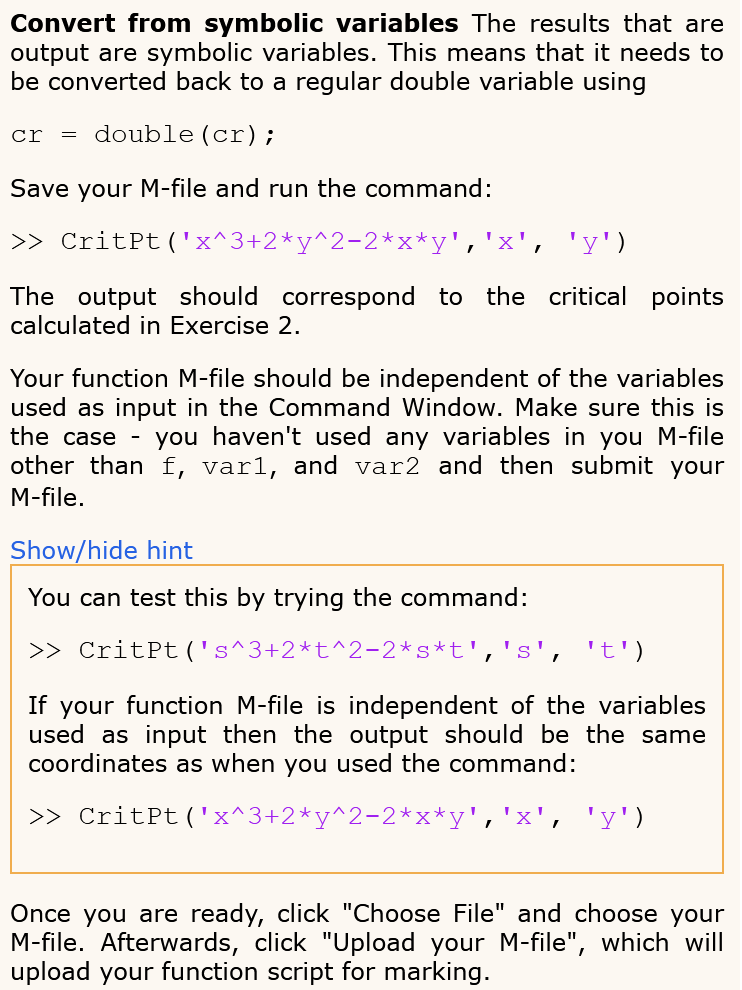
Before continuing with this exercise, clear the variables in your Workspace. Show/hide tip on clearing the Workspace You can clear the variables in your Workspace by entering the command clear all in the Command Window. Don't worry - this won't clear your Command Window, so you'll still be able to see what you've typed there. Now that you can use Matlab to find critical points of a function of two variables, you are ready to write a function M-file that can take an arbitrary function as input and calculate its critical points! Begin by creating a new M-file, "CritPt.m" with the first line: | function [ cr ] = CritPt (f, vari, var2) > CritPt ('x^3+2+y^2-2*x*y', 'x', 'y') Show/hide note on the Function Input Format Since the input 'x^3+2+y^2-2*x*y' is surrounded by single quotes Matlab will treat it as a text input, or a string of characters. If we don't do this Matlab will try to compute the expression, which would result in an error message! Having the input as text is an easy way to get around this, but now that it's text it can't be used as an equation. We'll have to add a command inside the function M-file that converts it into an equation of symbolic variables. Inside the function M-file the variable f will be used to represent the inputted text expressions such as 'X^3+2+y^2-2*x*y'. To turn these text expressions into algebraic ones you can use the command: f = evalin (symengine, f); Enter this command as the second line of commands in your function M-file. The input variables also need to be converted to symbolic variables, so following this line enter the commands: = var1 var2 = sym (varl); sym (var2); Now add lines of commands that calculate the first order partial derivatives of the expression f and store them as the variables fx and fy. Show/hide hint You will need to use the diff function in each command. Add another line of commands to solve for the critical points of the function and store the calculated x and y coordinates in two vectors xcr and ycr. Show/hide hint You will need to use the solve function. This commands should be the same as those used in Exercise 2. Set the output of your function file to be the horizontal concatenation of xcr and ycr. Show/hide hint The output needs to be defined as the variable cr for the function M-file to work. How can you set cr to be the concatenation of xcr and ycr? Convert from symbolic variables The results that are output are symbolic variables. This means that it needs to be converted back to a regular double variable using cr = double (cr); Save your M-file and run the command: >> CritPt ('x^3+2+y^2-2*x*y', 'x', 'y') The output should correspond to the critical points calculated in Exercise 2. Your function M-file should be independent of the variables used as input in the Command Window. Make sure this is the case you haven't used any variables in you M-file other than f, vari, and var2 and then submit your M-file. Convert from symbolic variables The results that are output are symbolic variables. This means that it needs to be converted back to a regular double variable using cr = double (cr); Save your M-file and run the command: >> CritPt('x^3+2+y^2-2*x*y', 'x', 'y') The output should correspond to the critical points calculated in Exercise 2. Your function M-file should be independent of the variables used as input in the Command Window. Make sure this is the case - you haven't used any variables in you M-file other than f, vari, and var2 and then submit your M-file. Show/hide hint You can test this by trying the command: >> CritPt('s^3+2*t^2-2*g*t', 's', 't') :' If your function M-file is independent of the variables used as input then the output should be the same coordinates as when you used the command: >> CritPt ('x^3+2+ y^2-2*x*y', 'x', 'y') Once you are ready, click "Choose File" and choose your M-file. Afterwards, click "Upload your M-file", which will upload your function script for marking
Step by Step Solution
There are 3 Steps involved in it

Get step-by-step solutions from verified subject matter experts
 Study Help