







Question: Before opening a data file with the Student version of Sage 50 , you must Select one: o. choose to octivate the program from the
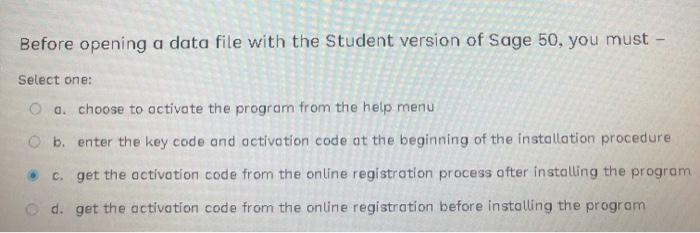
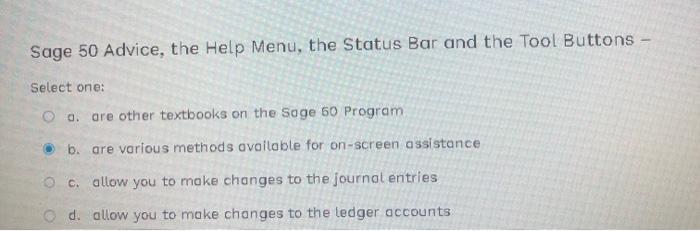
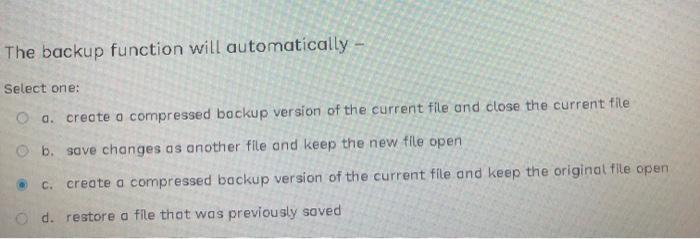
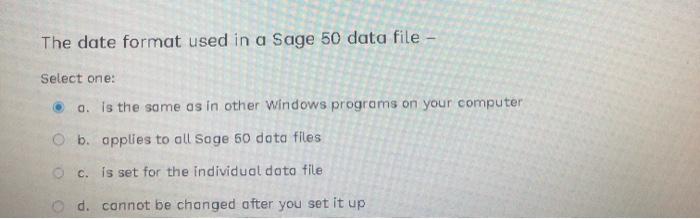
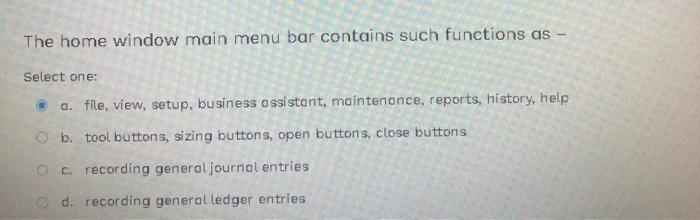
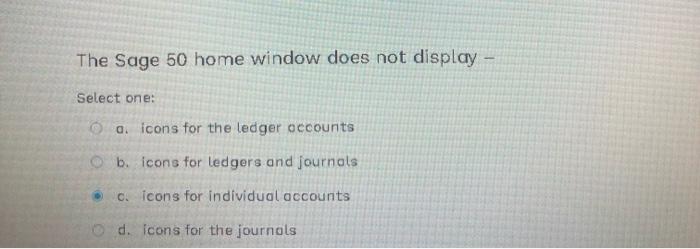
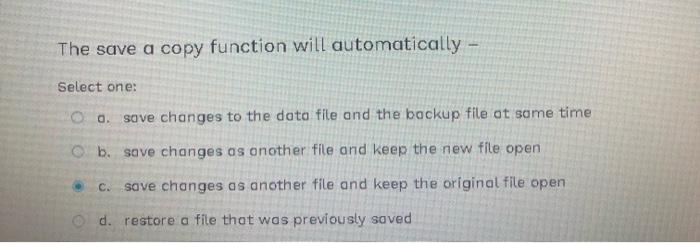
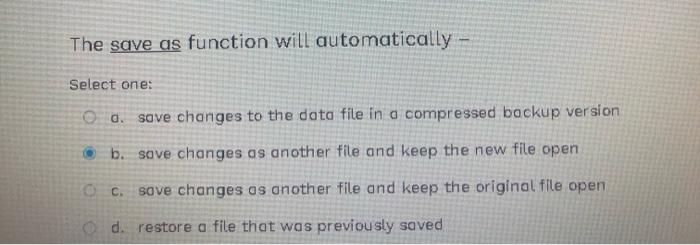
Before opening a data file with the Student version of Sage 50 , you must Select one: o. choose to octivate the program from the help menu b. enter the key code and activation code at the beginning of the installation procedure c. get the octivation code from the online registration process after installing the program d. get the activation code from the online registration before installing the program Sage 50 Advice, the Help Menu, the Status Bar and the Tool Buttons Select one: a. are other textbooks on the Soge 50 Program b. are various methods available for on-screen assistance c. allow you to make changes to the journol entries d. allow you to make changes to the ledger accounts The backup function will automatically - Select one: a. crecte o compressed bockup version of the current file and close the current file b. save changes as another file and keep the new file open c. creote a compressed backup version of the current file and keep the original file open d. restore o file thot was previously soved The date format used in a Sage 50 data file Select one: o. is the some as in other Windows programs on your computer b. applies to all Soge 50 dota files c. is set for the individual doto file d. connot be changed ofter you set it up The home window main menu bar contains such functions as - Select one: a. file, view, setup, business assistont, mointenonce, reports, history, help b. tool buttons, sizing buttons, open buttons, close buttons c. recording general journal entries d. recording general ledger entries The Sage 50 home window does not display Select one: o. icons for the ledger occounts b. icons for ledgers and journols c. icons for individual accounts d. icons for the journols The save a copy function will automatically - Select one: a. save changes to the data fite and the backup file ot same time b. save changes as onother file and keep the new file open c. save changes as another file and keep the original file open d. restore a file that was previously saved The save as function will automatically - Select one: a. save changes to the data file in a compressed backup version b. save changes as another file and keep the new file open c. save changes as another file and keep the original file open d. restore a file that was previously saved
Step by Step Solution
There are 3 Steps involved in it

Get step-by-step solutions from verified subject matter experts
 Study Help