







Question: . Before you submit, you need to use make clean to clean all of the object/executable files. (Please explain) This homework helps you understand how
. Before you submit, you need to use make clean to clean all of the object/executable files. (Please explain)
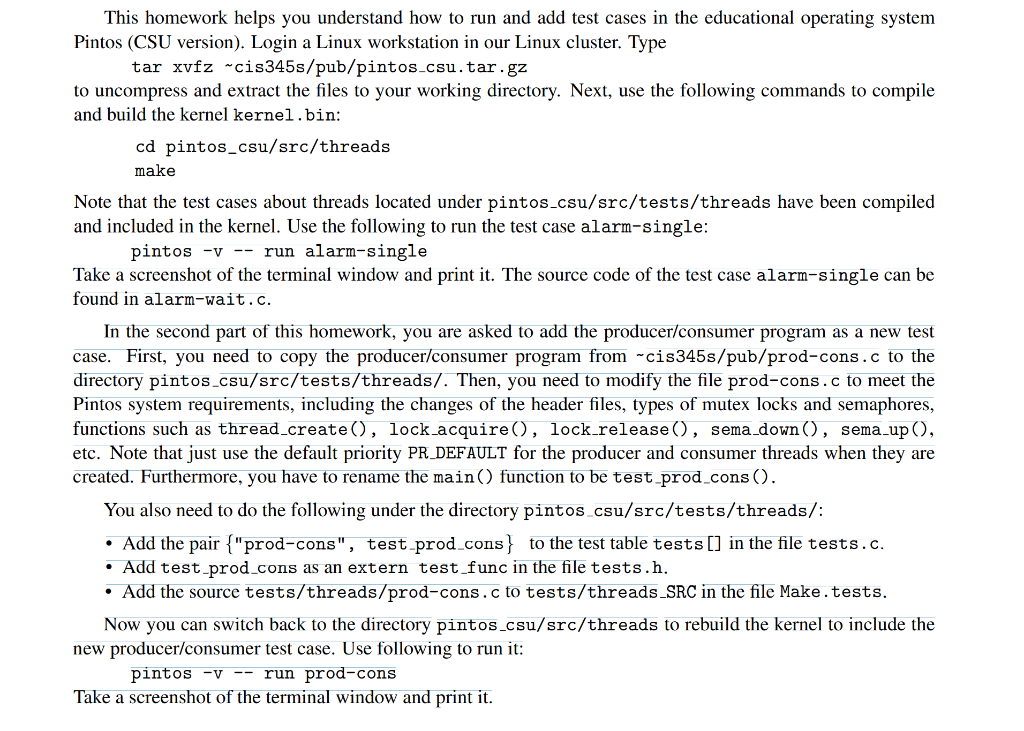
This homework helps you understand how to run and add test cases in the educational operating system Pintos (CSU version). Login a Linux workstation in our Linux cluster. Type tar xvfz wcis345s/pub/pintos.csu.tar.gz to uncompress and extract the files to your working directory. Next, use the following commands to compile and build the kernel kernel.bin: cd pintos_csu/src/threads make Note that the test cases about threads located under pintos_csu/src/tests/threads have been compiled and included in the kernel. Use the following to run the test case alarm-single: pintos -v -- run alarm-single Take a screenshot of the terminal window and print it. The source code of the test case alarm-single can be found in alarm-wait.c. In the second part of this homework, you are asked to add the producer/consumer program as a new test case. First, you need to copy the producer/consumer program from cis345s/pub/prod-cons.c to the directory pintos_csu/src/tests/threads/. Then, you need to modify the file prod-cons.c to meet the Pintos system requirements, including the changes of the header files, types of mutex locks and semaphores, functions such as thread_create(), lock_acquire(), lock_release(), sema_down(), sema_up(), etc. Note that just use the default priority PR_DEFAULT for the producer and consumer threads when they are created. Furthermore, you have to rename the main() function to be test_prod_cons(). You also need to do the following under the directory pintos csu/src/tests/threads/: Add the pair {"prod-cons", test_prod_cons} to the test table tests [] in the file tests.c. Add test-prod_cons as an extern test_func in the file tests.h. Add the source tests/threads/prod-cons.c to tests/threads_SRC in the file Make.tests. Now you can switch back to the directory pintos_csu/src/threads to rebuild the kernel to include the new producer/consumer test case. Use following to run it: pintos -V -- run prod-cons Take a screenshot of the terminal window and print it. This homework helps you understand how to run and add test cases in the educational operating system Pintos (CSU version). Login a Linux workstation in our Linux cluster. Type tar xvfz wcis345s/pub/pintos.csu.tar.gz to uncompress and extract the files to your working directory. Next, use the following commands to compile and build the kernel kernel.bin: cd pintos_csu/src/threads make Note that the test cases about threads located under pintos_csu/src/tests/threads have been compiled and included in the kernel. Use the following to run the test case alarm-single: pintos -v -- run alarm-single Take a screenshot of the terminal window and print it. The source code of the test case alarm-single can be found in alarm-wait.c. In the second part of this homework, you are asked to add the producer/consumer program as a new test case. First, you need to copy the producer/consumer program from cis345s/pub/prod-cons.c to the directory pintos_csu/src/tests/threads/. Then, you need to modify the file prod-cons.c to meet the Pintos system requirements, including the changes of the header files, types of mutex locks and semaphores, functions such as thread_create(), lock_acquire(), lock_release(), sema_down(), sema_up(), etc. Note that just use the default priority PR_DEFAULT for the producer and consumer threads when they are created. Furthermore, you have to rename the main() function to be test_prod_cons(). You also need to do the following under the directory pintos csu/src/tests/threads/: Add the pair {"prod-cons", test_prod_cons} to the test table tests [] in the file tests.c. Add test-prod_cons as an extern test_func in the file tests.h. Add the source tests/threads/prod-cons.c to tests/threads_SRC in the file Make.tests. Now you can switch back to the directory pintos_csu/src/threads to rebuild the kernel to include the new producer/consumer test case. Use following to run it: pintos -V -- run prod-cons Take a screenshot of the terminal window and print it
Step by Step Solution
There are 3 Steps involved in it

Get step-by-step solutions from verified subject matter experts
 Study Help