







Question: Below is a payroll sheet for Sheffield Import plc for the month of September 2020 . Assume a 10% income tax rate for all employees
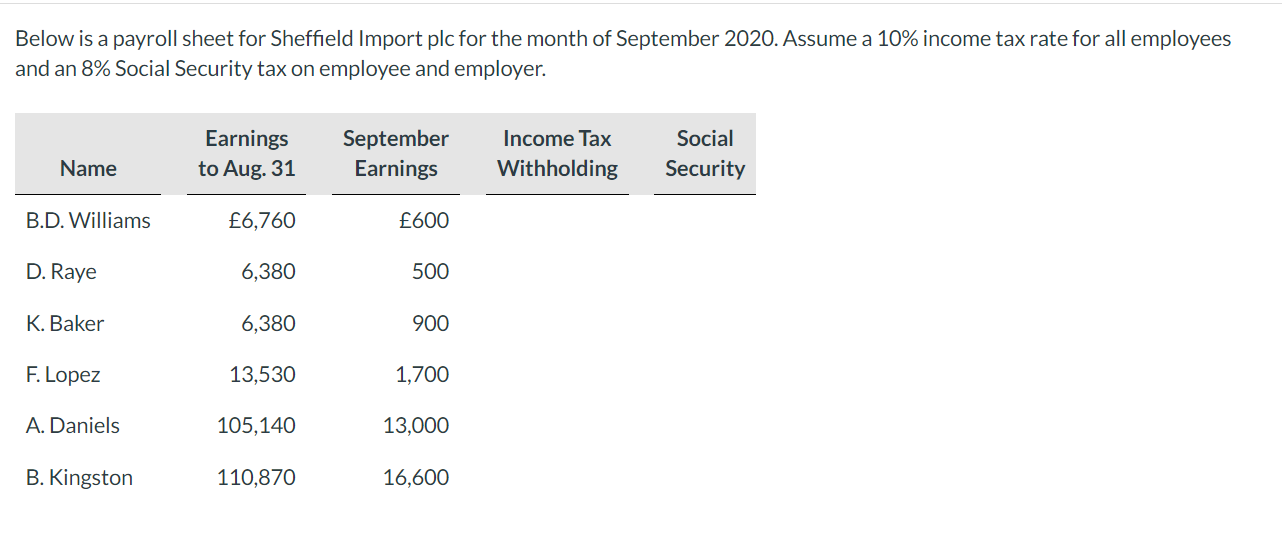
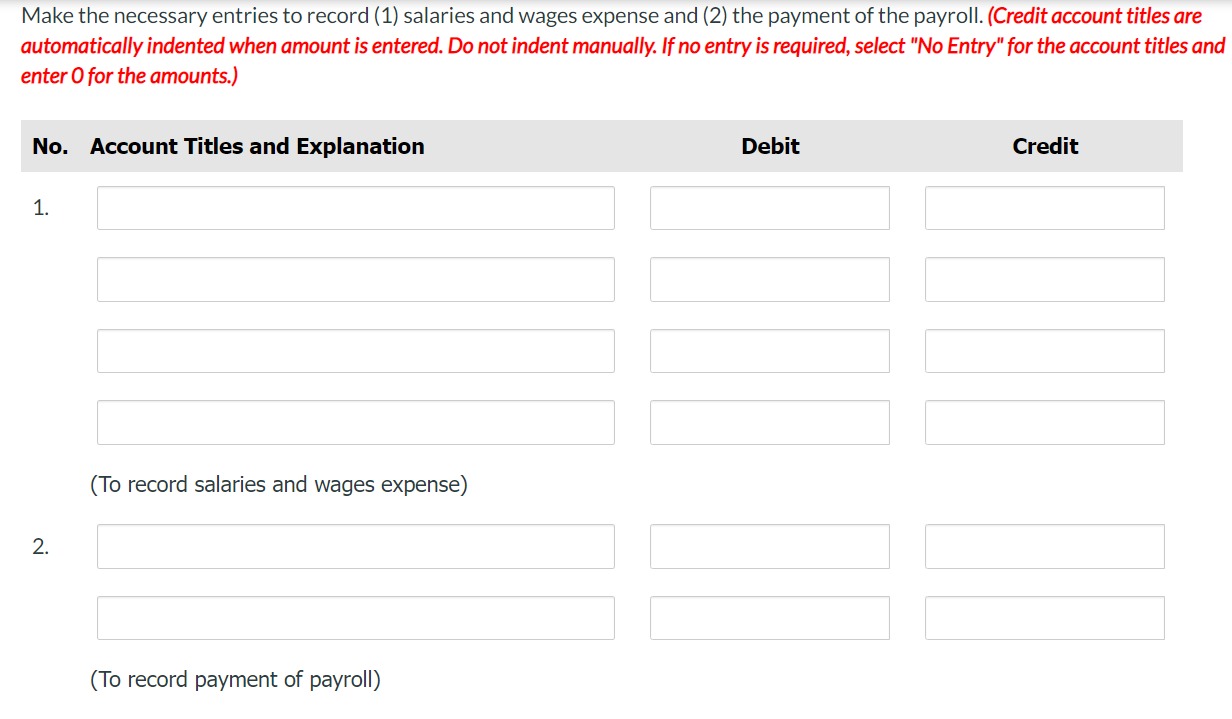
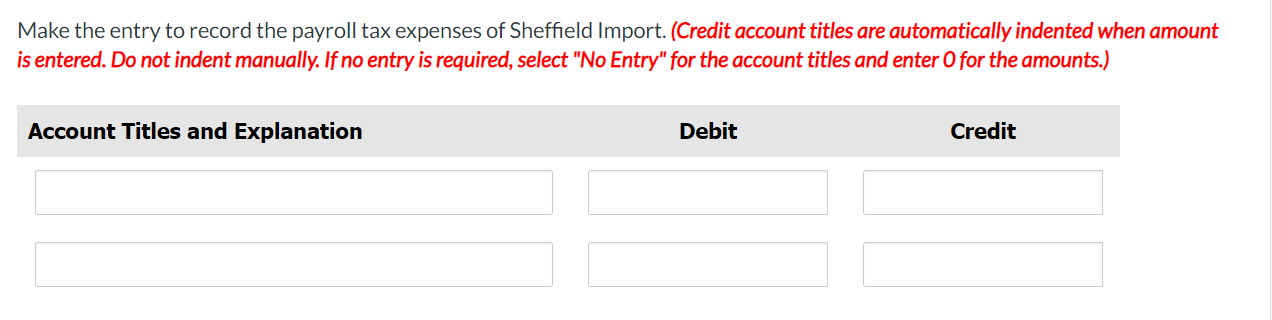
Below is a payroll sheet for Sheffield Import plc for the month of September 2020 . Assume a 10% income tax rate for all employees and an 8% Social Security tax on employee and employer. Make the necessary entries to record (1) salaries and wages expense and (2) the payment of the payroll. (Credit account titles are automatically indented when amount is entered. Do not indent manually. If no entry is required, select "No Entry" for the account titles and enter 0 for the amounts.) Make the entry to record the payroll tax expenses of Sheffield Import. (Credit account titles are automatically indented when amount is entered. Do not indent manually. If no entry is required, select "No Entry" for the account titles and enter 0 for the amounts.) Below is a payroll sheet for Sheffield Import plc for the month of September 2020 . Assume a 10% income tax rate for all employees and an 8% Social Security tax on employee and employer. Make the necessary entries to record (1) salaries and wages expense and (2) the payment of the payroll. (Credit account titles are automatically indented when amount is entered. Do not indent manually. If no entry is required, select "No Entry" for the account titles and enter 0 for the amounts.) Make the entry to record the payroll tax expenses of Sheffield Import. (Credit account titles are automatically indented when amount is entered. Do not indent manually. If no entry is required, select "No Entry" for the account titles and enter 0 for the amounts.)
Step by Step Solution
There are 3 Steps involved in it

Get step-by-step solutions from verified subject matter experts
 Study Help