







Question: Binary Search Trees and Object-oriented Programming In this individual assignment, you will create a binary search tree for a glossary entries (could even be for
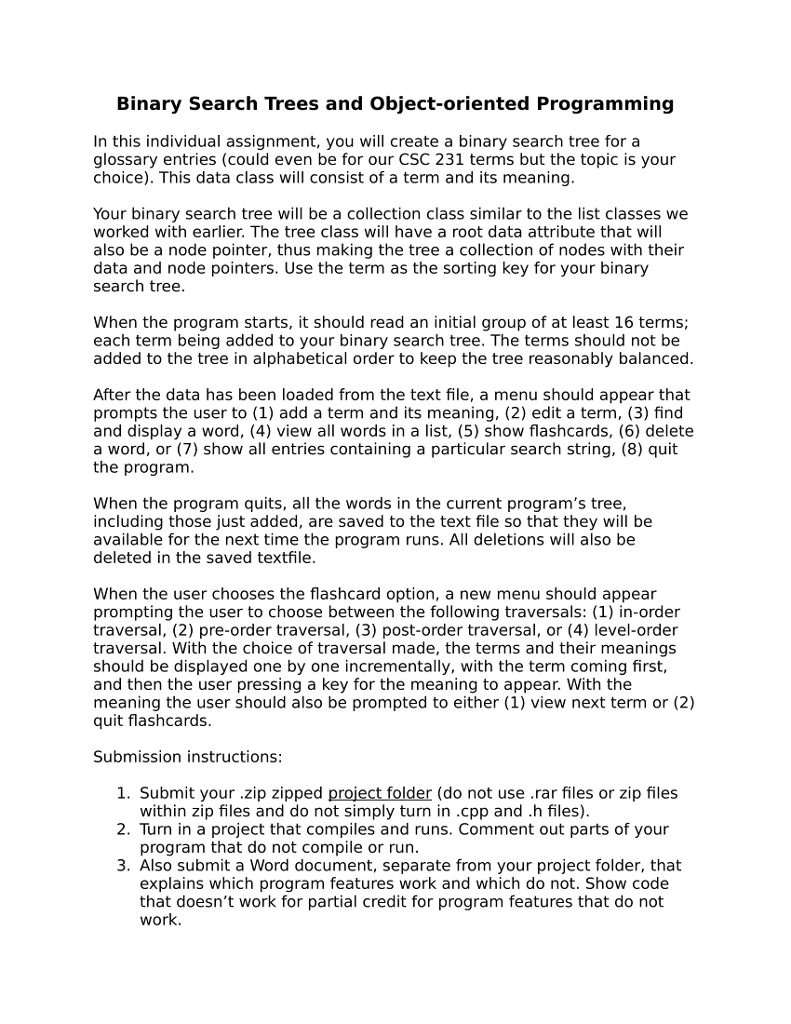
Binary Search Trees and Object-oriented Programming In this individual assignment, you will create a binary search tree for a glossary entries (could even be for our CSC 231 terms but the topic is your choice). This data class will consist of a term and its meaning Your binary search tree will be a collection class similar to the list classes we worked with earlier. The tree class will have a root data attribute that will also be a node pointer, thus making the tree a collection of nodes with their data and node pointers. Use the term as the sorting key for your binary search tree When the program starts, it should read an initial group of at least 16 terms; each term being added to your binary search tree. The terms should not be added to the tree in alphabetical order to keep the tree reasonably balanced After the data has been loaded from the text file, a menu should appear that prompts the user to (1) add a term and its meaning, (2) edit a term, (3) find and display a word, (4) view all words in a list, (5) show flashcards, (6) delete a word, or (7) show all entries containing a particular search string, (8) quit the program When the program quits, all the words in the current program's tree, including those just added, are saved to the text file so that they will be available for the next time the program runs. All deletions will also be deleted in the saved textfile When the user chooses the flashcard option, a new menu should appear prompting the user to choose between the following traversals: (1) in-order traversal, (2) pre-order traversal, (3) post-order traversal, or (4) level-order traversal. With the choice of traversal made, the terms and their meanings should be displayed one by one incrementally, with the term coming first, and then the user pressing a key for the meaning to appear. With the meaning the user should also be prompted to either (1) view next term or (2) quit flashcards. Submission instructions: 1. Submit your .zip zipped project folder (do not use .rar files or zip files 2. Turn in a project that compiles and runs. Comment out parts of your 3. Also submit a Word document, separate from your project folder, that within zip files and do not simply turn in.cpp and .h files) program that do not compile or run explains which program features work and which do not. Show code that doesn't work for partial credit for program features that do not work. Binary Search Trees and Object-oriented Programming In this individual assignment, you will create a binary search tree for a glossary entries (could even be for our CSC 231 terms but the topic is your choice). This data class will consist of a term and its meaning Your binary search tree will be a collection class similar to the list classes we worked with earlier. The tree class will have a root data attribute that will also be a node pointer, thus making the tree a collection of nodes with their data and node pointers. Use the term as the sorting key for your binary search tree When the program starts, it should read an initial group of at least 16 terms; each term being added to your binary search tree. The terms should not be added to the tree in alphabetical order to keep the tree reasonably balanced After the data has been loaded from the text file, a menu should appear that prompts the user to (1) add a term and its meaning, (2) edit a term, (3) find and display a word, (4) view all words in a list, (5) show flashcards, (6) delete a word, or (7) show all entries containing a particular search string, (8) quit the program When the program quits, all the words in the current program's tree, including those just added, are saved to the text file so that they will be available for the next time the program runs. All deletions will also be deleted in the saved textfile When the user chooses the flashcard option, a new menu should appear prompting the user to choose between the following traversals: (1) in-order traversal, (2) pre-order traversal, (3) post-order traversal, or (4) level-order traversal. With the choice of traversal made, the terms and their meanings should be displayed one by one incrementally, with the term coming first, and then the user pressing a key for the meaning to appear. With the meaning the user should also be prompted to either (1) view next term or (2) quit flashcards. Submission instructions: 1. Submit your .zip zipped project folder (do not use .rar files or zip files 2. Turn in a project that compiles and runs. Comment out parts of your 3. Also submit a Word document, separate from your project folder, that within zip files and do not simply turn in.cpp and .h files) program that do not compile or run explains which program features work and which do not. Show code that doesn't work for partial credit for program features that do not work
Step by Step Solution
There are 3 Steps involved in it

Get step-by-step solutions from verified subject matter experts
 Study Help