







Question: Blackboard Learn Library Services 119 100% + Part I: Getting Started Objective l: Create Packet Tracer project 1) On a personal computer with the pkt
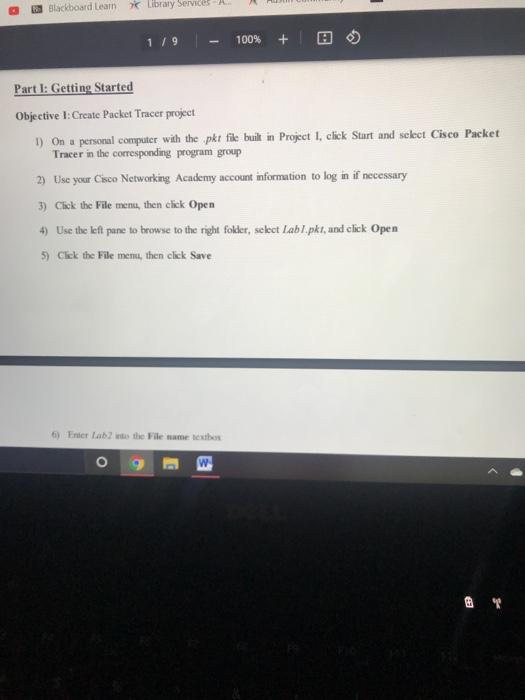
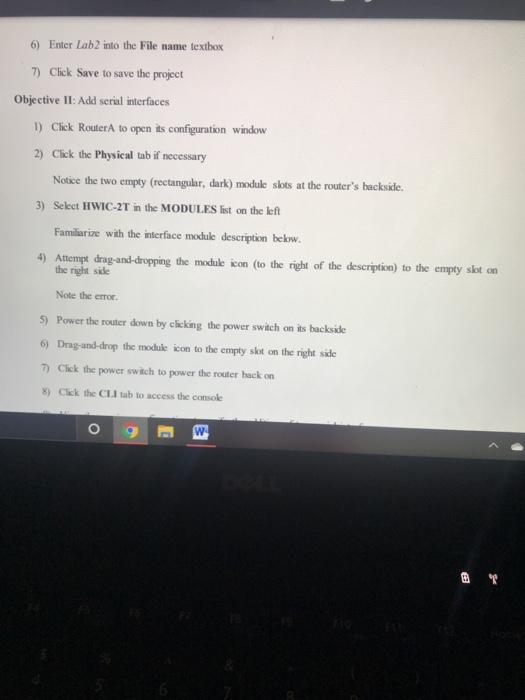
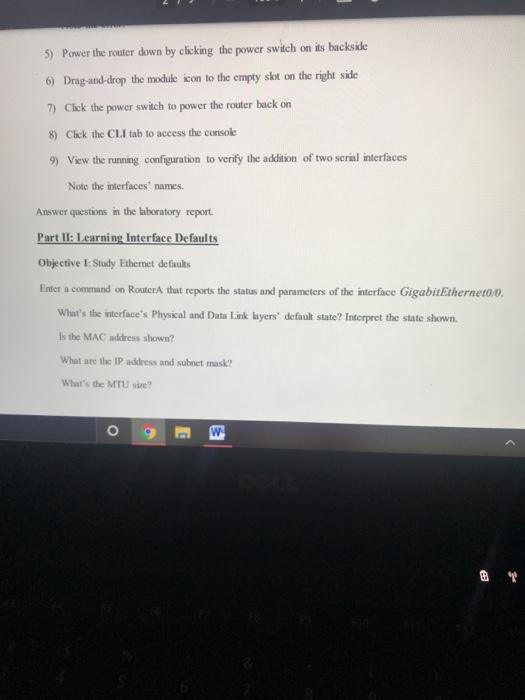
Blackboard Learn Library Services 119 100% + Part I: Getting Started Objective l: Create Packet Tracer project 1) On a personal computer with the pkt file built in Project 1, click Start and select Cisco Packet Tracer in the corresponding program group 2) Use your Cisco Networking Academy account information to log in if necessary 3) Click the File men, then click Open 4) Use the left pane to browse to the right folder, select Labi.pkt, and click Open 5) Click the File menu, then click Save 6) Enter Lab the File name Dextes o E 6) Enter Lab2 into the File name textbox 7) Click Save to save the project Objective II: Adel serial interfaces 1) Click Router A to open its configuration window 2) Click the Physical tab if necessary Notice the two empty (rectangular, dark) module slots at the router's backside. 3) Select HWIC-2T in the MODULES list on the left Familiarize with the interface module description below. 4) Attempt drag-and-dropping the module icon to the right of the description) to the empty skton the right side Note the CTO 5) Power the router down by clicking the power switch on its backside 6) Drag-and-drop the module icon to the empty skt on the right side 7) Click the power switch to power the router hack on ) Click the CL tab to access the console O w 5) Power the router down by clicking the power switch on its backside 6) Drag-and-crop the module icon to the empty slot on the right side 7) Click the power switch to power the router back on 8) Click the CLI tab to access the console 9) View the running configuration to verify the addition of two serial interfaces Note the interfaces' names. Answer questions in the laboratory report. Part II: Learning Interface Defaults Objective 1: Study Ethernet defaults Enter a command on Router that reports the status and parameters of the interface GigabitEthernet0/0 What's the interface's Physical and Data Link layers" default state Interpret the state shown. Is the MAC address shown? What are the IP address and subnet musk? What's the MTU? W
Step by Step Solution
There are 3 Steps involved in it

Get step-by-step solutions from verified subject matter experts
 Study Help