







Question: BME3500 Lab3 Prelab Fall 2018 The code below prints the statement Hello World! to the serial monitor: void setup) Serial.begin (9600); void loop ) Serial.println(Hello
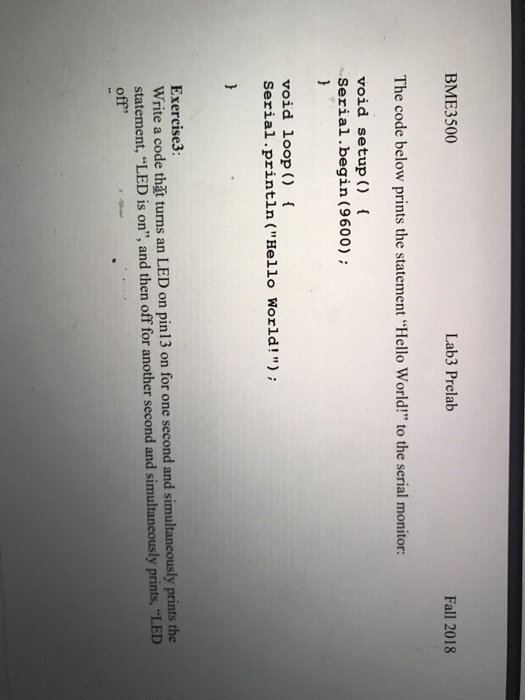
BME3500 Lab3 Prelab Fall 2018 The code below prints the statement "Hello World!" to the serial monitor: void setup) Serial.begin (9600); void loop ) Serial.println("Hello World!"); Exercise3: Write a code tht turns an LED on pin13 on for one second and simultaneously prints the statement, LED is on", and then off for another second and simultaneously prints-LED off" BME3500 Lab3 Prelab Fall 2018 The code below prints the statement "Hello World!" to the serial monitor: void setup) Serial.begin (9600); void loop ) Serial.println("Hello World!"); Exercise3: Write a code tht turns an LED on pin13 on for one second and simultaneously prints the statement, LED is on", and then off for another second and simultaneously prints-LED off
Step by Step Solution
There are 3 Steps involved in it

Get step-by-step solutions from verified subject matter experts
 Study Help