





Question: BMP FIlles: Windows BMP Files are a simple image file format. While there are multiple variations of them, we will be dealing specifically with 24-bit

 BMP FIlles: Windows BMP Files are a simple image file format.While there are multiple variations of them, we will be dealing specifically

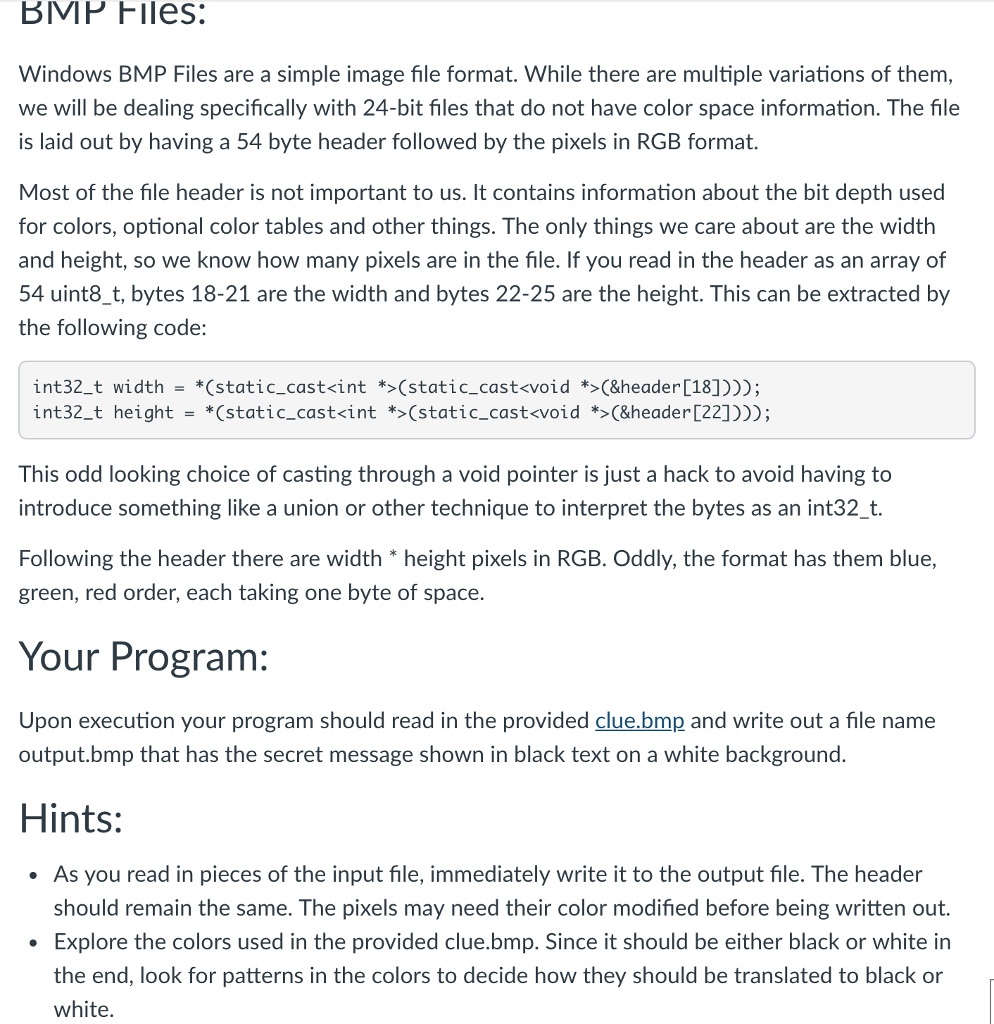
BMP FIlles: Windows BMP Files are a simple image file format. While there are multiple variations of them, we will be dealing specifically with 24-bit files that do not have color space information. The file is laid out by having a 54 byte header followed by the pixels in RGB format. Most of the file header is not important to us. It contains information about the bit depth used for colors, optional color tables and other things. The only things we care about are the width and height, so we know how many pixels are in the file. If you read in the header as an array of 54 uint8 t, bytes 18-21 are the width and bytes 22-25 are the height. This can be extracted by the following code: int32-t int32-t width height *(static_cast(static-castvoid *>(&header[18]))); "(static-cast(static-cast(&header[22]))); - This odd looking choice of casting through a void pointer is just a hack to avoid having t introduce something like a union or other technique to interpret the bytes as an int32_t. Following the header there are width height pixels in RGB. Oddly, the format has them blue, green, red order, each taking one byte of space. Your Program: Upon execution your program should read in the provided clue.bmp and write out a file name output.bmp that has the secret message shown in black text on a white background. Hints: As you read in pieces of the input file, immediately write it to the output file. The header should remain the same. The pixels may need their color modified before being written out Explore the colors used in the provided clue.bmp. Since it should be either black or white in the end, look for patterns in the colors to decide how they should be translated to black white

Step by Step Solution

There are 3 Steps involved in it

1 Expert Approved Answer
Step: 1 Unlock blur-text-image
Question Has Been Solved by an Expert!

Get step-by-step solutions from verified subject matter experts

Step: 2 Unlock
Step: 3 Unlock

Students Have Also Explored These Related Databases Questions!