







Question: Build Date Picker in Android studio. It should allow you to select day, month and year through its interface after the click of a button
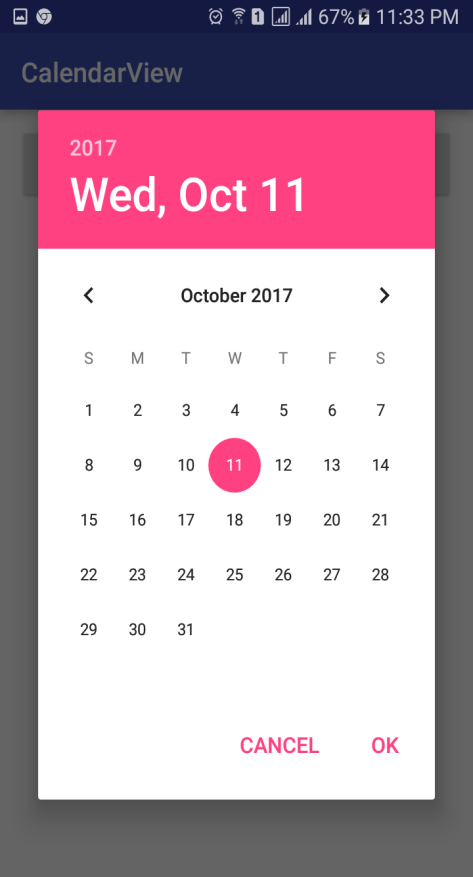
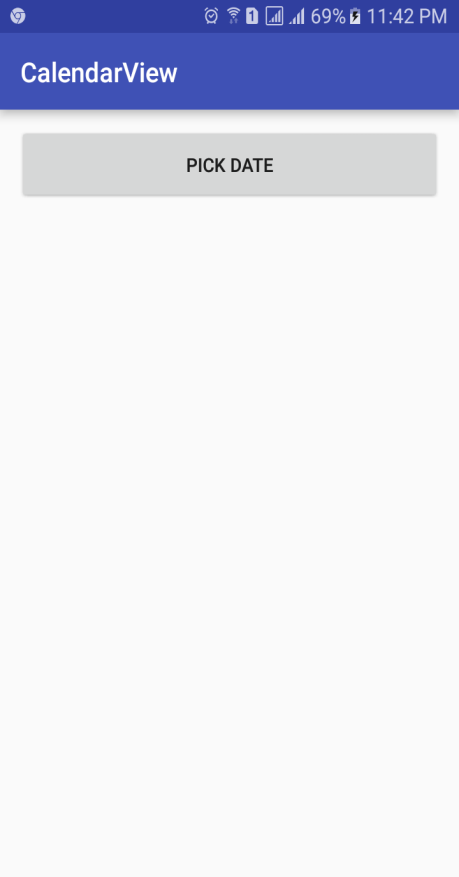
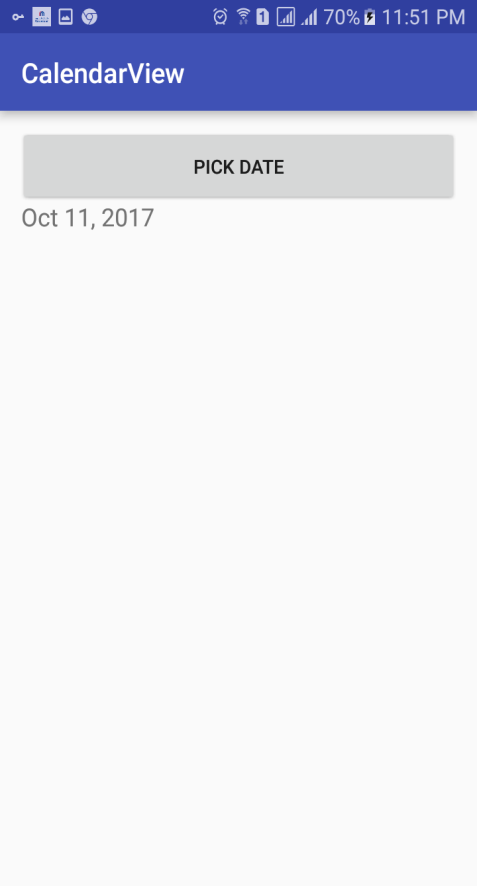
Build Date Picker in Android studio. It should allow you to select day, month and year through its interface after the click of a button PICK DATE and then display it in a text view. The following screenshots show the final output.
Instructions:
You can build the date picker dialog as shown in chapter 4, or you can directly use the DatePickerDialog class provided in Android. To use this, you need to read extra resources over the Web.
Name your app with your name
Name the activities/java files as follows: yourname_classname
You should submit the following in the assignment file:
Screenshots of your app
Copy the whole xml code of your layout file(s).
Copy of the whole java code of the relevant classes
[all "all 67% 1 1:33 PM CalendarView 2017 Wed, Oct 11 October 2017 S M T W T F S 2 4 7 8 9 10 12 13 14 15 16 17 18 19 20 21 22 23 24 25 26 27 28 29 30 31 CANCEL OK
Step by Step Solution
There are 3 Steps involved in it

Get step-by-step solutions from verified subject matter experts
 Study Help