







Question: built a DECIMAL to 8-bit BINARY converter using ONLY IF function in EXCEL. (if I get any other answer instead of what I have asked
built a DECIMAL to 8-bit BINARY converter using ONLY IF function in EXCEL.
(if I get any other answer instead of what I have asked I will dislike the answer. This is 2nd time I am posting this question)
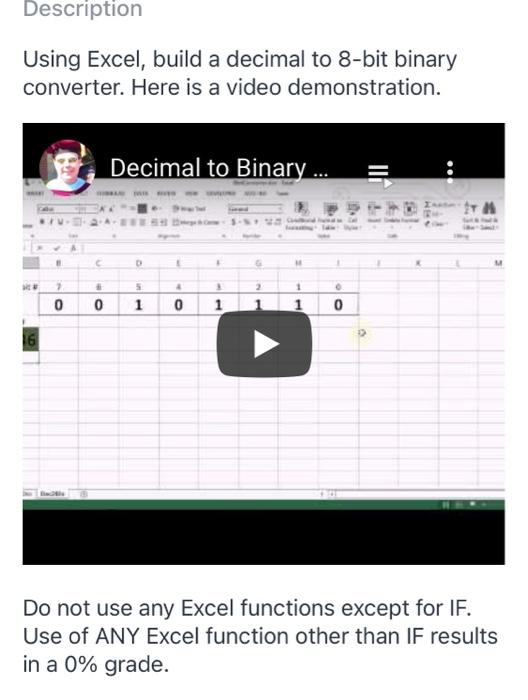
Description Using Excel, build a decimal to 8-bit binary converter. Here is a video demonstration. Decimal to Binary ... 5 4 2 1 > 0 0 1 . 0 0 1 1 Do not use any Excel functions except for IF. Use of ANY Excel function other than IF results in a 0% grade
Step by Step Solution
There are 3 Steps involved in it
1 Expert Approved Answer
Step: 1 Unlock

Question Has Been Solved by an Expert!
Get step-by-step solutions from verified subject matter experts
Step: 2 Unlock
Step: 3 Unlock
 Study Help