







Question: By default, the standard normal distribution is displayed with mean = 0 and standard deviation = 1. Change the mean and standard deviation values
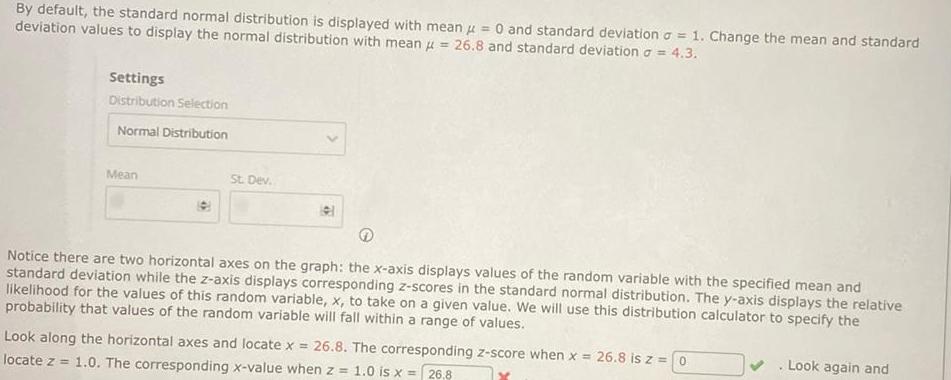
By default, the standard normal distribution is displayed with mean = 0 and standard deviation = 1. Change the mean and standard deviation values to display the normal distribution with mean = 26.8 and standard deviation = 4.3. Settings Distribution Selection Normal Distribution Mean St. Dev. Notice there are two horizontal axes on the graph: the x-axis displays values of the random variable with the specified mean and standard deviation while the z-axis displays corresponding z-scores in the standard normal distribution. The y-axis displays the relative likelihood for the values of this random variable, x, to take on a given value. We will use this distribution calculator to specify the probability that values of the random variable will fall within a range of values. Look along the horizontal axes and locate x = 26.8. The corresponding z-score when x = 26.8 is z = 0 locate z=1.0. The corresponding x-value when z = 1.0 is x = 26.8 Look again and
Step by Step Solution
There are 3 Steps involved in it

Get step-by-step solutions from verified subject matter experts
 Study Help