







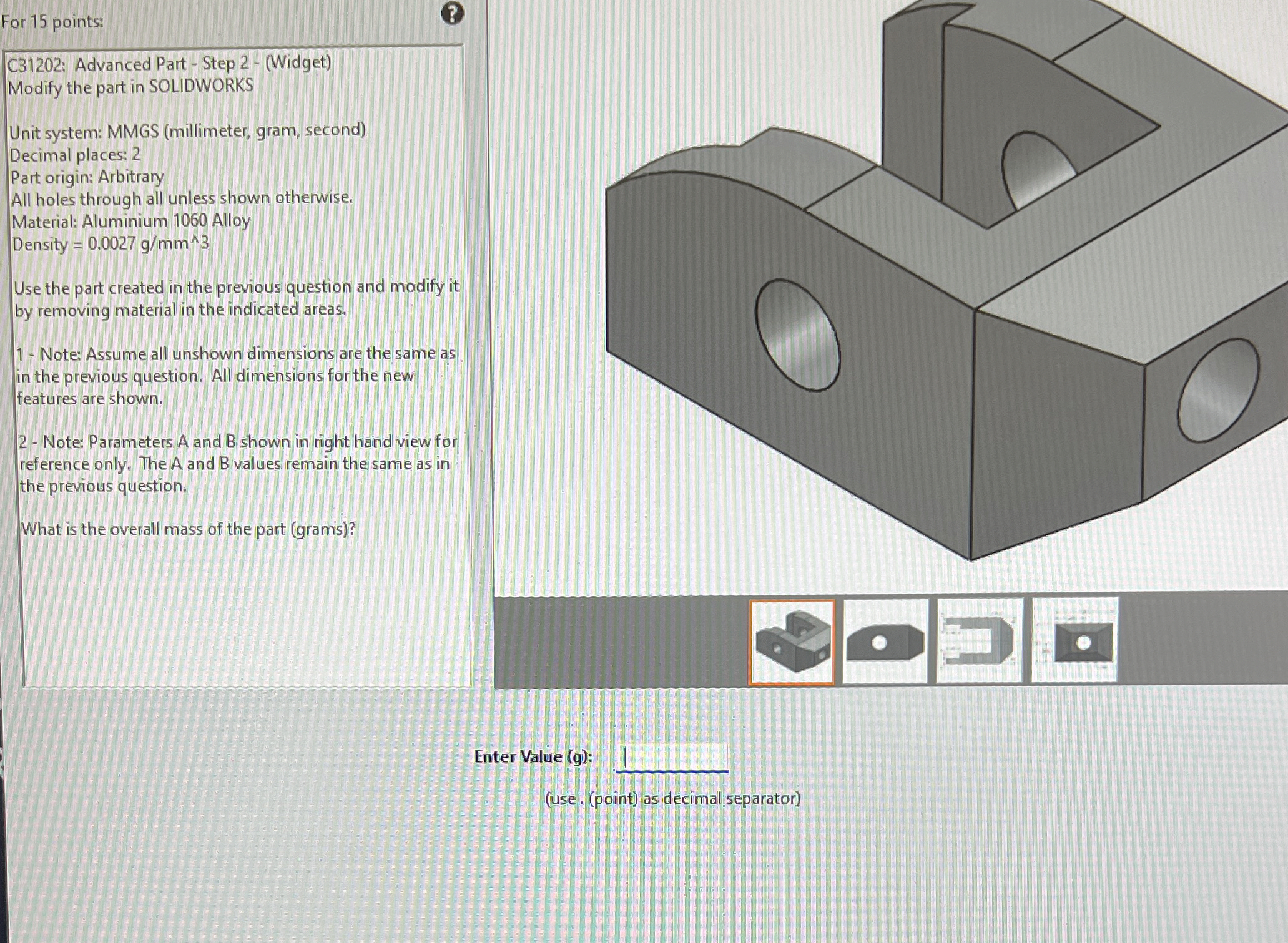
Question: C 3 1 2 0 2 : Advanced Part - Step 2 - ( Widget ) Modify the part in SOLIDWORKS Unit system: MMGS (
C: Advanced Part Step Widget
Modify the part in SOLIDWORKS
Unit system: MMGS millimeter gram, second
Decimal places:
Part origin: Arbitrary
All holes through all unless shown otherwise.
Material: Aluminium Alloy
Density
Use the part created in the previous question and modify it
by removing material in the indicated areas.
Note: Assume all unshown dimensions are the same as
in the previous question. All dimensions for the new
features are shown.
Note: Parameters A and shown in right hand view for
reference only. The A and values remain the same as in
the previous question.
What is the overall mass of the part grams
Step by Step Solution
There are 3 Steps involved in it
1 Expert Approved Answer
Step: 1 Unlock

Question Has Been Solved by an Expert!
Get step-by-step solutions from verified subject matter experts
Step: 2 Unlock
Step: 3 Unlock
 Study Help