Question: C++ 9.8 Lab Exercise Ch. 9b: File I/O & Interleave #include #include #include #include using namespace std; int main(){ string input1,input2,output; ifstream fin1,fin2; ofstream fout;
C++ 9.8 Lab Exercise Ch. 9b: File I/O & Interleave
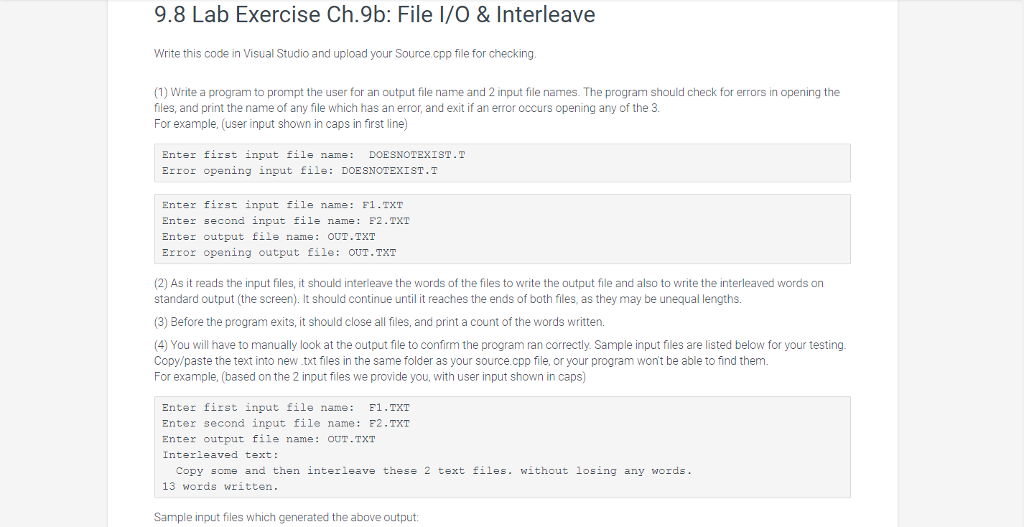
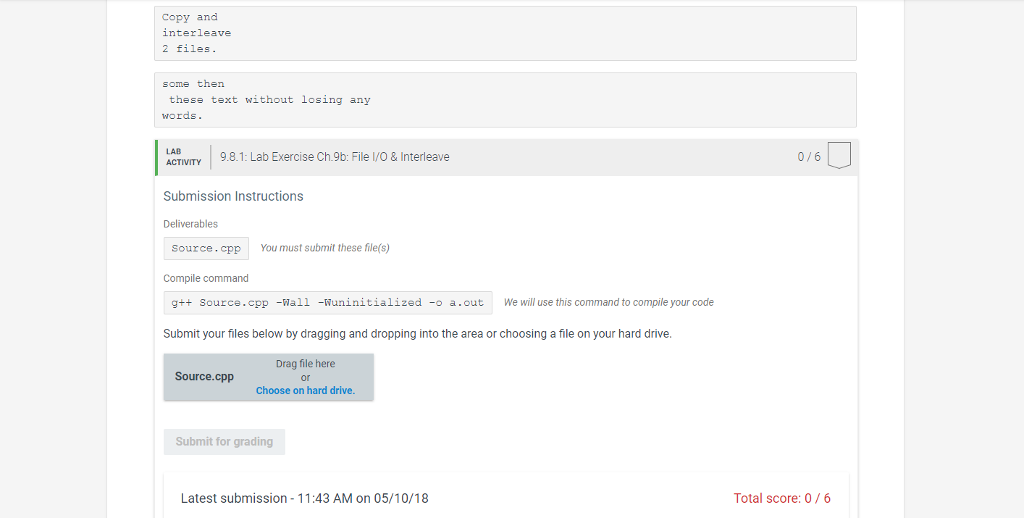
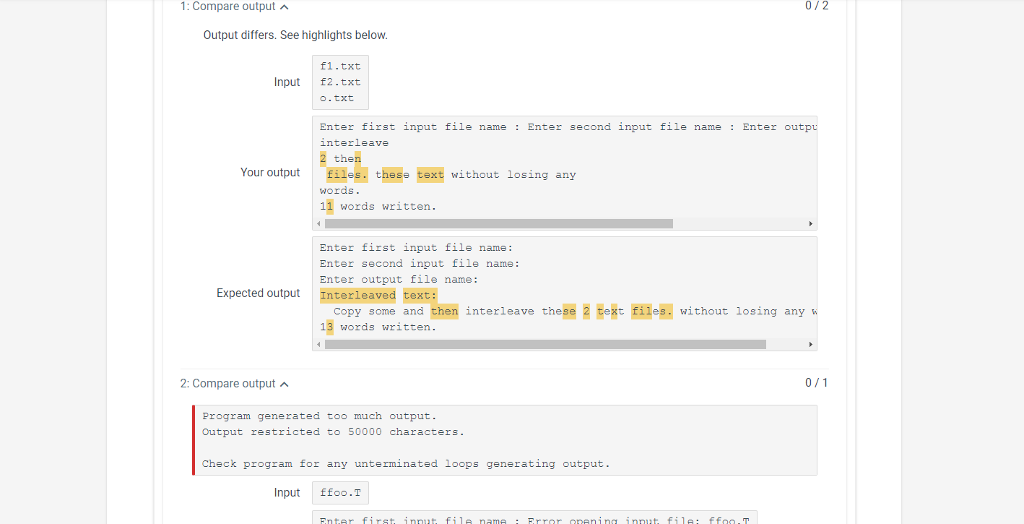
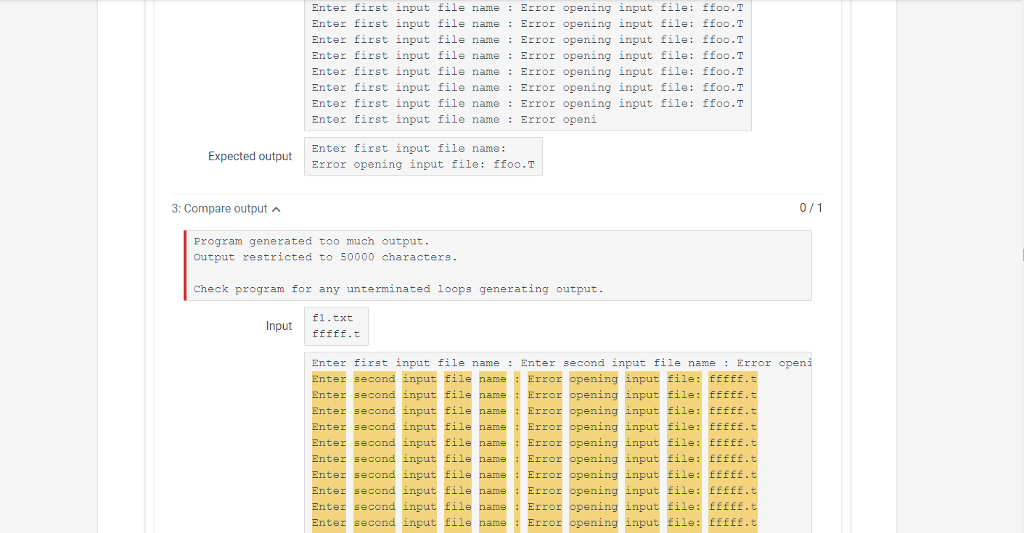
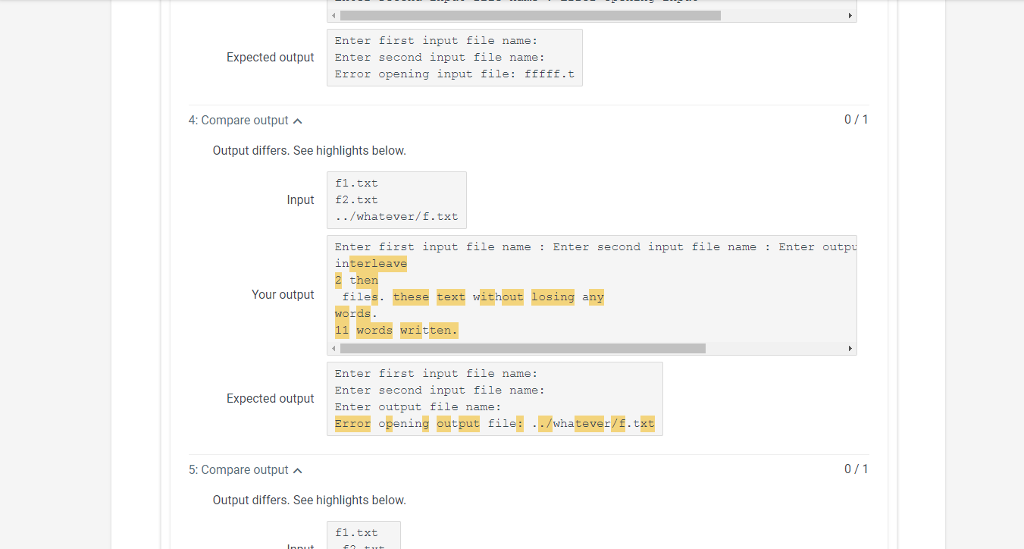
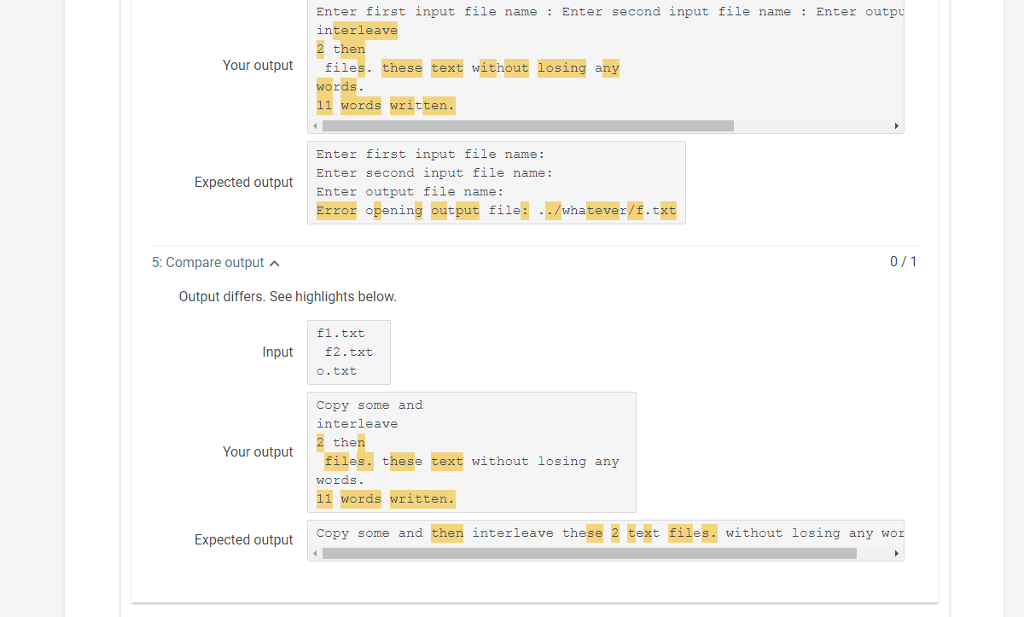
#include #include #include #include using namespace std; int main(){ string input1,input2,output; ifstream fin1,fin2; ofstream fout; //validating both files while(1){ cout 9.8 Lab Exercise Ch.9b: File I/O &Interleave Write this code in Visual Studio and upload your Source cpp file for checking (1) Write a program to prompt the user for an output file name and 2 input file names. The program should check for errors in opening the files, and print the name of any file which has an error, and exit if an error occurs opening any of the 3. For example, (user input shown in caps in first line) Enter first input file name DOESNOTEXIST.T Error opening input file: DOESNOTEXIST.T Enter first input file name: F1.Txr Enter sec ond input f?l name : E2.TXT Enter output file name: OUT.TXT Error opening output file: OUT.TXT (2) As it reads the input files, it should interleave the words of the files to write the output file and also to write the interleaved words on standard output (the screen). It should continue until it reaches the ends of both files, as they may be unequal lengths. (3) Before the program exits, it should close all files, and print a count of the words written. (4) You will have to manually look at the output file to confirm the program ran correctly. Sample input files are listed below for your testing Copy/paste the text into new.txt files in the same folder as your source.cpp file, or your program won't be able to find them. For example, (based on the 2 input files we provide you, with user input shown in caps) Enter first input file name 1.TXT Enter second input file name: F2.TXT Enter output file name: OUT .TXT Interleaved text: Copy some and then interleave these 2 text files. without losing any wozds 13 words written. Sample input files which generated the above output









 Study Help