







Question: C++ Assignment #5 Steps to submit Complete the assignment #5 and place your work in Dropbox folder, W5- Dropbox Assignment. Make sure you turn in
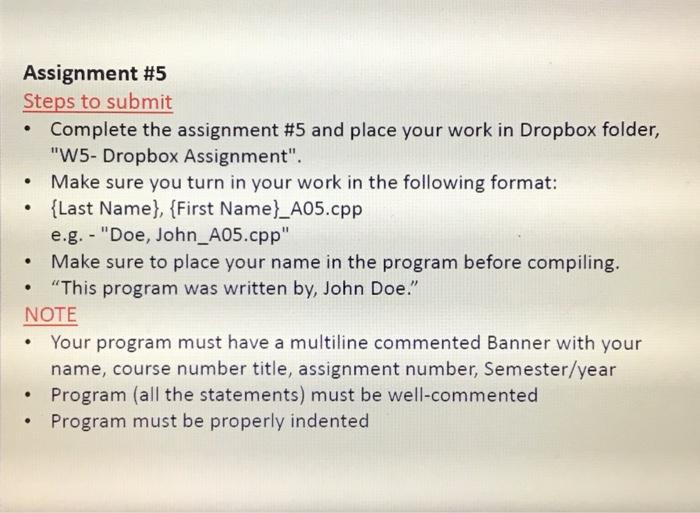
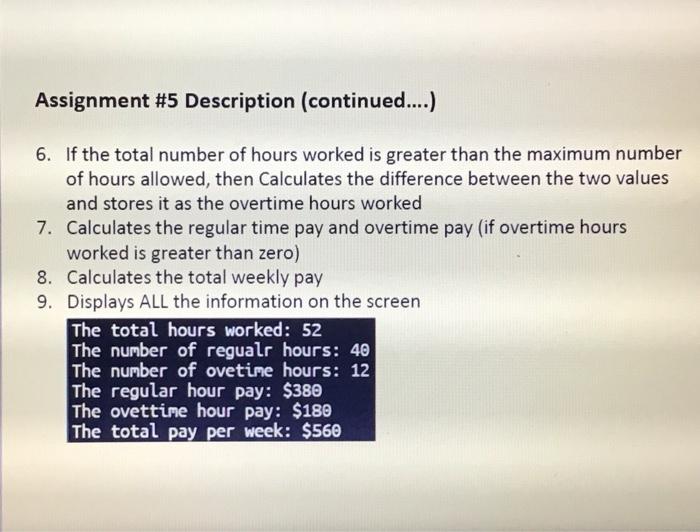
Assignment #5 Steps to submit Complete the assignment #5 and place your work in Dropbox folder, "W5- Dropbox Assignment". Make sure you turn in your work in the following format: {Last Name}, {First Name}_A05.cpp e.g.-"Doe, John_A05.cpp" Make sure to place your name in the program before compiling. "This program was written by, John Doe." NOTE Your program must have a multiline commented Banner with your name, course number title, assignment number, Semester/year Program (all the statements) must be well-commented Program must be properly indented . . Assignment #5 Description (continued....) 6. If the total number of hours worked is greater than the maximum number of hours allowed, then Calculates the difference between the two values and stores it as the overtime hours worked 7. Calculates the regular time pay and overtime pay (if overtime hours worked is greater than zero) 8. Calculates the total weekly pay 9. Displays ALL the information on the screen The total hours worked : 52 The number of regualr hours: 40 The number of ovetime hours: 12 The regular hour pay: $380 The ovettime hour pay: $180 The total pay per week: $560
Step by Step Solution
There are 3 Steps involved in it

Get step-by-step solutions from verified subject matter experts
 Study Help