







Question: C . i . For each polygon in your sketch, create a . txt file with a sensible name in your BlueJ project and edit
C
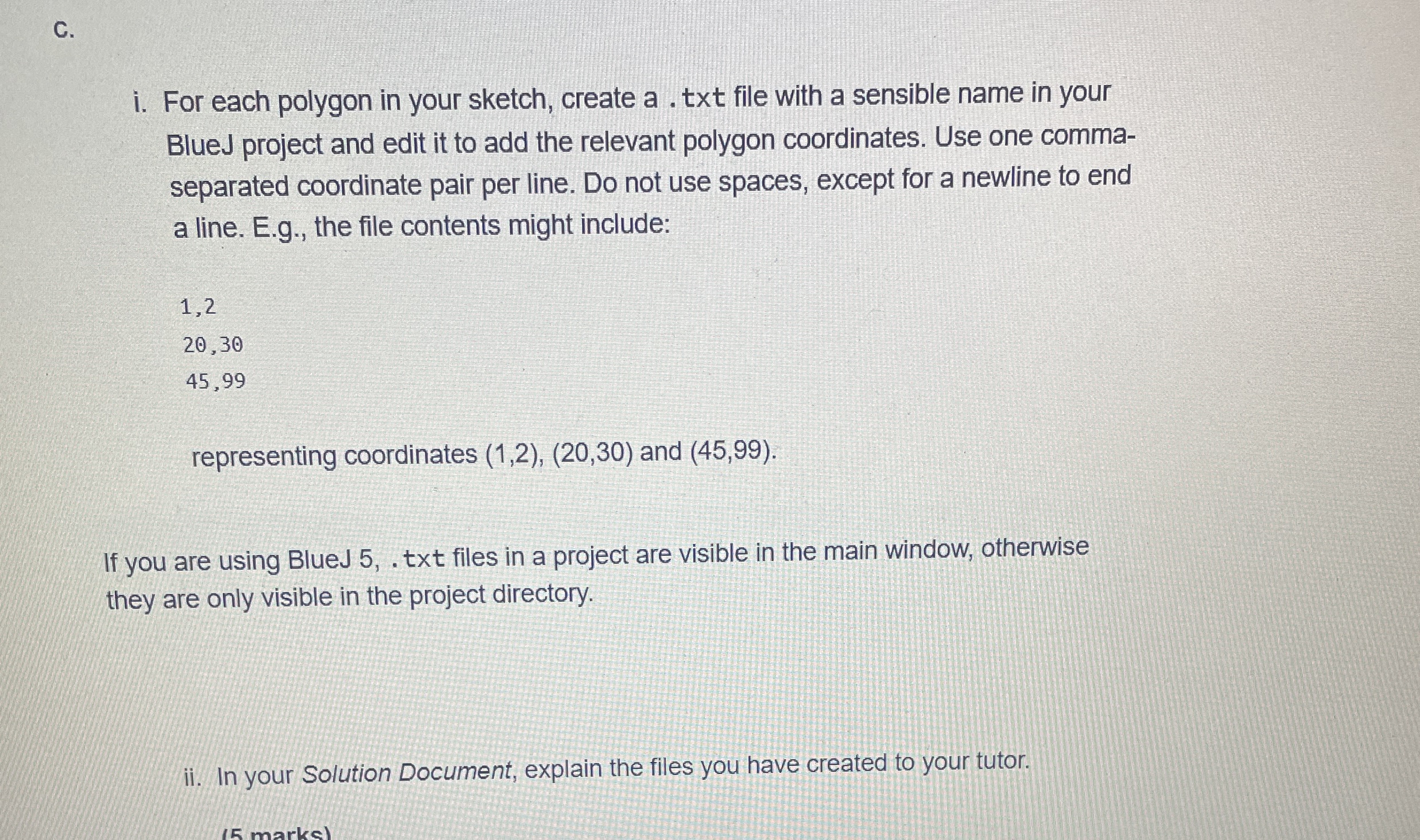
i For each polygon in your sketch, create a txt file with a sensible name in your BlueJ project and edit it to add the relevant polygon coordinates. Use one commaseparated coordinate pair per line. Do not use spaces, except for a newline to end a line. Eg the file contents might include:
representing coordinates and
If you are using BlueJ txt files in a project are visible in the main window, otherwise they are only visible in the project directory.
ii In your Solution Document, explain the files you have created to your tutor.
Step by Step Solution
There are 3 Steps involved in it
1 Expert Approved Answer
Step: 1 Unlock

Question Has Been Solved by an Expert!
Get step-by-step solutions from verified subject matter experts
Step: 2 Unlock
Step: 3 Unlock
 Study Help